
Upload image Reference image
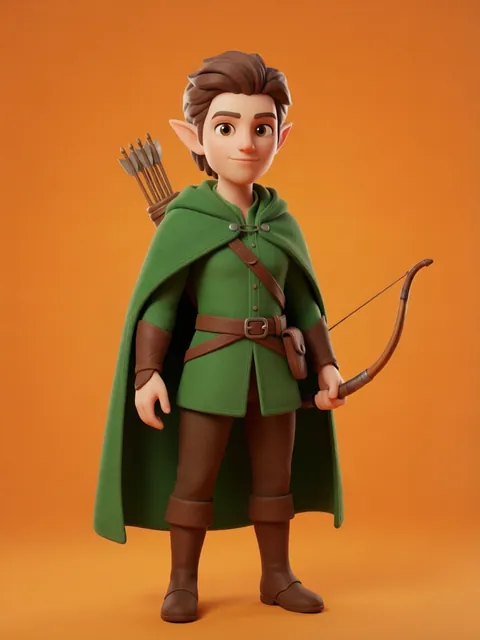
01
Choose the visual reference
Upload the image whose character or look you want to describe.
Your upload becomes eight character options, ready to compare side by side.
Includes 8 images
Image workspace · How it works
Turn an image into a description and generate a fresh image from that description.
Upload the image whose character or look you want to describe.
Review the generated description and guide the new interpretation.
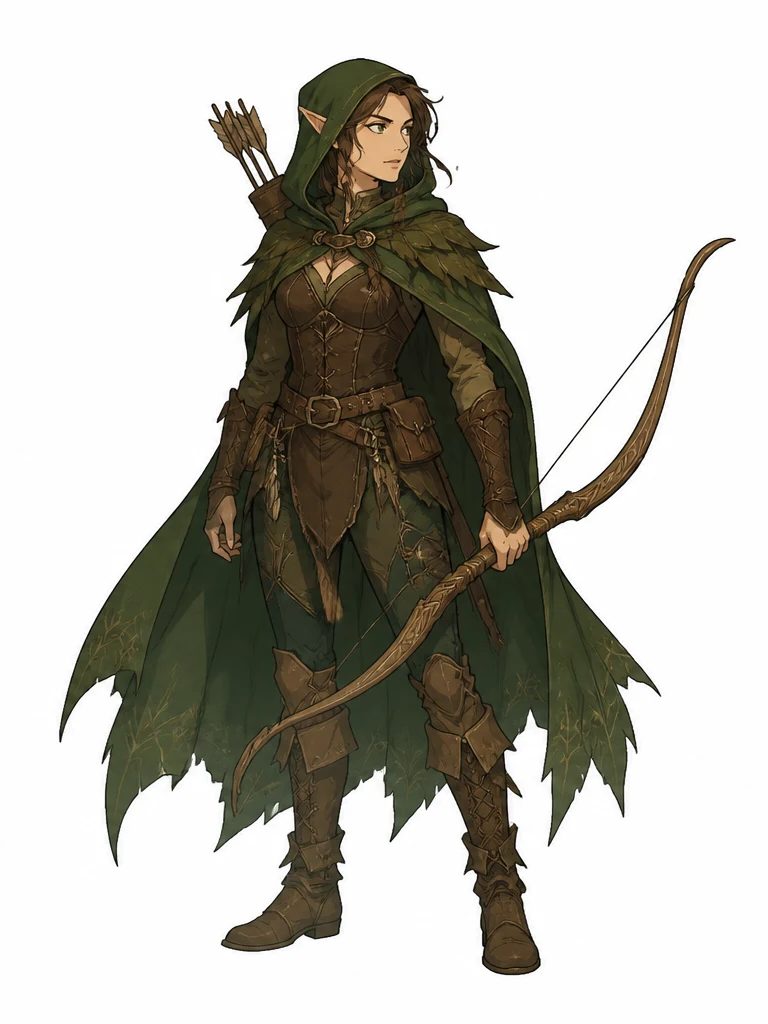
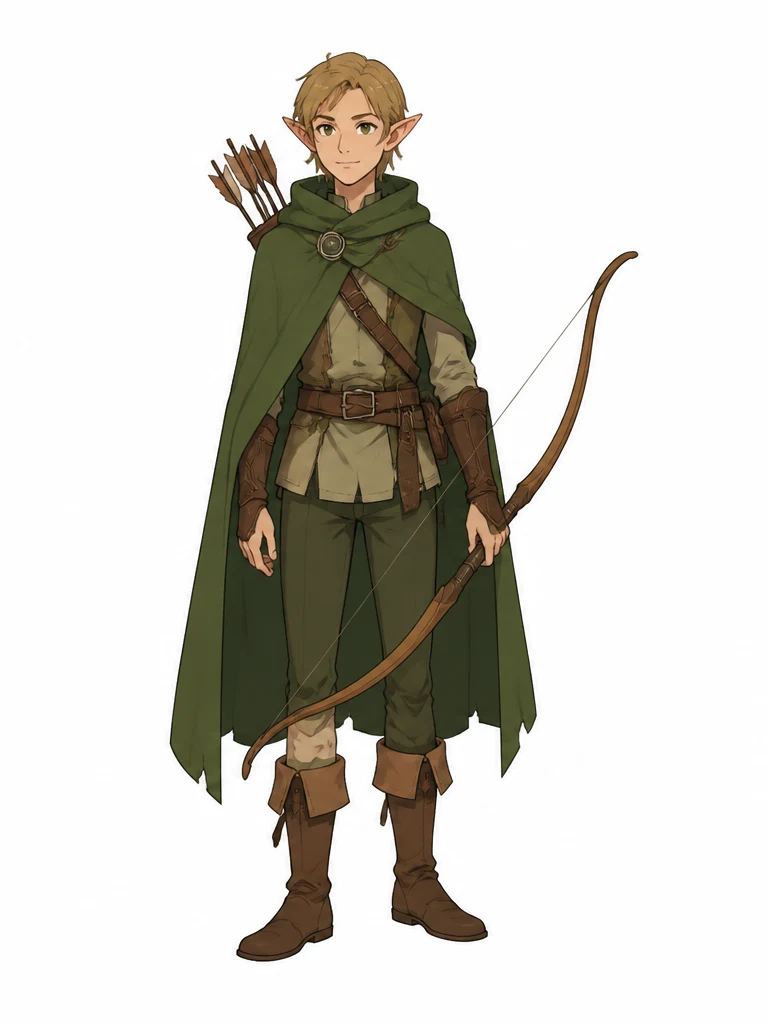
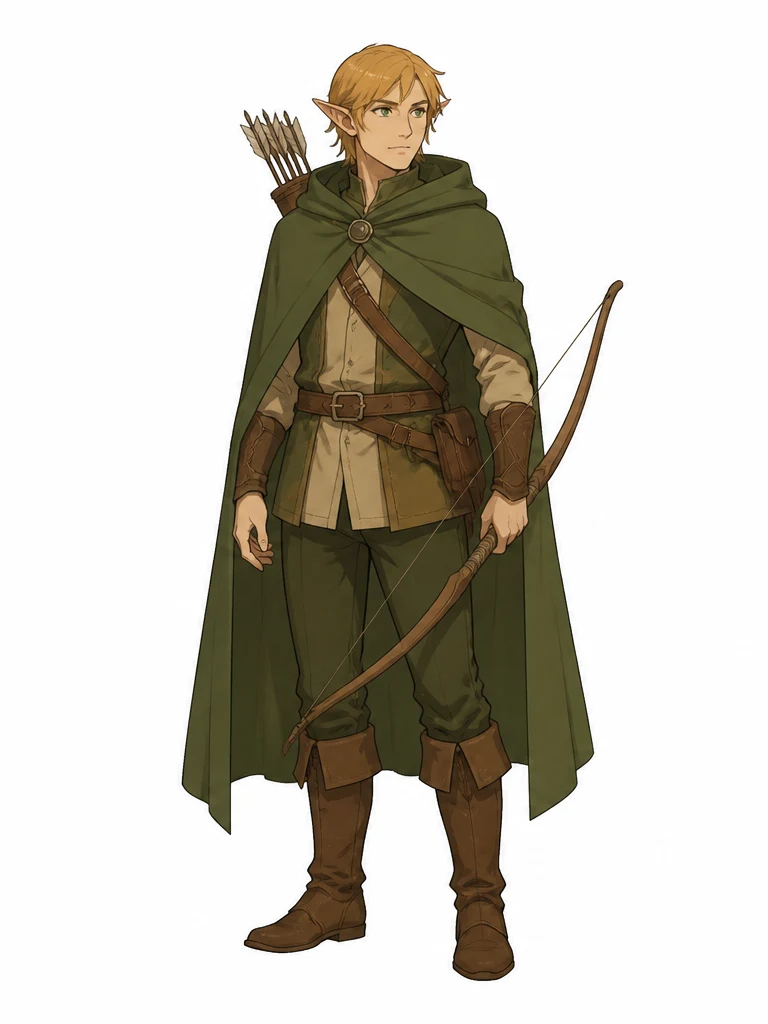
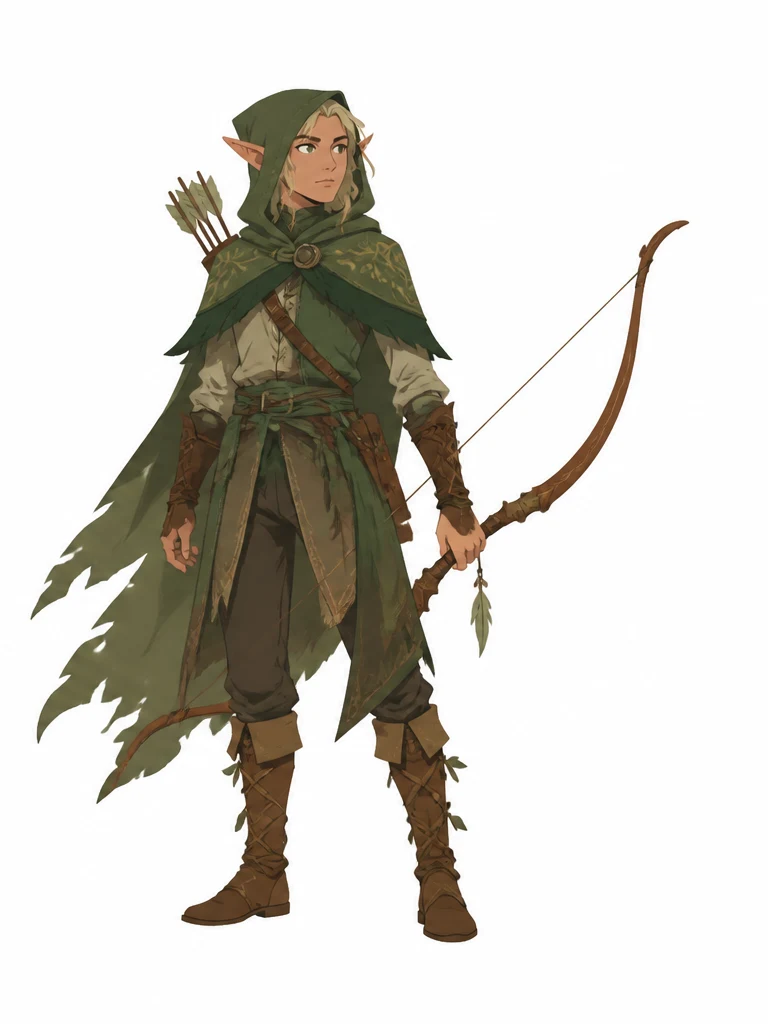
Check what carried across, then save or continue refining it.
Your results stay available in All history and All recent jobs.
Upload a reference, review the character description Gemma creates, and generate eight fresh character options from the words — the drawing model never receives the source image.
Made your character? Take it further — auto rotate, object swap, change its art style, or drop it into a scene.
Your recent jobs show up here
Sign in to start — 40 free credits every month, no card.