
Generate Chibi Multi-Angle Views
Chibi characters with their exaggerated proportions and simplified features present unique challenges for multi-angle consistency. This guide covers maintaining chibi proportions across all viewing angles.
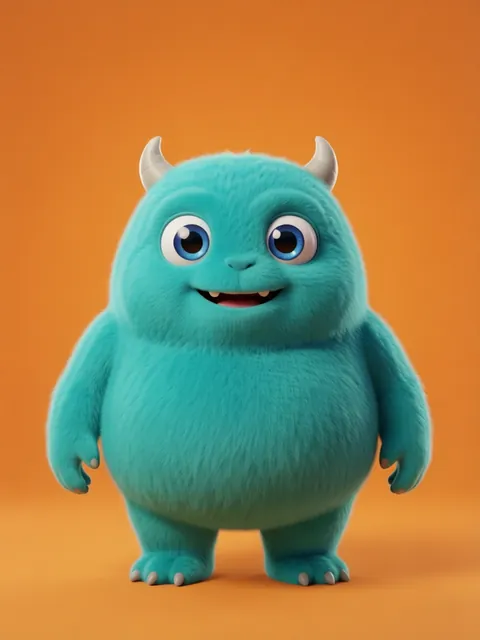
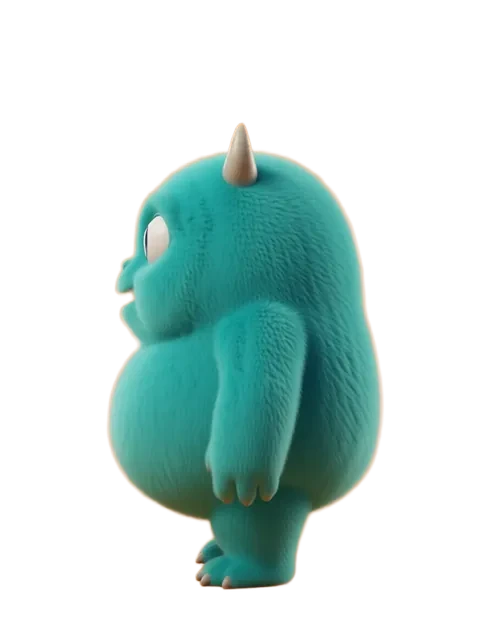
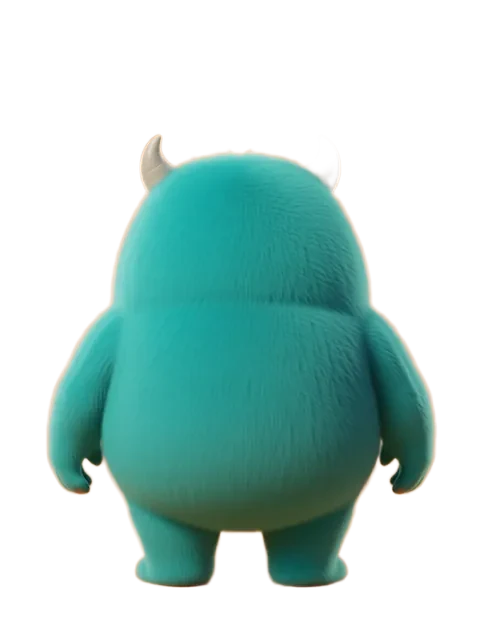
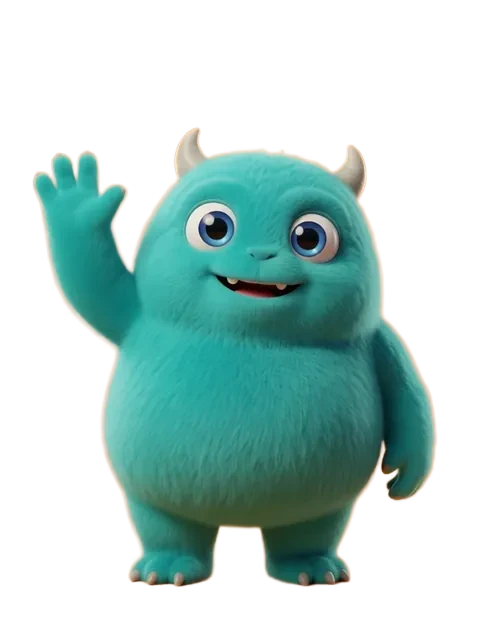
Step-by-step
- 01
Prepare a chibi reference
Use a clean chibi illustration with clear proportions (typically 2-3 head heights).
- 02
Lock proportional consistency
Ensure the head-to-body ratio stays consistent across angles.
- 03
Generate simplified angles
Chibi works best with front, side, back, and three-quarter views.
- 04
Review expression consistency
Check that facial features maintain their chibi simplification.
Pro tips
- Chibi proportions are harder to maintain — use maximum reference strength
- Simplify clothing details for better cross-angle consistency
- Use prompts that emphasize "chibi proportions" and "deformed cute style"
Frequently asked questions
What head-to-body ratio should I use for chibi characters?
The most common chibi ratios are 2:1 (head is half the total height) and 3:1 (head is one-third). 2:1 is the classic super-deformed chibi — very cute, very exaggerated. 3:1 is more proportional and works better for characters that need to perform action poses. EZ Character supports both.
Do chibi characters hold their cuteness across all angles?
Yes — this is actually the pipeline's primary design constraint. The oversized head, large eyes, small nose/mouth, and simplified body must read identically across all views. The profile is the most challenging angle for chibi (the large head can look odd from the side), and the pipeline specifically handles this transition.
Can I convert an existing realistic character to chibi style?
Yes. Upload the realistic character to EZ Character and select the chibi style pipeline. The AI preserves the character's key identity markers (hair colour, eye colour, costume design, colour palette) while applying chibi proportions. The result is recognisably the same character in chibi form.
What game genres use chibi sprites?
Mobile RPGs, casual puzzle games, visual novels, social games, and gacha games are the primary chibi game genres. Chibi is also popular for Twitch emotes, Discord stickers, and YouTube channel mascots — any context where cute, expressive, small-scale character art is needed.
Ready to create consistent character views?
Upload a reference image and generate multi-angle views that stay true to your character.
Start generating