
Upload image Character
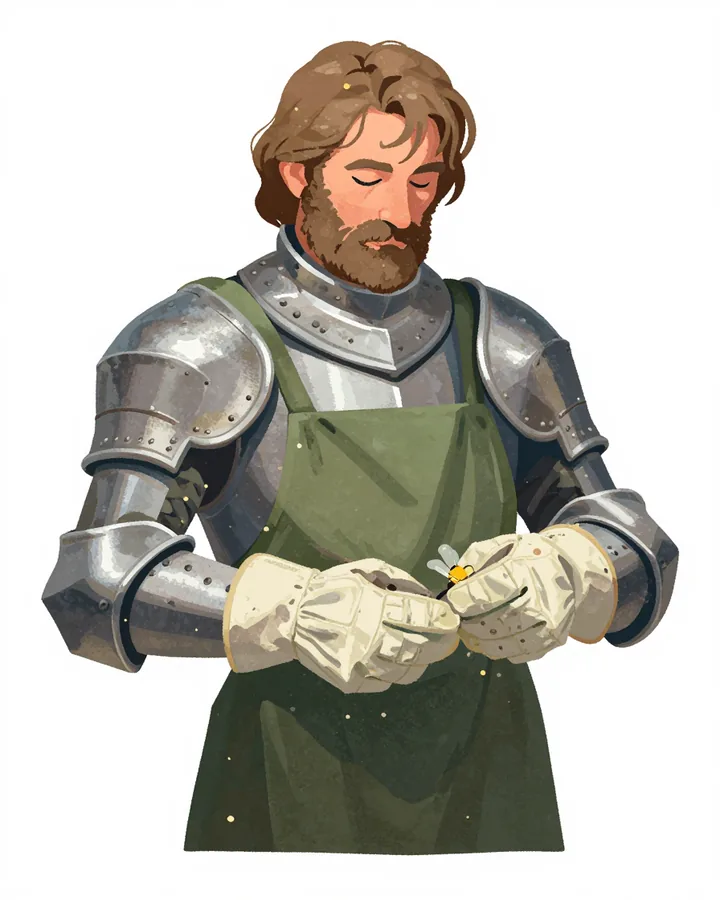
01
Start with your character
Describe the character or provide an image to anchor the sheet.
A full-body T-pose is rendered from your image first, then three rotated views are rendered from that render — four full-size images, nothing sliced or upscaled.
Front T-pose · right · back · left, plus a free combined sheet.
Image workspace · How it works
Turn a character idea or reference into a sheet that is easy to use later.
Describe the character or provide an image to anchor the sheet.
Set the views and details you want in the reference layout.
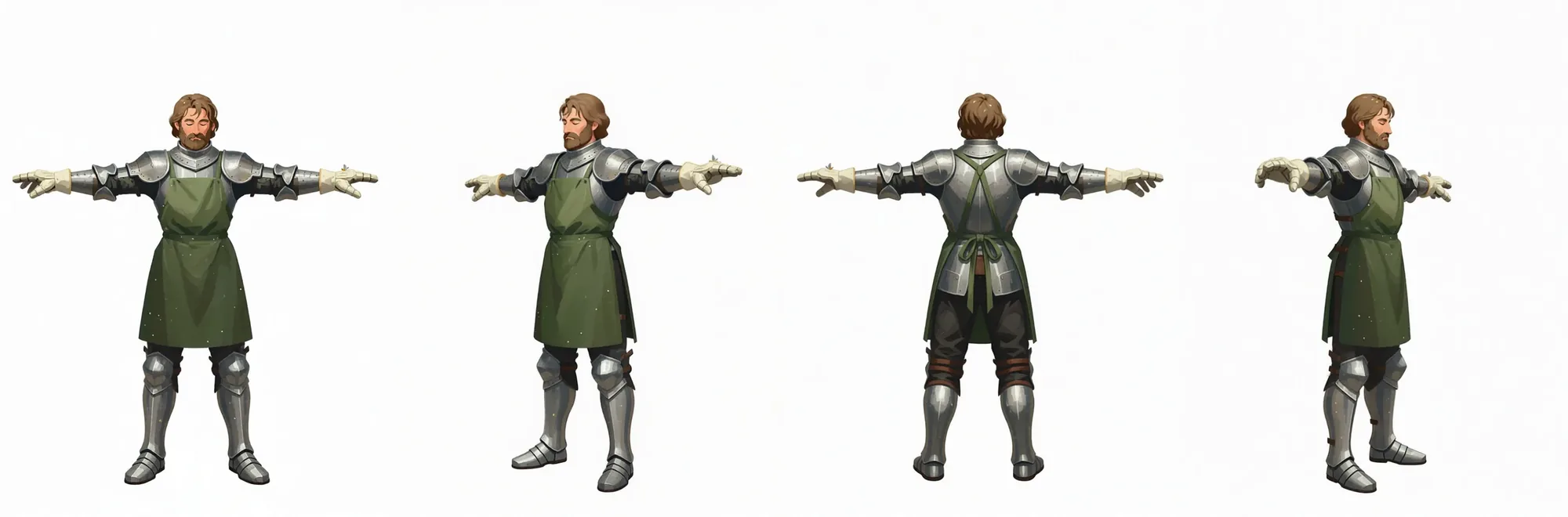 Sheet ready
Download the finished sheet and use it when making poses or scenes.
Your results stay available in All history and All recent jobs.
Upload one character image and create four on-model variations — custom poses, expressions, or your own briefs — on a clean white background.
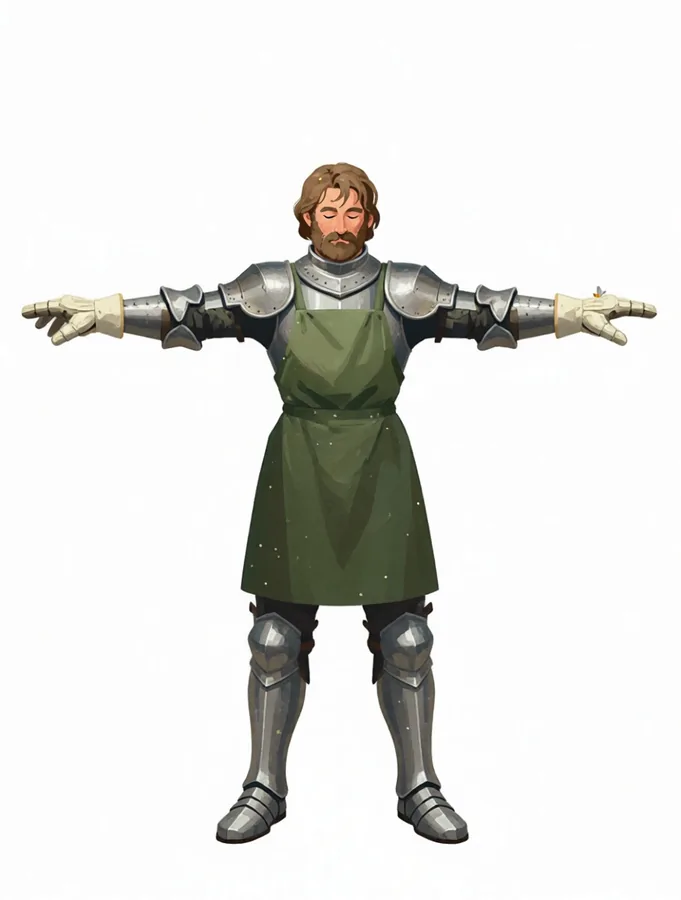
Upload a character — a head-and-shoulders portrait is enough. A full-body T-pose is rendered first, then three more views are rendered from that T-pose, so all four agree head to toe. Nothing is sliced out of a grid.
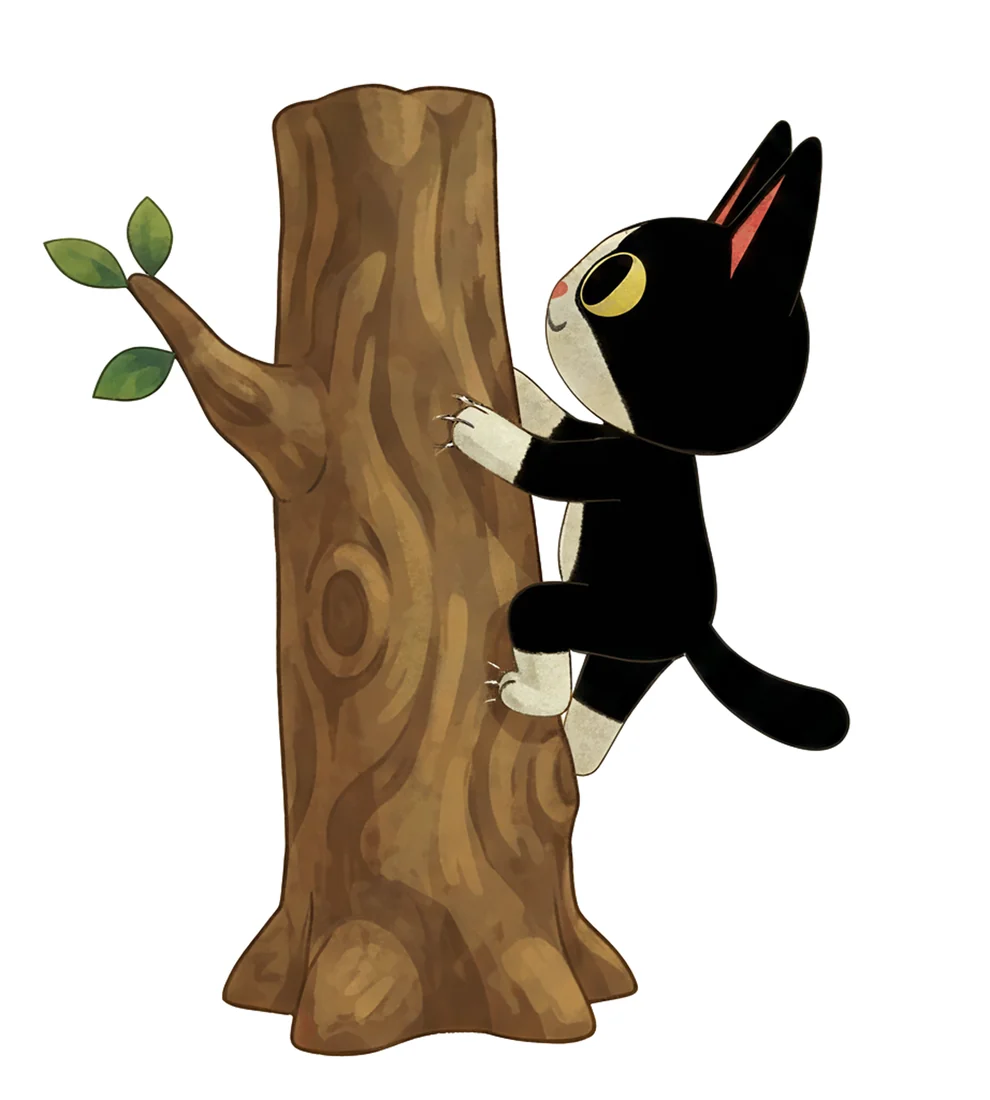
Multi mode returns four full generations of the same character — one per brief. Describe each image yourself, or hit Random and shuffle common poses, emotes and camera views until you like the set, then edit any line.
Every turnaround run also delivers all four renders side by side in one wide sheet — ready to drop into a character bible, a model-sheet handoff or a game-asset reference board.
Your recent jobs show up here
Sign in to start — 40 free credits every month, no card.