40 free credits every month — sign up free, no card Get started
Remove Background
Mode

Drop your image here, or click to upload

Upload once — get transparent and white-background PNGs. PNG, JPG or WebP · large images optimized automatically Ctrl+V to paste

0.5cr per image · free monthly credits cover it

Remove a background
Upload an image on the left to begin
Remove background · one click 02 sample cutouts

Remove the background from any image.

A free AI background remover that cuts clean transparent PNGs in seconds. Fine edges — hair, fur and feathers — survive the cut, and every job returns two files: transparent for editing plus white for instant use.

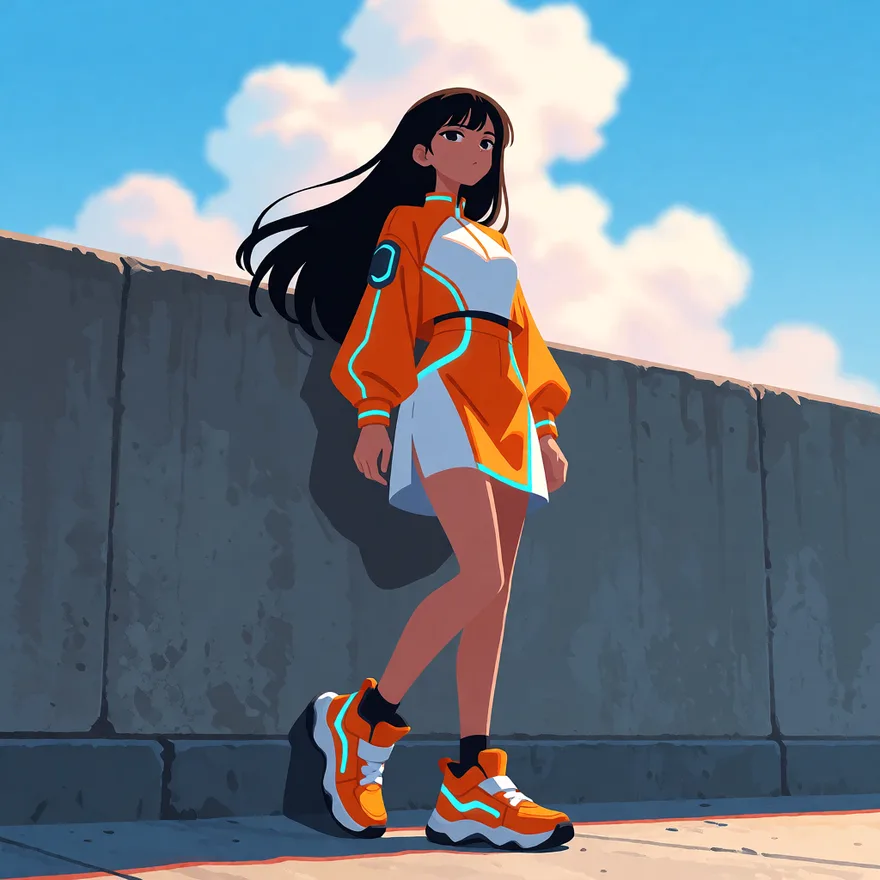
Anime character in orange streetwear against a concrete wall, before background removal
The same character as a transparent PNG cutout
Swap example

Hair strands lift cleanly off the sky and the concrete wall — no halo, no jagged edge. The checkerboard is the transparency you download.

Drag the divider to compare
Anime character in orange streetwear against a concrete wall, before background removal

How to remove a background from an image

Drag and drop, paste from your clipboard, or pick a PNG, JPG or WebP up to 25 MB, then click Remove Background. Large images are optimized locally before the AI erases the background, keeping fine edges like hair, fur and outlines intact.
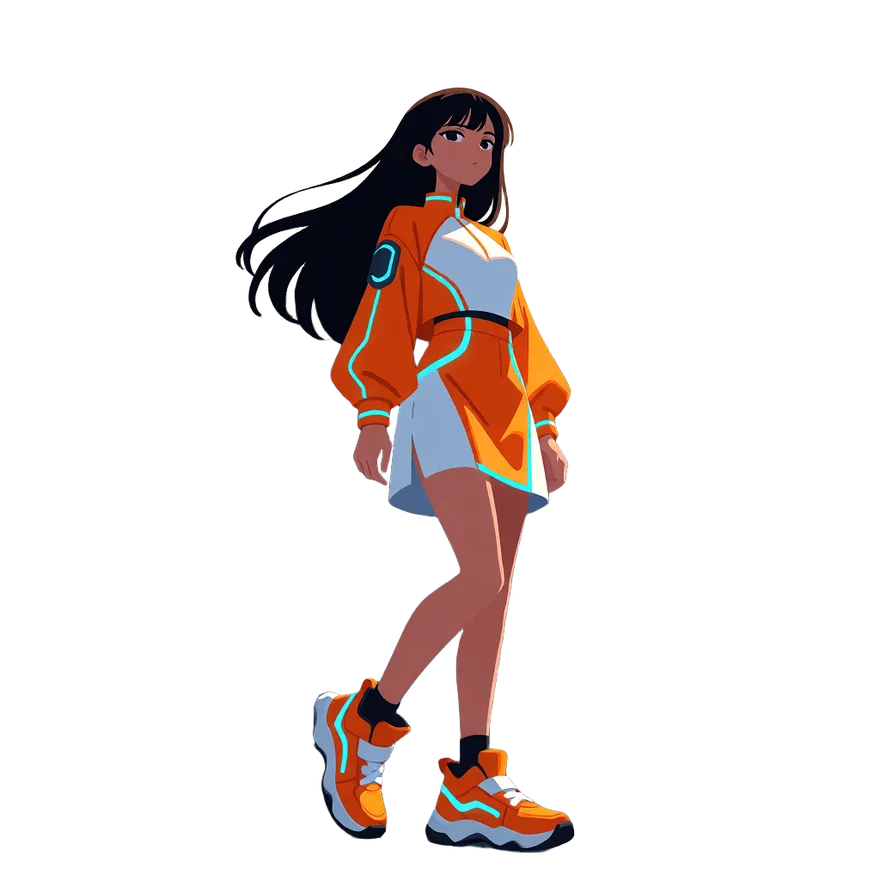
The same character as a transparent PNG cutout

Two PNGs from every job

You download both: a transparent version for compositing onto any design, plus a ready-to-use version on a clean white background. White is not transparency — only the transparent PNG can sit on a dark page or over other art.

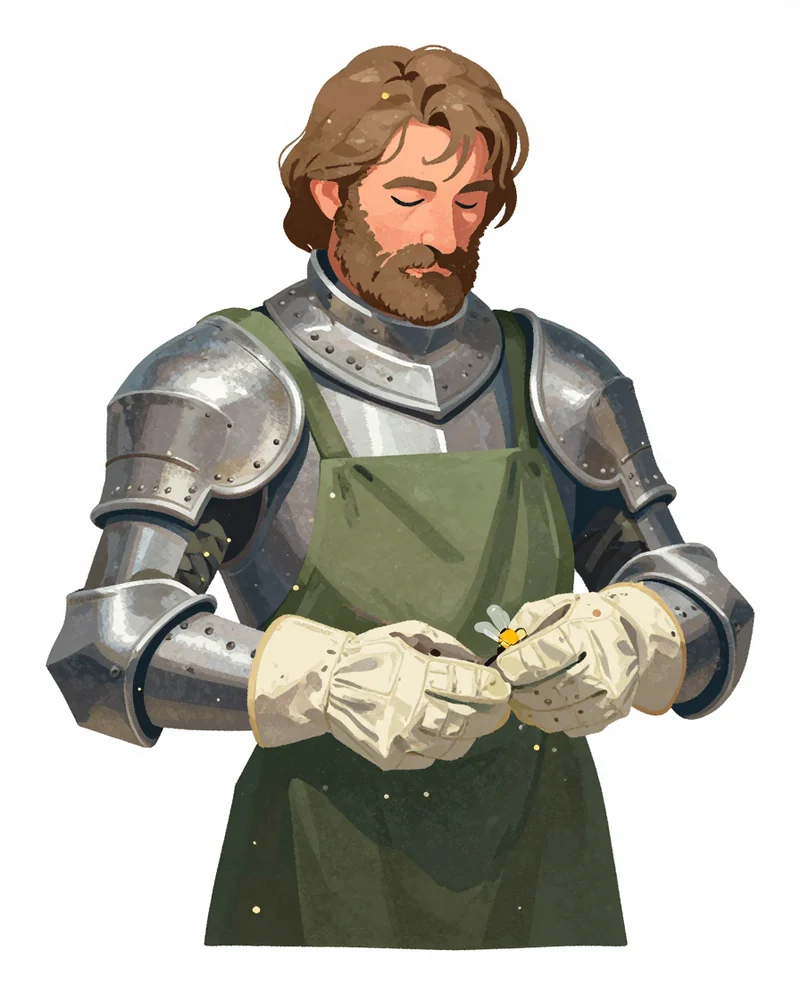
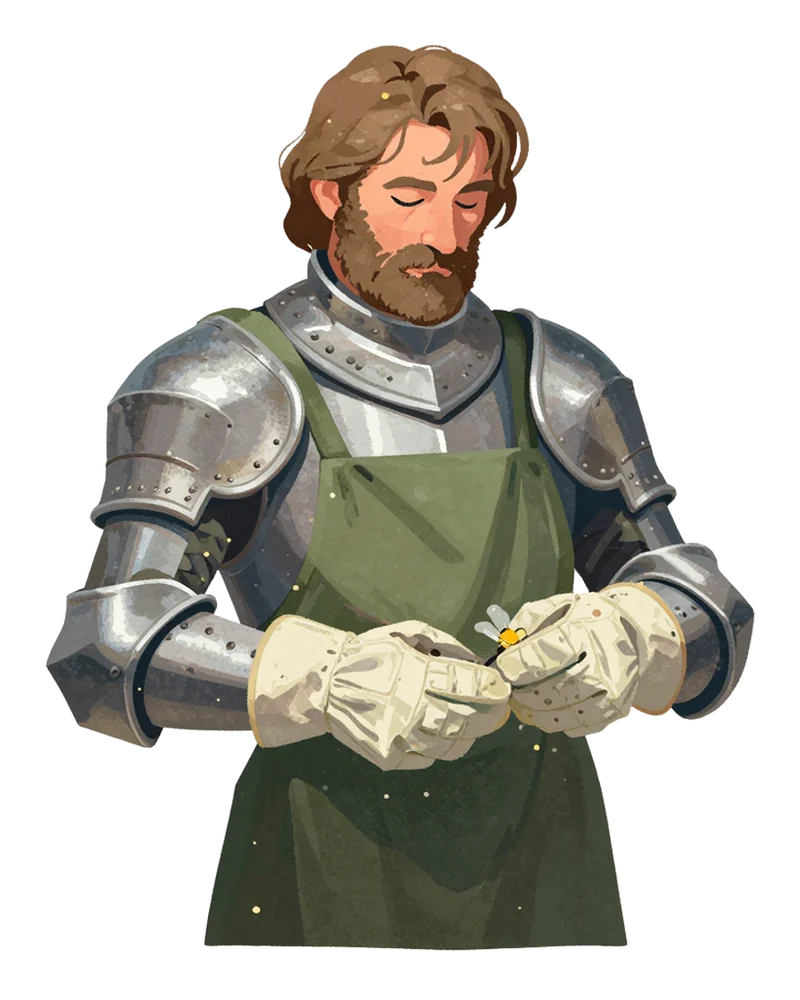
An illustrated knight as a transparent PNG cutout, loose hair and glove seams intact

What people make with it

Turn characters into stickers and emotes, cut game art into sprites with transparent backgrounds, clean up product photos for listings, build YouTube thumbnails and profile pictures, or lift a character out of a busy scene to reuse anywhere. The transparent PNG drops straight into Canva, Photoshop, Figma, or any game engine.

Background Remover — FAQ

How do I remove the background from an image online?

Upload your image (PNG, JPG, or WebP up to 25 MB), click Remove Background, and download the result — a transparent PNG plus a white-background PNG, usually in about two seconds. Large images are optimized in your browser first.

Is the AI background remover free?

It's free to try — every account gets monthly free credits, and a background removal costs 0.5 credits. Sign up free and your monthly allowance covers casual use at no extra cost.

Does it work on cartoon, anime, and other art styles?

It does. The remover is tuned for every style — cartoon, anime, manga, photoreal, 3D renders, watercolor, and pixel-perfect pixel art — not just photographs, so edges stay clean on illustrated and rendered images too.

What format do I get back?

Every job gives you two PNGs: a transparent version for compositing onto any design, plus a ready-to-use version on a clean white background.

What file types and sizes can I upload?

Upload PNG, JPG, or WebP images up to 25 MB. Large images are optimized in your browser before upload. You can drag and drop, paste from your clipboard, pick a file, or reuse an image from Recent Jobs.
Activity
Recent Jobs

Your recent jobs show up here

Sign in to start — 40 free credits every month, no card.