
Upload image Original image
01
Choose an image
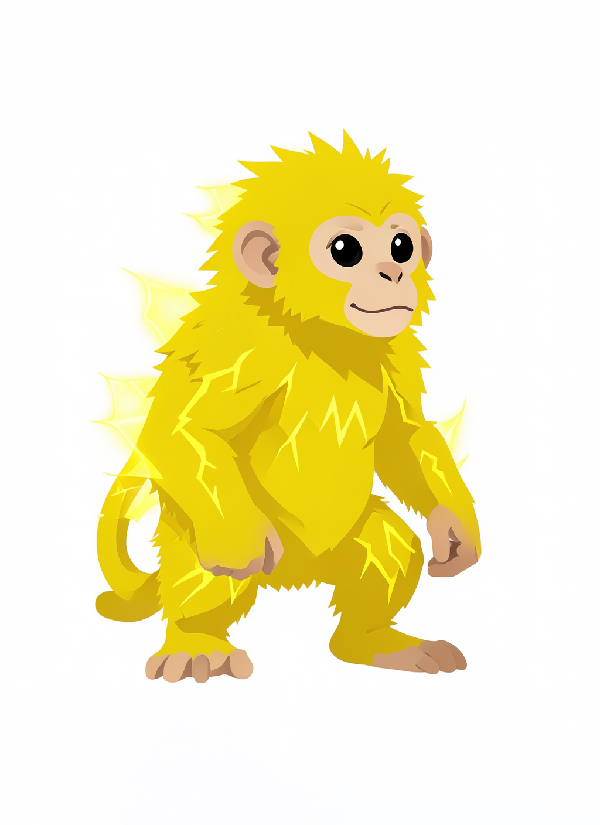
Upload the character to edit. This example starts with an electric monkey portrait.
Fast edits. Switch to Normal for complex changes.
Image workspace · How it works
Describe a targeted edit while keeping the character you already like.
Upload the character to edit. This example starts with an electric monkey portrait.
For this example, ask for a water theme while keeping the same monkey, pose and portrait style.
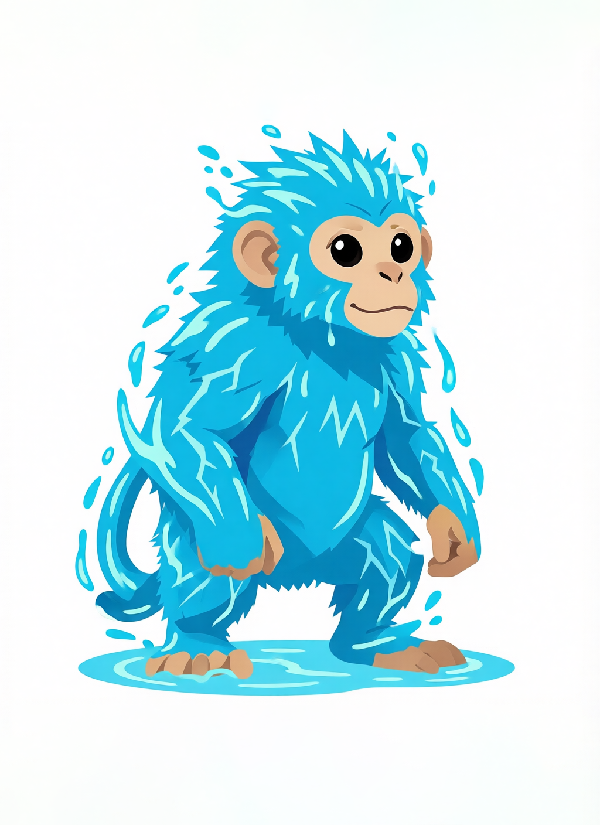
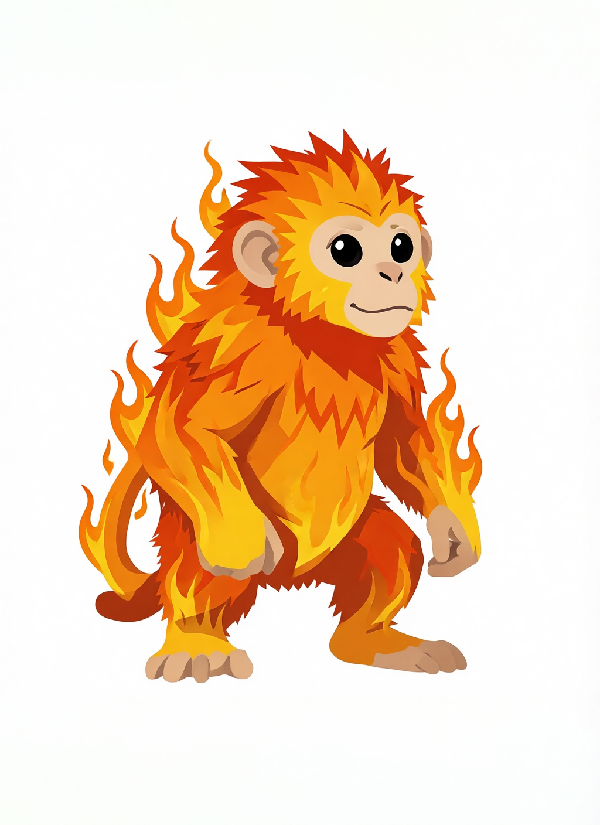
The monkey changes from electric to water. Save the result or make another focused edit.
Your results stay available in All history and All recent jobs.
Run Qwen-Image-Edit-2511 right in your browser — describe any edit in plain English. No ComfyUI, no API key, no per-megapixel billing (hosted APIs charge ~$0.03/MP). Identity-locked by default; flip off for radical transforms.
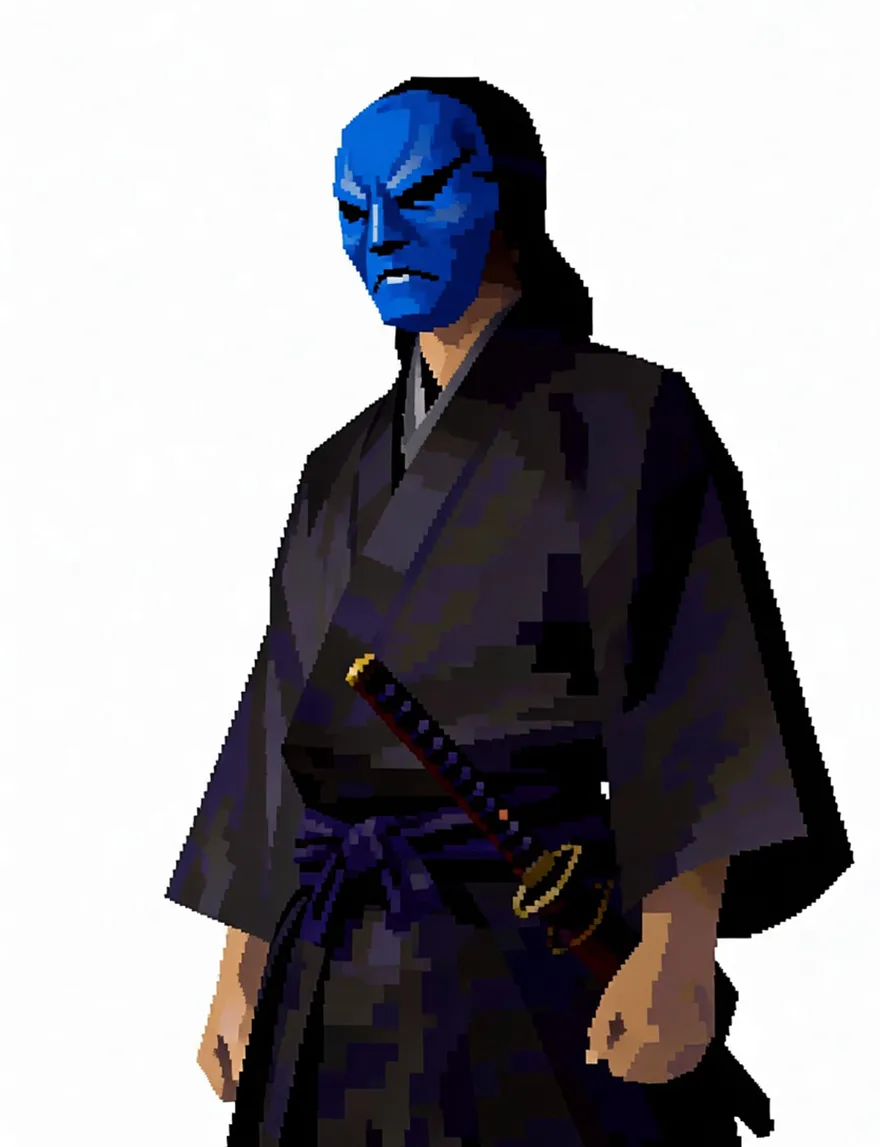
Write the edit in plain English and the model changes exactly that. Identity is locked by default: face, outfit, colors and rendering style carry over untouched, so a wardrobe swap never becomes a new character.
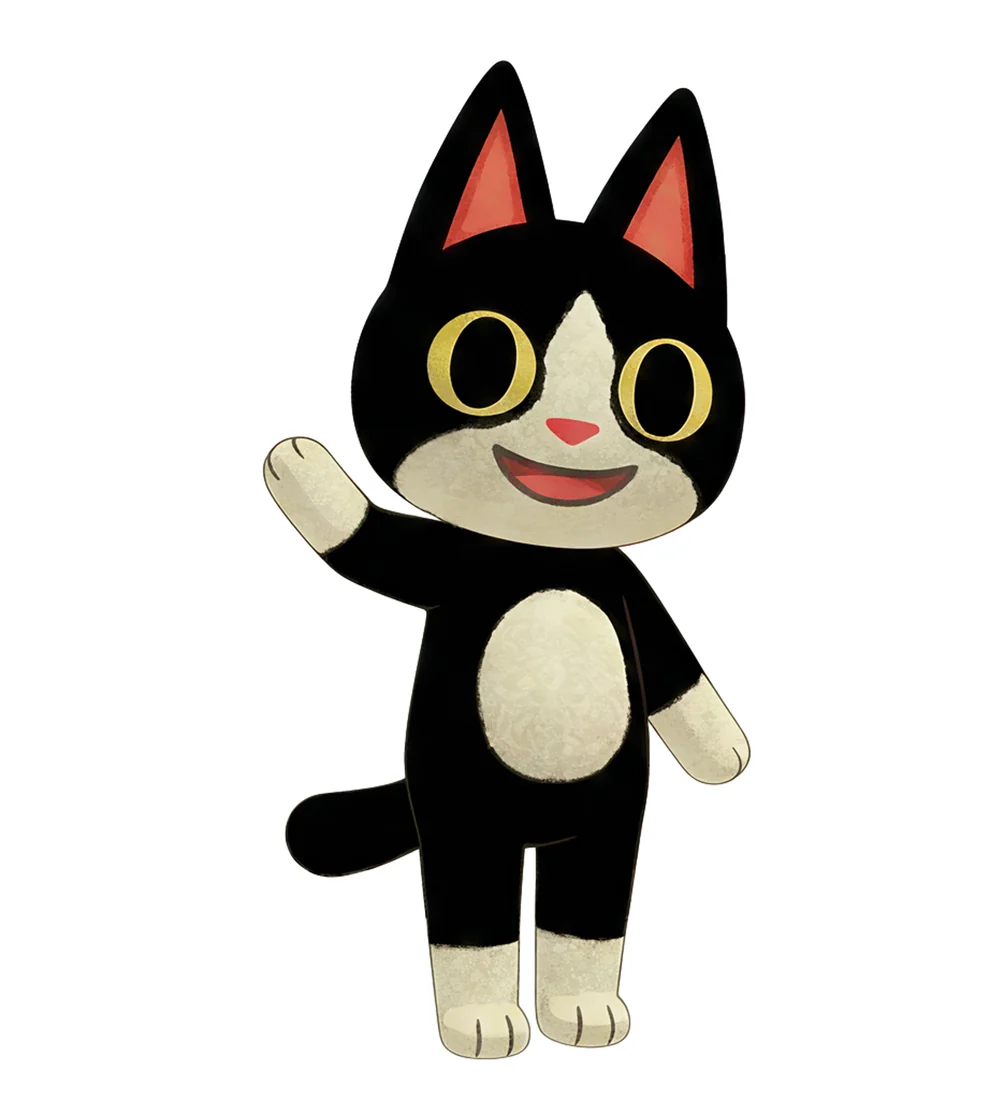
Multi mode takes one image and four quick briefs and returns four full-size results in a single generation — same character in every one. Write your own briefs or roll a random set of poses, emotes and views.
Open the character sheet generator →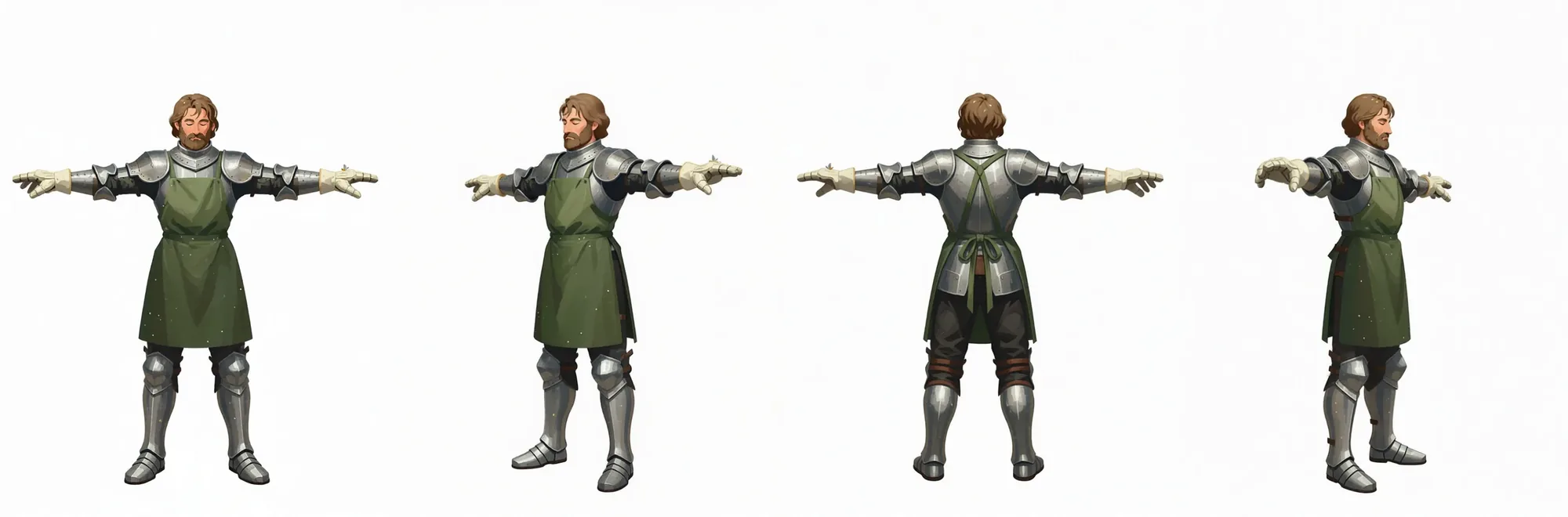
The turnaround pipeline renders a full-body T-pose from your upload first, then rotates that render into right, back and left views — four consistent full-size images plus a free combined sheet.
Your recent jobs show up here
Sign in to start — 40 free credits every month, no card.