
Drop your image here, or click to upload
Upload an image, describe the edit, get clean variations. PNG, JPG or WebP · large images optimized automatically Ctrl+V to pasteA full-body T-pose is rendered from your image first, then three rotated views are rendered from that render — four full-size images, nothing sliced or upscaled.
Front T-pose · right · back · left, plus a free combined sheet.
Advanced
One image in, a whole character turnaround out.
Upload a character — a head-and-shoulders portrait is enough. A full-body T-pose is rendered from it first, then three more views are rendered from that T-pose: four full-size images, plus a combined sheet for free.
The three views rotate the T-pose render, not the portrait — so they agree with each other head to toe. Every one is a separate full-size image; nothing is sliced out of a grid.
Click a step to see itShowing T-pose · full body — image 1 of 4.
Character Sheet Generator for Poses & Expressions
Upload one character image and create four on-model variations — custom poses, expressions, or your own briefs — on a clean white background.
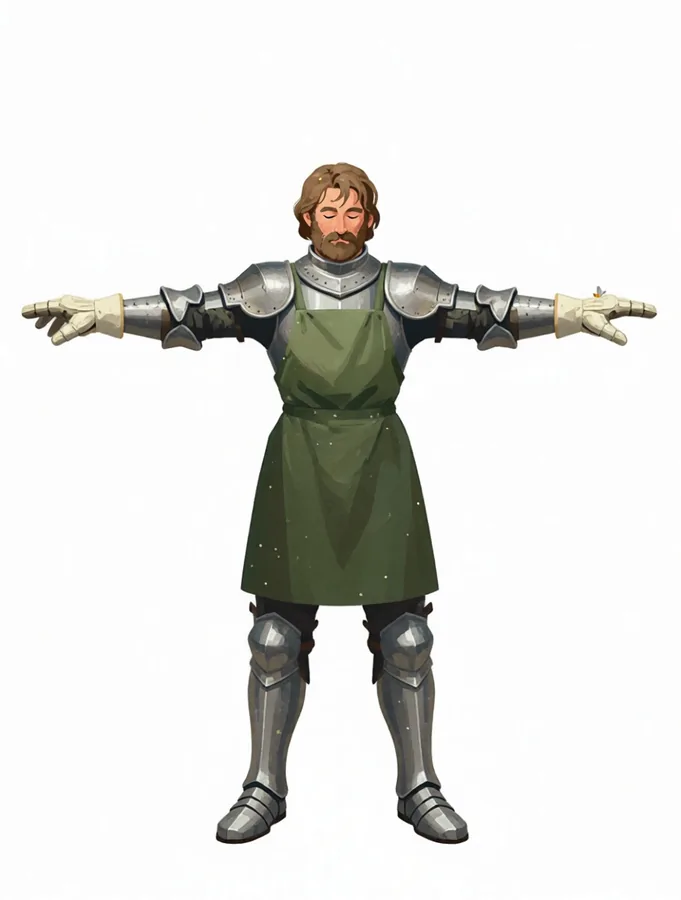
One image in, a full turnaround out
Upload a character — a head-and-shoulders portrait is enough. A full-body T-pose is rendered first, then three more views are rendered from that T-pose, so all four agree head to toe. Nothing is sliced out of a grid.
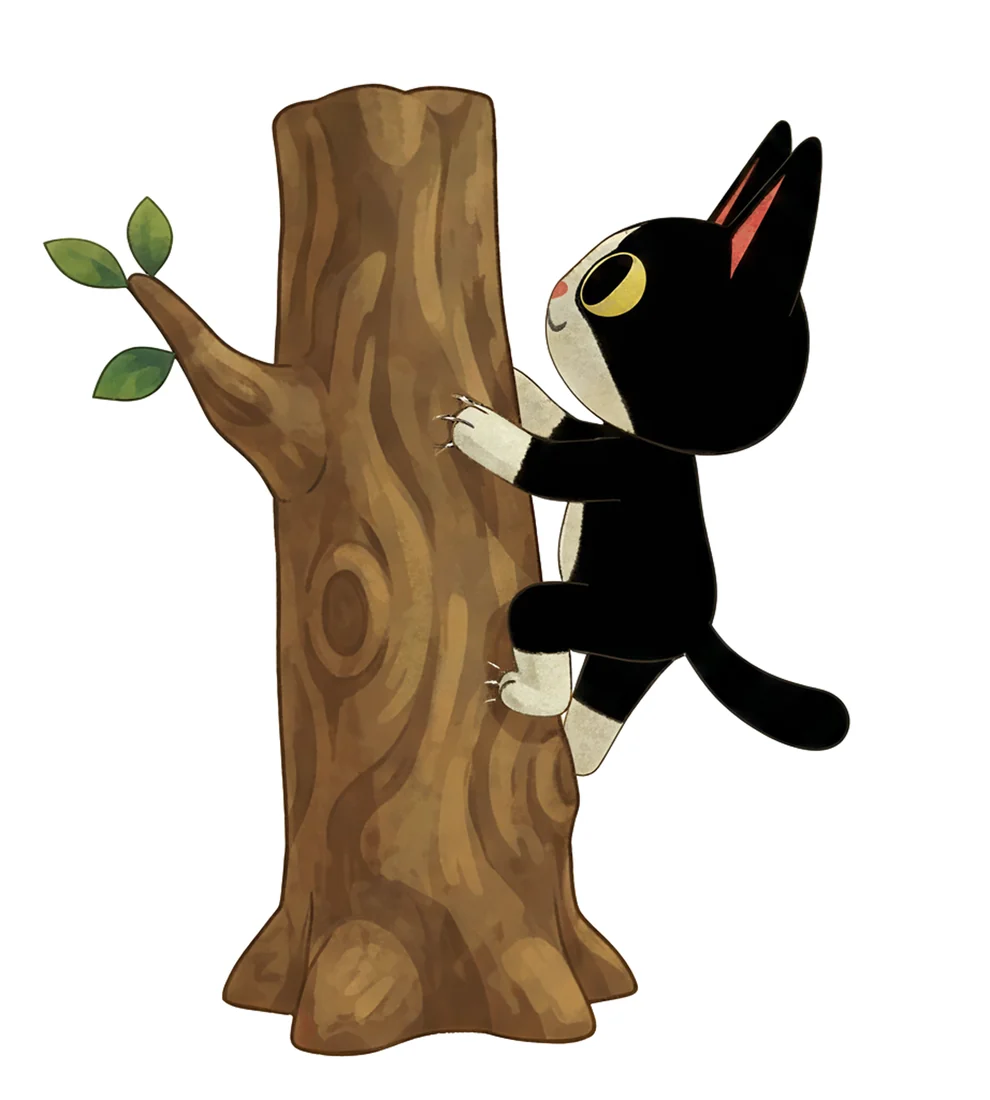
Pose and expression sheets from four briefs
Multi mode returns four full generations of the same character — one per brief. Describe each image yourself, or hit Random and shuffle common poses, emotes and camera views until you like the set, then edit any line.
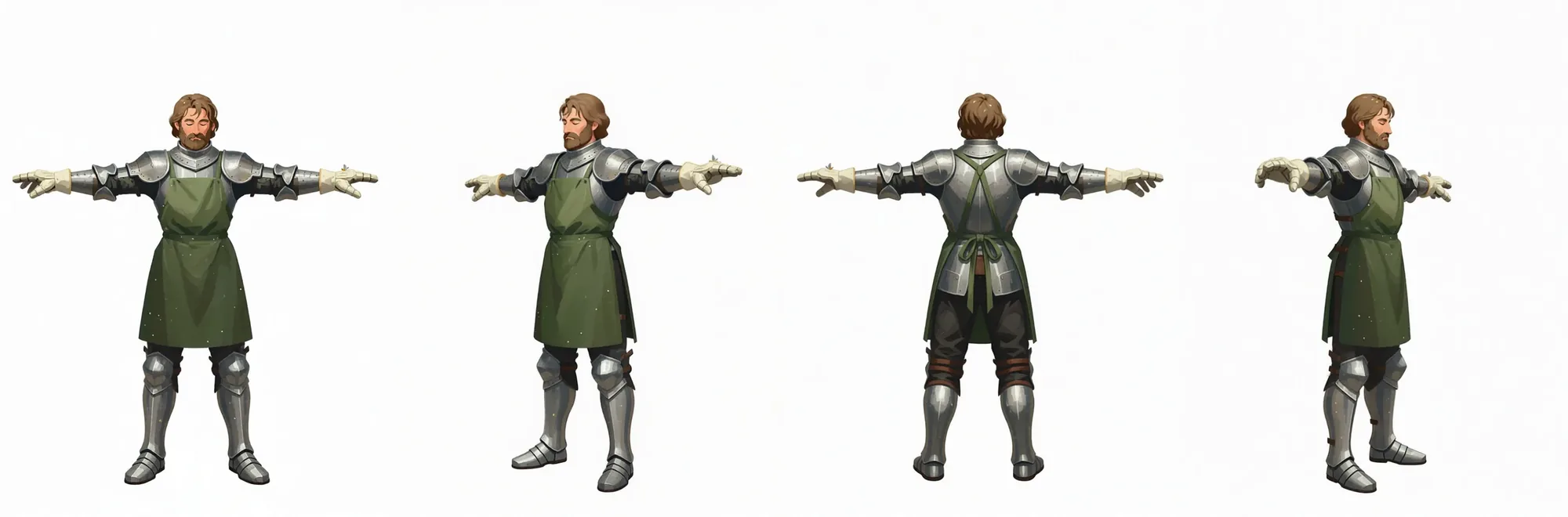
A combined sheet, included free
Every turnaround run also delivers all four renders side by side in one wide sheet — ready to drop into a character bible, a model-sheet handoff or a game-asset reference board.
Character Sheet Generator — FAQ
What does the character sheet generator create?
Which character variation modes can I use?
Will the four outputs still look like my character?
Can I create transparent character images?
Your recent jobs show up here
Sign in to start — 40 free credits every month, no card.