40 free credits every month — sign up free, no card Get started
Multiple Angles
1. Style / Look
Upload image Click or drop an image · PNG, JPG or WebP
Angles
Engine

EZ Multiple Angles — identity-locked, one full generation per angle on a clean white background. Delivered one by one as each finishes.

Please allow 30–60s per image during busy periods. Results appear as they finish — no need to refresh.
2. Prompt
Prompt
Advanced

No advanced settings for this tool.

All history

Image workspace · How it works

Show the same character from more sides

Create a consistent turnaround from one character reference.

Upload image Character reference
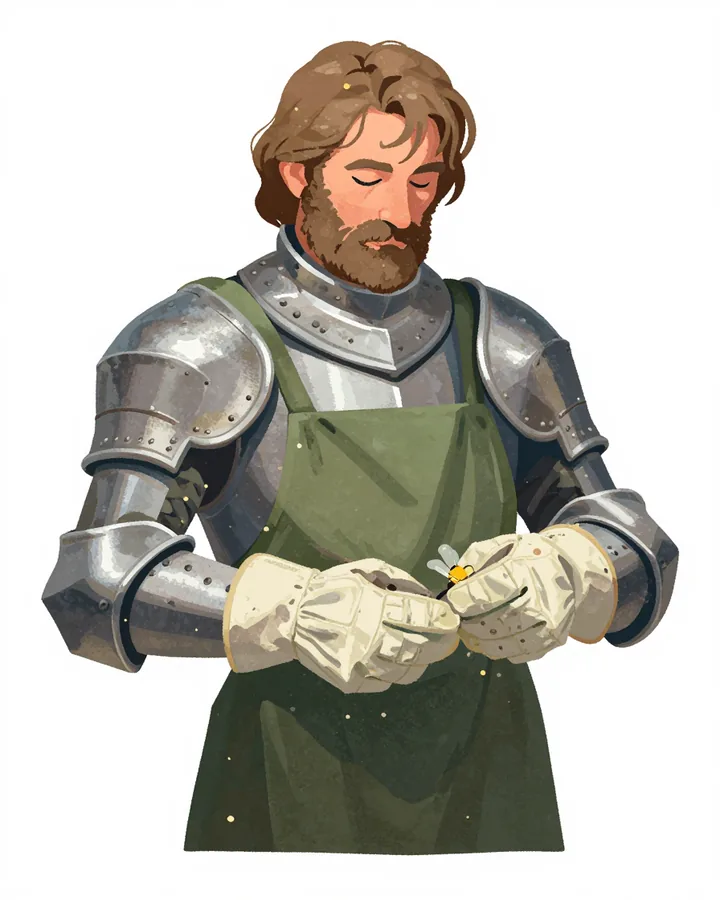
Character reference for a turnaround
01

Upload one character

Start with a clear image of the character and their outfit.

CharacterKept
Views8 angles
OutputTurnaround
Output settings
02

Choose the turnaround

Set the available view and engine options for the angles you need.
03

Inspect every view

Compare the angles, save the set or use one view as the next reference.

Your results stay available in All history and All recent jobs.

Audio input
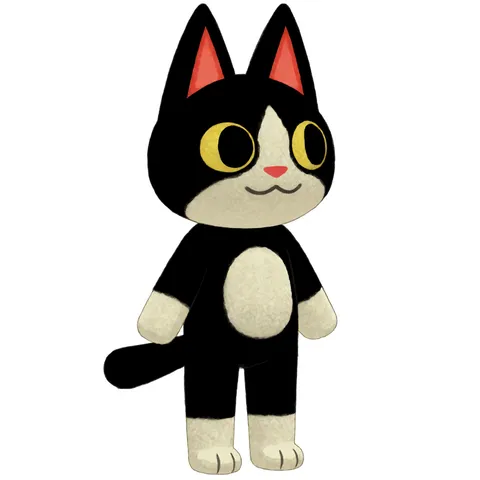
The single cartoon-cat upload all eight views were generated from

Eight separate full-quality views from one upload

Upload one image of a character and get up to eight views back. Each angle is its own full-quality generation rather than a cell sliced out of a contact sheet, so every view gets full resolution — and they arrive one by one as they finish.

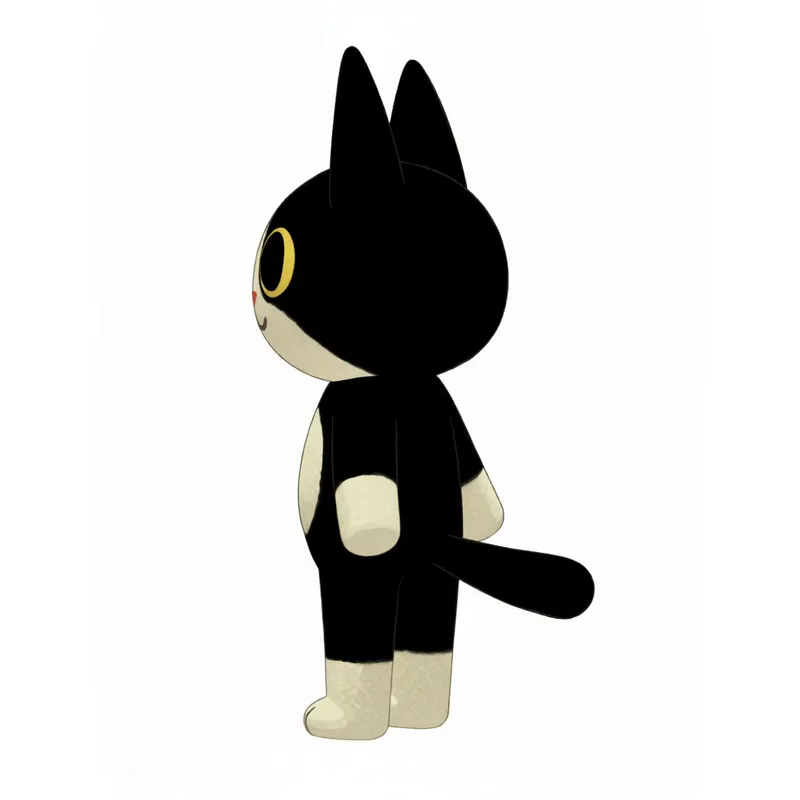
Left profile of the same cartoon cat, markings in the same places, on clean white

Identity locked, on a clean white background

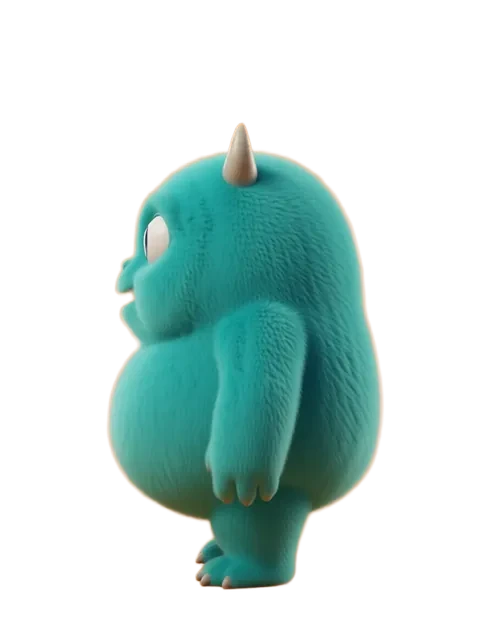
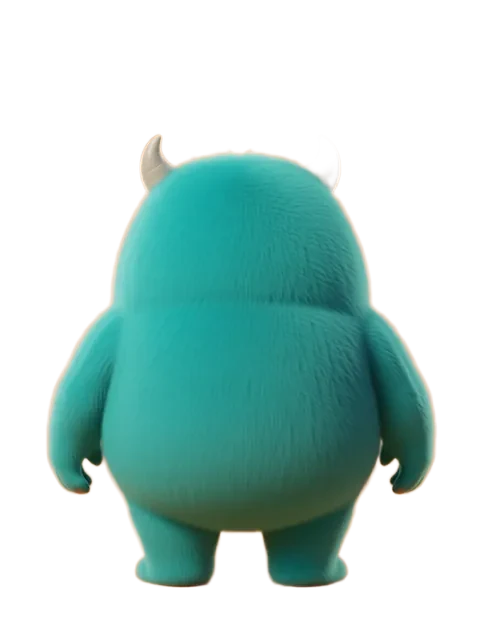
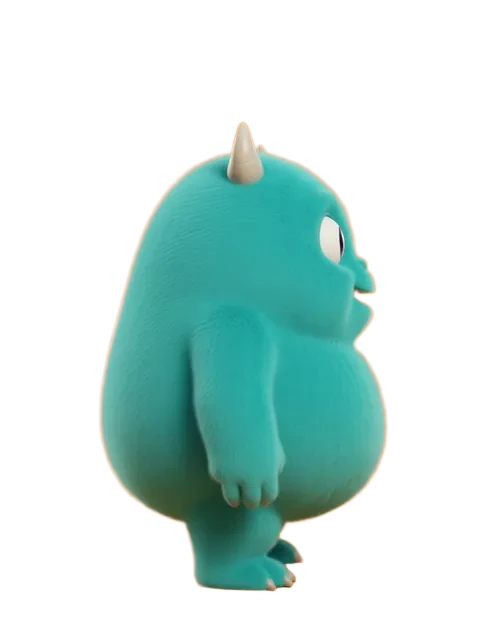
Every view is an identity-locked edit of your original image, so the face, colors, outfit and proportions carry across. Turnaround walks a full 45-degree rotation; Random Angles rolls fresh camera angles, so generating again rerolls them. Outputs land on clean white, ready for character reference, modeling or animation prep.

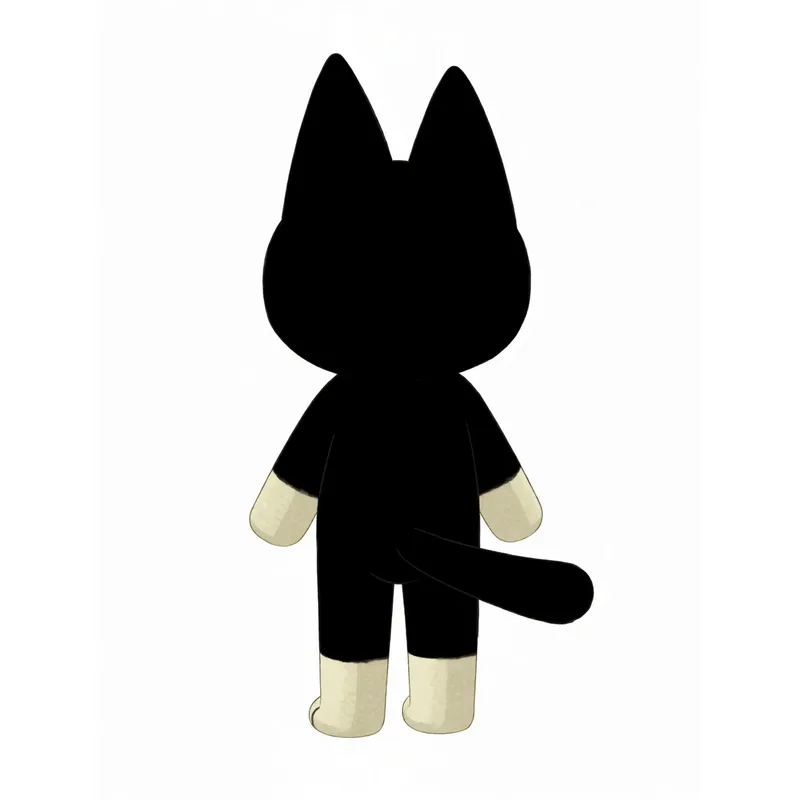
Back view of the same cartoon cat generated from the one upload

Want the views combined into one sheet?

Multiple Angles delivers each view as its own image and never combines them. The character sheet generator takes the other route: it renders a full-body T-pose from your upload first, rotates that into right, back and left views, and delivers a combined sheet alongside the four full-size images.

Character sheet generator →

Multiple Angles — FAQ

What does Multiple Angles do?

Upload one image of a character and get up to eight consistent views — each one a separate full-quality generation on a clean white background. Turnaround walks a full 45-degree rotation; Random Angles rolls random camera angles, so generating again rerolls them.
How consistent is the character across angles?

Very — every view is an identity-locked edit of your original image on our multi-angle model, so the face, colors, outfit, and proportions carry across. Because each angle is its own generation, every view gets the model's full attention and full resolution.

What do I get from a Turnaround?

Four or eight individual images covering the rotation — front, quarter views, profiles and back — each on clean white and ready for character reference, modeling, or animation prep. They arrive one by one as they finish.

What images work best?

A clear, full-body character on a simple background works best. Any art style — cartoon, anime, 3D, pixel art, photoreal. Upload a PNG, JPG, or WebP; large images are optimized in your browser before upload.

Can I add my own styling?

Yes — the prompt box takes optional extra styling (like 'wearing a red scarf' or 'watercolor style') that applies to every view while the angles stay preset.
Activity
Recent Jobs

Your recent jobs show up here

Sign in to start — 40 free credits every month, no card.

Audio input