
Upload image Starting character
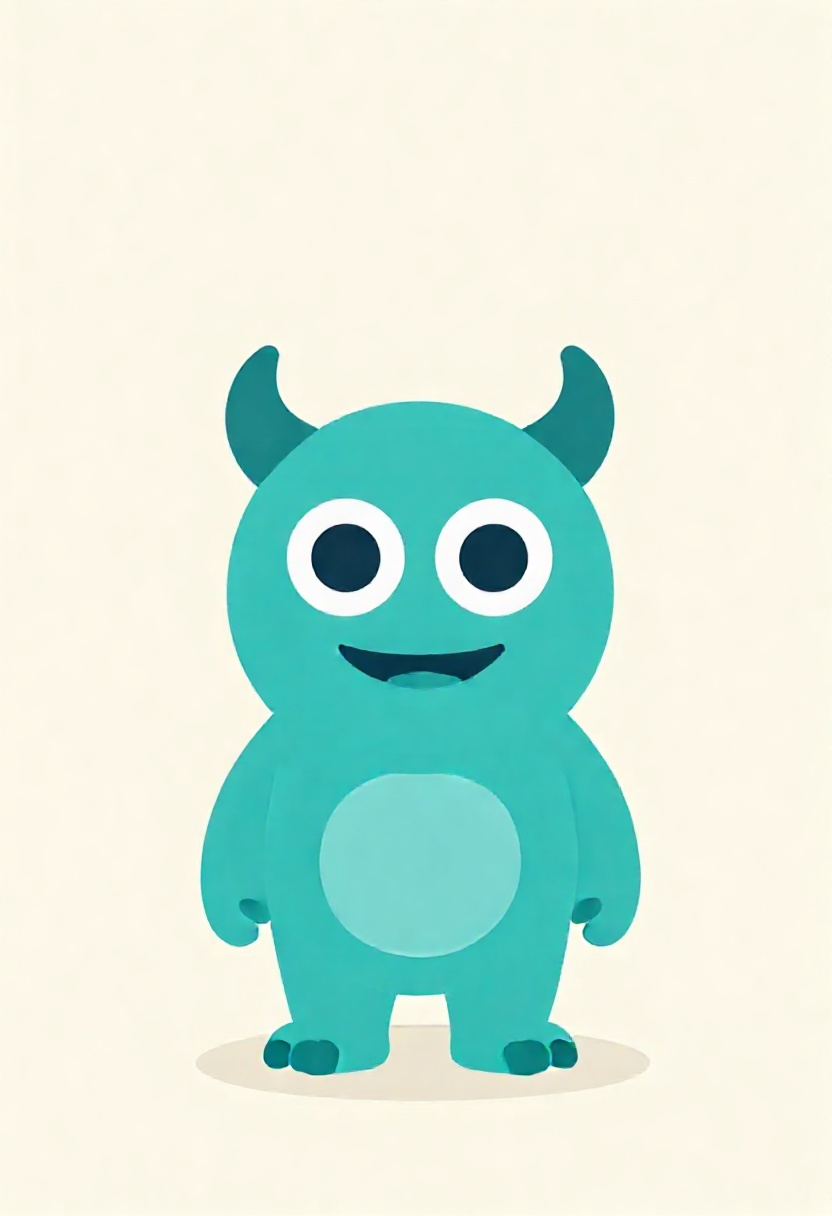
01
Upload a reference
Start with a character whose core design you want to carry into a new visual style.
Your upload becomes eight character options, ready to compare side by side.
Includes 8 images
Image workspace · How it works
Turn a character reference into a bolder new interpretation.
Start with a character whose core design you want to carry into a new visual style.
Redraw pushes the look further than a faithful Remix while keeping the starting character as inspiration.

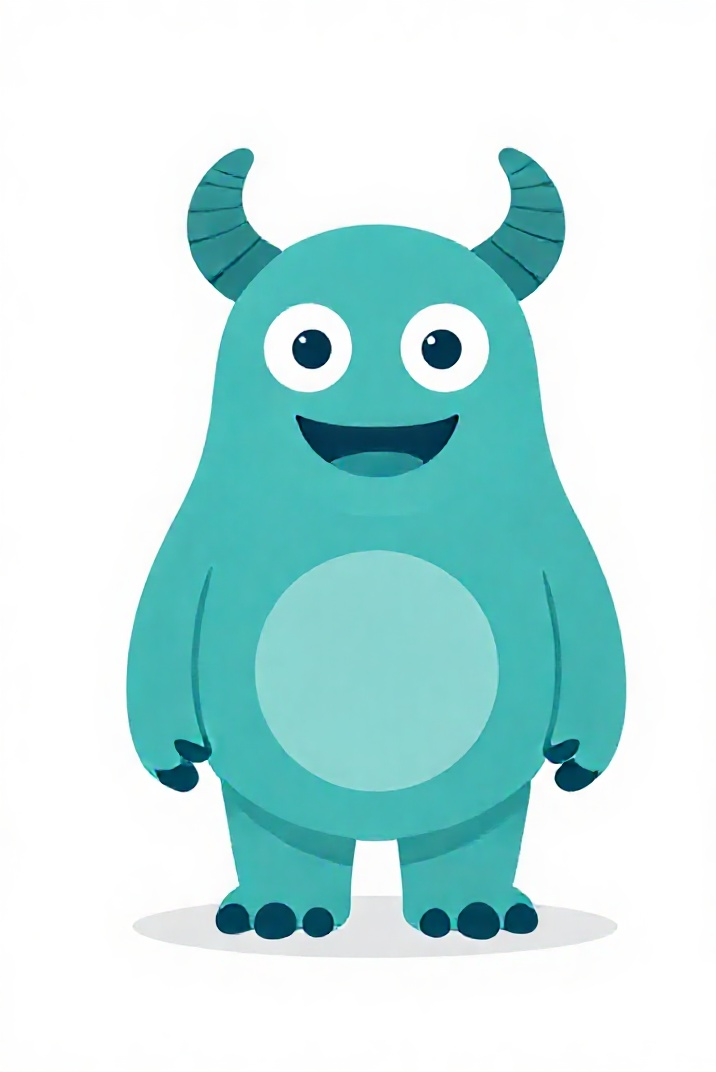

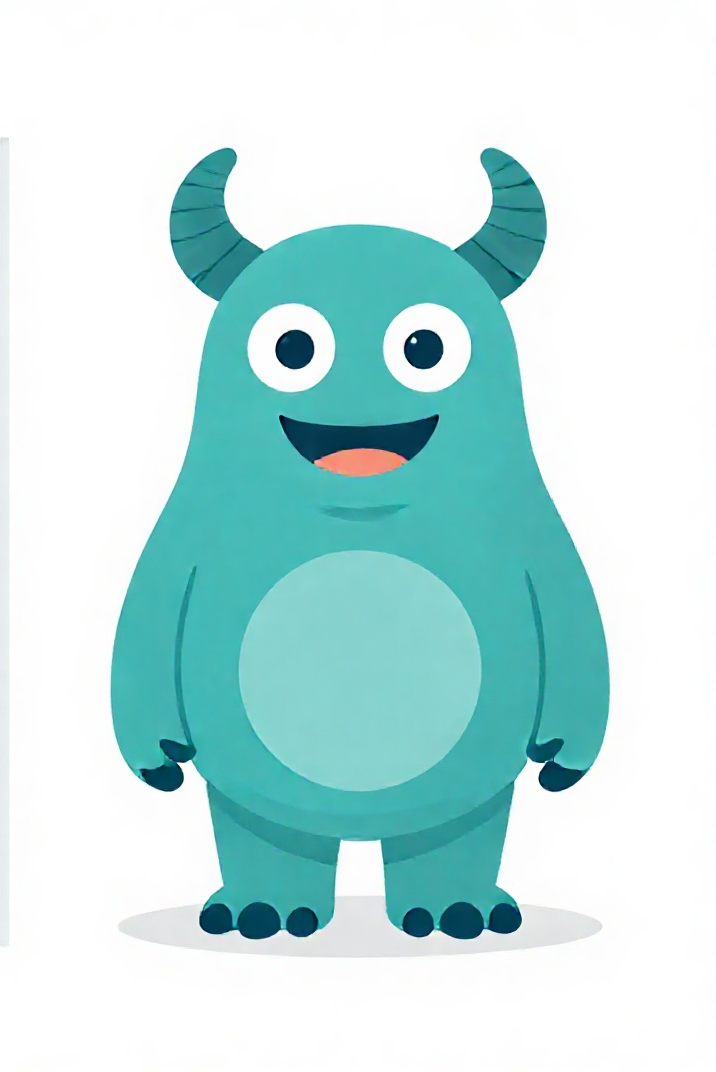
The teal creature keeps its horns, face and colours while the pose and energy change. Save or reuse your favourite result.
Your results stay available in All history and All recent jobs.
Push a reference into a bold new interpretation with heavier visual changes while keeping the character idea recognizable.
Made your character? Take it further — auto rotate, object swap, change its art style, or drop it into a scene.
Your recent jobs show up here
Sign in to start — 40 free credits every month, no card.