
AI Character Art for Indie Game Developers
One character. One reference set. Sprite sheet, turnaround, pose library — ready to drop into Unity, Godot, or Unreal.
The problem
Solo and small-team game developers spend disproportionate time on character art relative to mechanics. A platformer needs walk cycles, idle poses, jump frames; an RPG needs portrait variations, equipment overlays, party shots; a strategy game needs unit sprites at multiple angles. Hiring a character artist costs $2K–10K per character. Doing it yourself costs weeks per character. Generating a locked multi-angle reference set in ~3 minutes, then iterating from there, collapses the timeline by an order of magnitude.
How indie game developers use EZ Character
Sprite sheet for top-down or isometric games
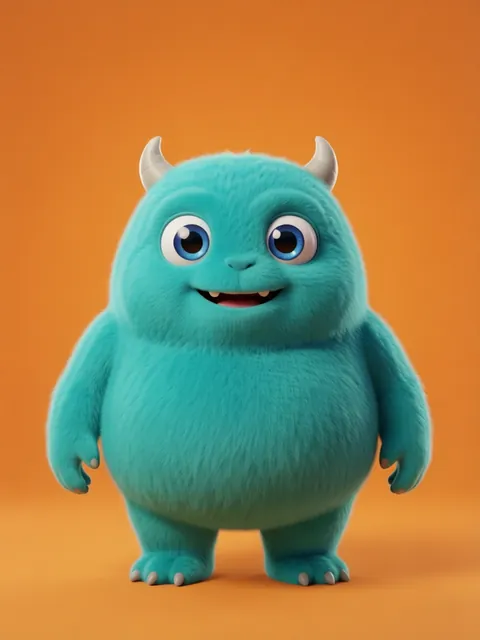
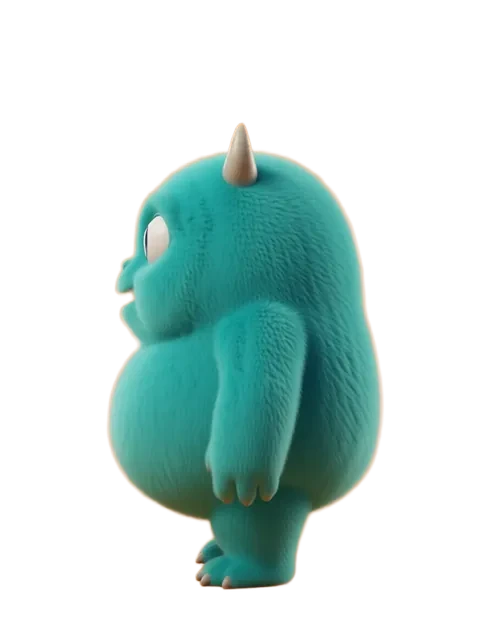
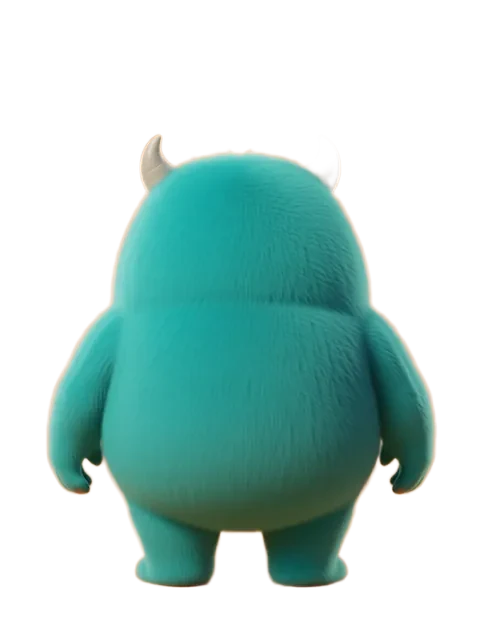
Generate the multi-angle character at 8 directions (N, NE, E, SE, S, SW, W, NW) for movement spritesheets in Unity, Godot, or Unreal. Each direction is locked to the same character identity.
Turnaround sheet for 3D base mesh sculpting
Use the 8-angle turnaround as orthographic reference inside Blender, ZBrush, or Maya. Build the base mesh from front + side, validate against three-quarter angles, refine details from back.
Pose library for animation reference
Extend the angle set with action poses (running, jumping, casting, swinging) that drive animation by hand or via tools like Cascadeur and CharacterCreator.
NPC and enemy variant generation
Lock the hero, then generate visually distinct NPCs and enemies that share the world's art style. Style consistency across the cast without character drift.
Recommended workflow
Start with these step-by-step guides — tuned for the deliverables indie game developers ship most often.
Which tier fits this work
Start with PRO. Game projects need iteration. Hero variants, equipment changes, expression sheets, color palette tests — Pro, a monthly credit allowance plus member pricing on the EZ engines (fast FLUX 4B images cost 0.5 credits), matches a sustainable daily iteration loop.
Frequently asked questions
Can I use EZ Character output in commercial games?
What about pixel-art sprite sheets specifically?
How do I get clean transparent backgrounds for sprite sheets?
Can EZ Character generate animation frames between angles?
What art styles work best for indie games?
Generate your first reference set
Upload one image. Get 8 consistent angles. Use the set across every spread, frame, or sprite in your project.
Try EZ Character freeFree tier: 40 credits every month. No credit card required.