
Create a Character Turnaround Sheet
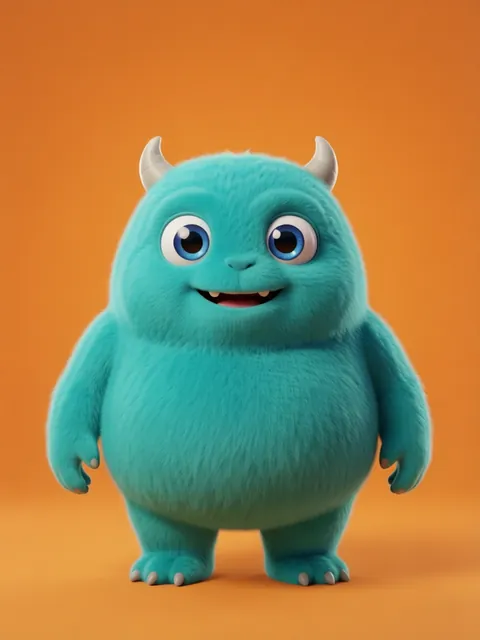
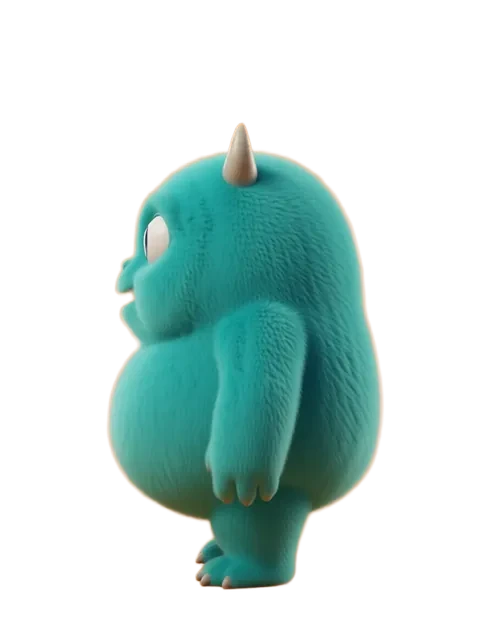
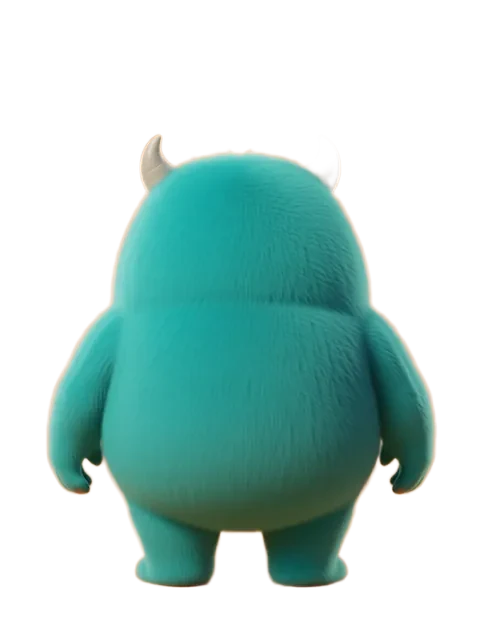
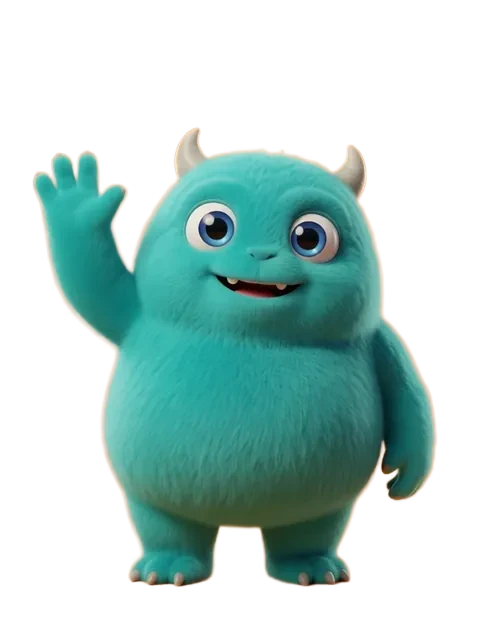
The Turnaround Sheet tool turns a single character image into a complete turnaround sheet with 8 consistent viewing angles. Upload one reference, pick a style, and download production-ready character views with ~13s per image (~2 minutes for the full 8-angle set) — no prompt engineering required.
- 01
Open the Turnaround Sheet tool
Navigate to the Turnaround Sheet page at /turnaround-sheet. This is a dedicated tool built specifically for generating multi-angle character turnaround sheets from a single reference image.
- 02
Upload your character image
Drag and drop your character image onto the upload area, paste from clipboard with Ctrl+V, or click to browse your files. Use a clear, well-lit reference image for the best results.
- 03
Choose a style
Select one of three output styles: "Clean" places your character on a white background, "Keep Background" preserves the original scene, and "Transparent" produces cutout images with no background.
- 04
Click "Generate Turnaround Sheet"
Hit the generate button and the AI will produce 8 consistent viewing angles of your character. The process takes roughly 30–60 seconds depending on image complexity.
- 05
Watch results appear in real time
Generated angles stream in as they complete — front, front-left, left profile, back-left, back, back-right, right profile, and front-right. You can see progress as each view lands.
- 06
Preview the 360° spin
Use the spin preview to see your character rotate smoothly through all 8 angles. This helps you verify consistency in outfit, proportions, and color across every view.
- 07
Download your turnaround sheet
Download individual angles by clicking each image, or grab all 8 views at once. The output is ready for use as character reference sheets, game assets, or animation production art.
- Use a clear, well-lit reference image for best results — the AI needs to see details clearly to reproduce them from other angles
- "Clean" style works best for character sheets and model references where you need a neutral background
- "Transparent" style is perfect for game assets and compositing — it produces clean cutouts ready to drop into any scene
- The AI maintains outfit details, color palette, and proportions across all 8 angles automatically — no manual consistency tweaking needed
Frequently asked questions
What is a character turnaround sheet and why do I need one?
How is a turnaround sheet different from a model sheet?
What resolution should a turnaround sheet be?
Can I include measurements and annotations on the turnaround?
Ready to create consistent character views?
Upload a reference image and generate multi-angle views that stay true to your character.
Start generating