
Upload image Reference image
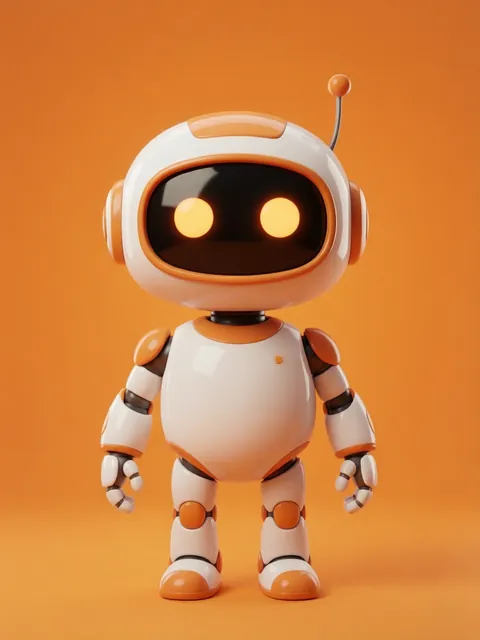
01
Add your starting image
Upload an image so the model has a visual starting point.
Your upload becomes eight character options, ready to compare side by side.
Includes 8 images
Image workspace · How it works
Keep the useful parts of an image while guiding the next version.
Upload an image so the model has a visual starting point.
Choose a model, aspect ratio and image count. Add a prompt when the selected model offers one.
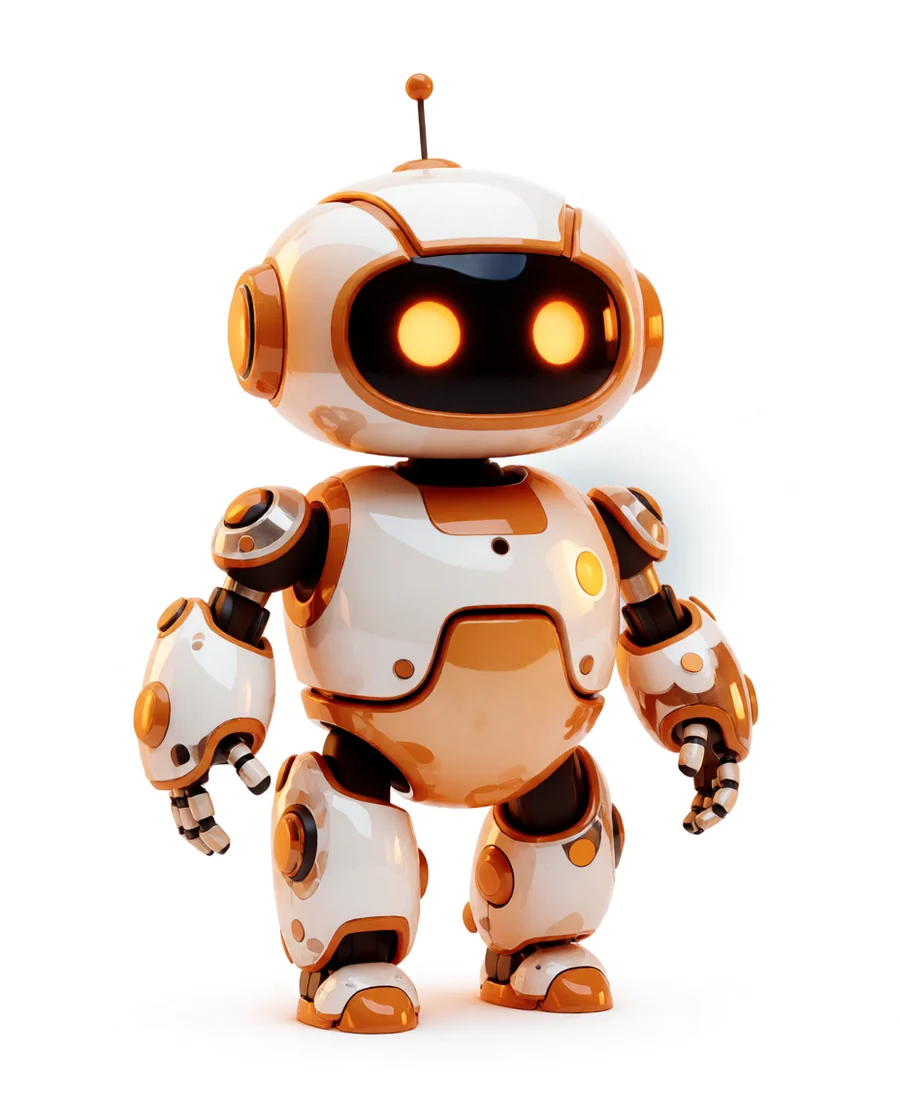
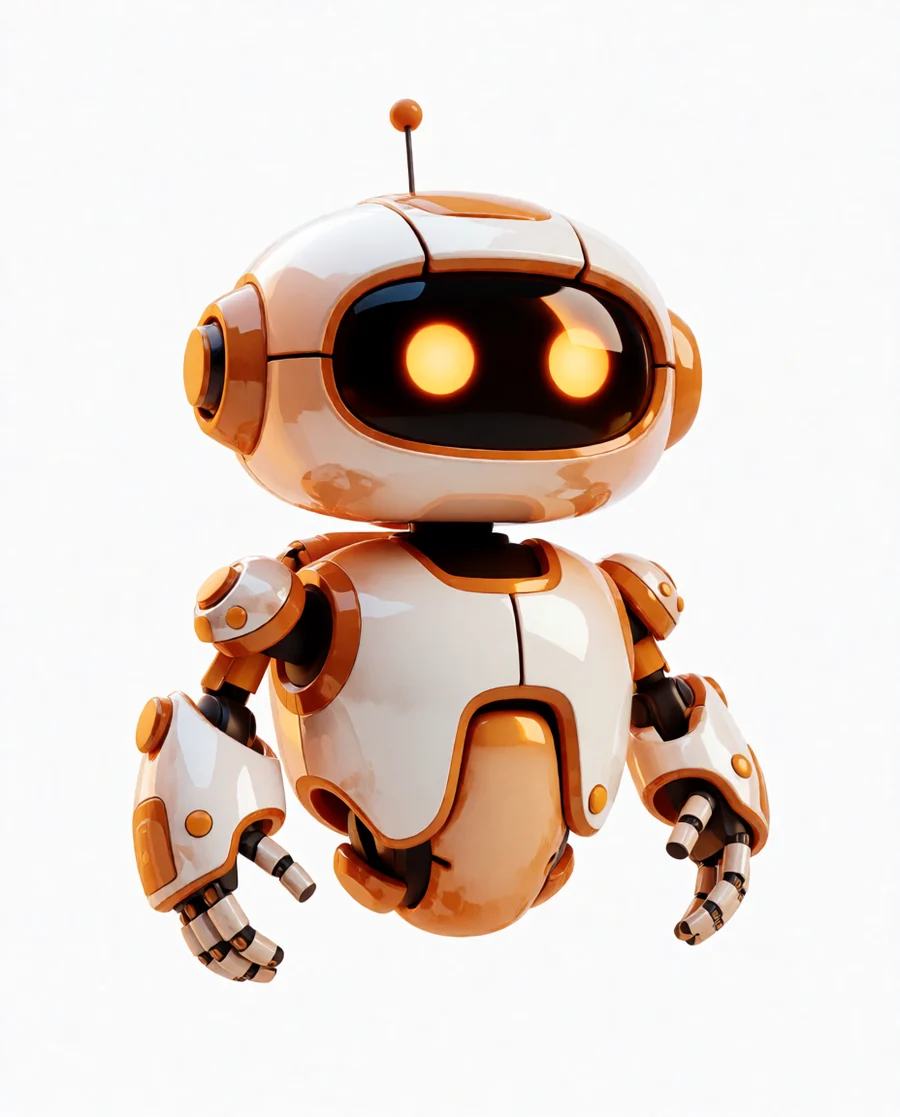
Preview the new image and reuse the version that best fits your character.
Your results stay available in All history and All recent jobs.
Upload a reference picture, pick a model, and generate new character options from it. Unlike Ref to Image, nothing is described first: Krea 2 takes the picture as a style reference and Ideogram draws from it directly.
Made your character? Take it further — auto rotate, object swap, change its art style, or drop it into a scene.
Your recent jobs show up here
Sign in to start — 40 free credits every month, no card.