
Upload image Original image
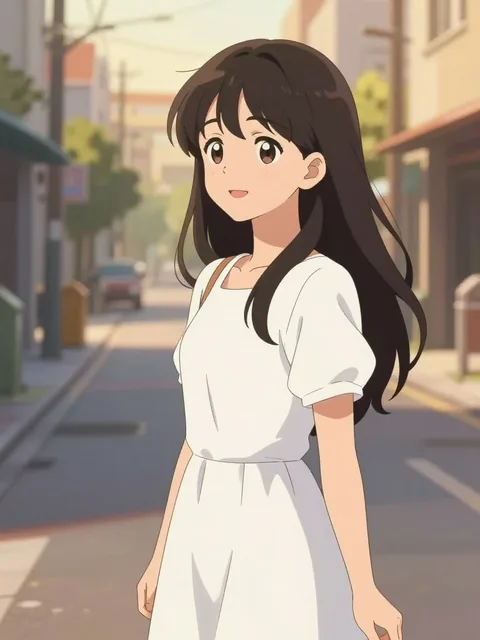
01
Upload the image
Choose the image containing the object you want to replace.
No advanced settings for this tool.
Image workspace · How it works
Change one prop or detail without rebuilding the whole character scene.
Choose the image containing the object you want to replace.
Name the object to change and what should take its place.
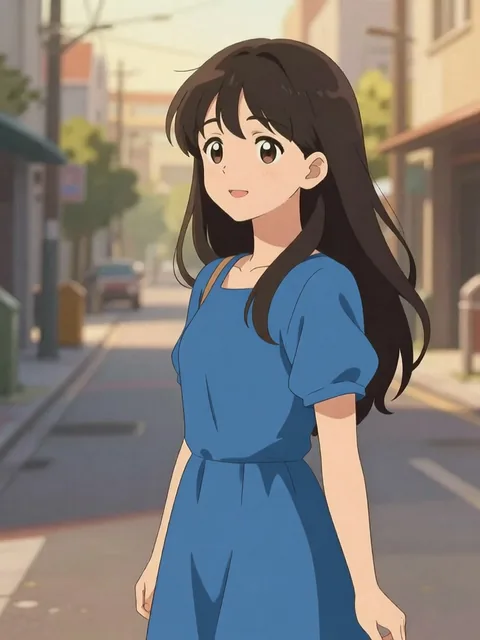
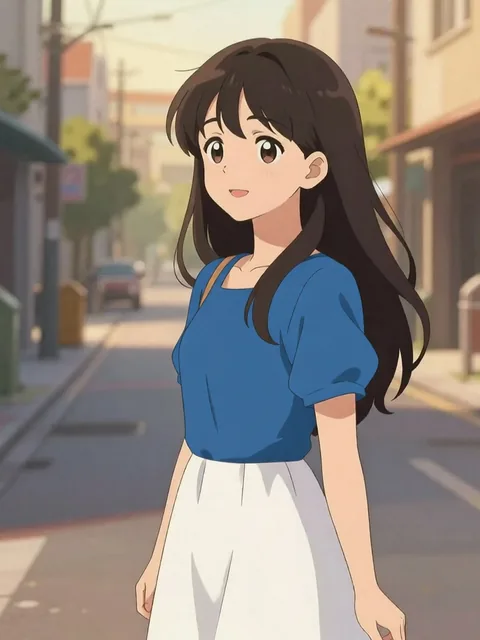
Compare the changed detail with the original, then save or refine it.
Your results stay available in All history and All recent jobs.
AI object swap: change outfits, accessories, backgrounds, or props in any character image — clean variations per click.
Your recent jobs show up here
Sign in to start — 40 free credits every month, no card.