
Design a Character Reference Sheet
A character reference sheet goes beyond a turnaround — it captures everything needed to recreate a character: views, expressions, color palette, accessories, and distinguishing features. Learn how to build one with AI assistance.
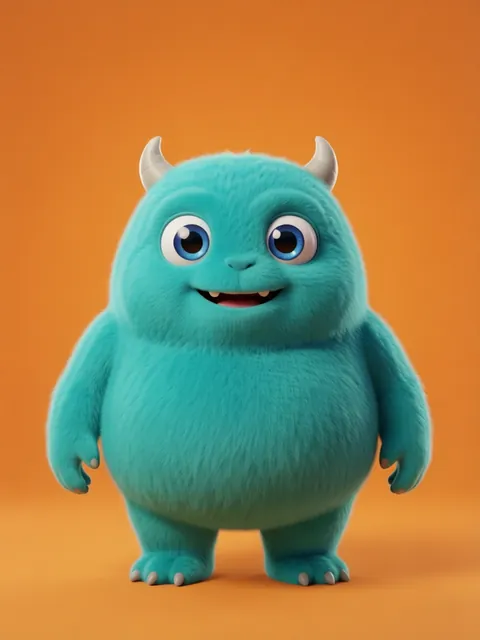



Step-by-step
- 01
Plan your sheet layout
Decide which elements to include: views, expressions, accessories, color palette.
- 02
Generate core views
Create front, side, and back views as the foundation of your sheet.
- 03
Add expression variations
Generate 4-6 key expressions showing the character's emotional range.
- 04
Include detail callouts
Zoom in on distinctive features: tattoos, scars, jewelry, clothing details.
- 05
Compile with annotations
Arrange everything with color hex codes, proportion notes, and design notes.
Pro tips
- Include both clothed and basic outfit versions for costume design flexibility
- Add height comparison with a standard reference (e.g., doorframe or other characters)
- Document the exact prompts used so you can regenerate consistent images later
Frequently asked questions
What should a complete character reference sheet include?
At minimum: front, ¾ front, profile, ¾ back, and back views; an expression sheet (6–8 emotions); a colour palette with hex codes; and a proportion guide. Professional reference sheets add: costume detail callouts, material notes, turnarounds with and without equipment, and scale comparison against other characters.
How detailed should the reference sheet be for a production team?
Enough detail that any artist on the team can draw the character and have it look like the same character. Include: exact eye colour (hex code), hair rendering style reference, costume construction lines, seam placement, and "do not draw" notes for common mistakes. The reference sheet is a contract between the character designer and every downstream artist.
Can I use the reference sheet for commissioning artists?
Yes — and this is strongly recommended. Send the EZ Character reference sheet to your commissioned artist along with your brief. The artist gets a complete visual specification of the character. This reduces revision cycles (and cost) because the artist knows exactly what the character looks like from every angle.
What size should a reference sheet be for studio production?
A3 (11.7×16.5") or US Tabloid (11×17") at 300 DPI. This is the standard studio print size — large enough to pin on a wall and reference from across the room. Digital distribution: provide both the full-size print version and a screen-optimised version at 2048px wide.
Ready to create consistent character views?
Upload a reference image and generate multi-angle views that stay true to your character.
Start generating