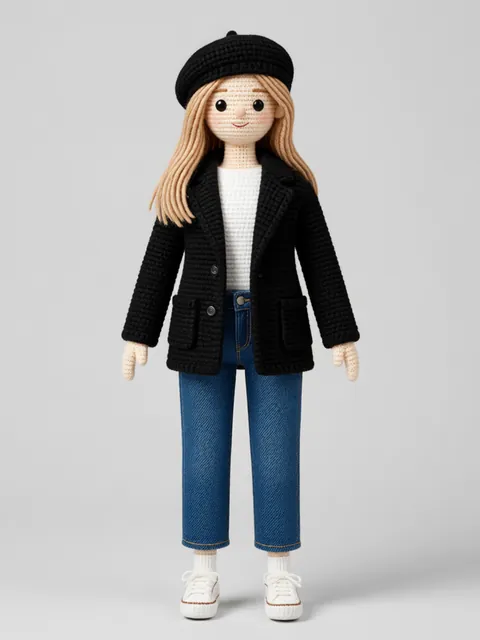
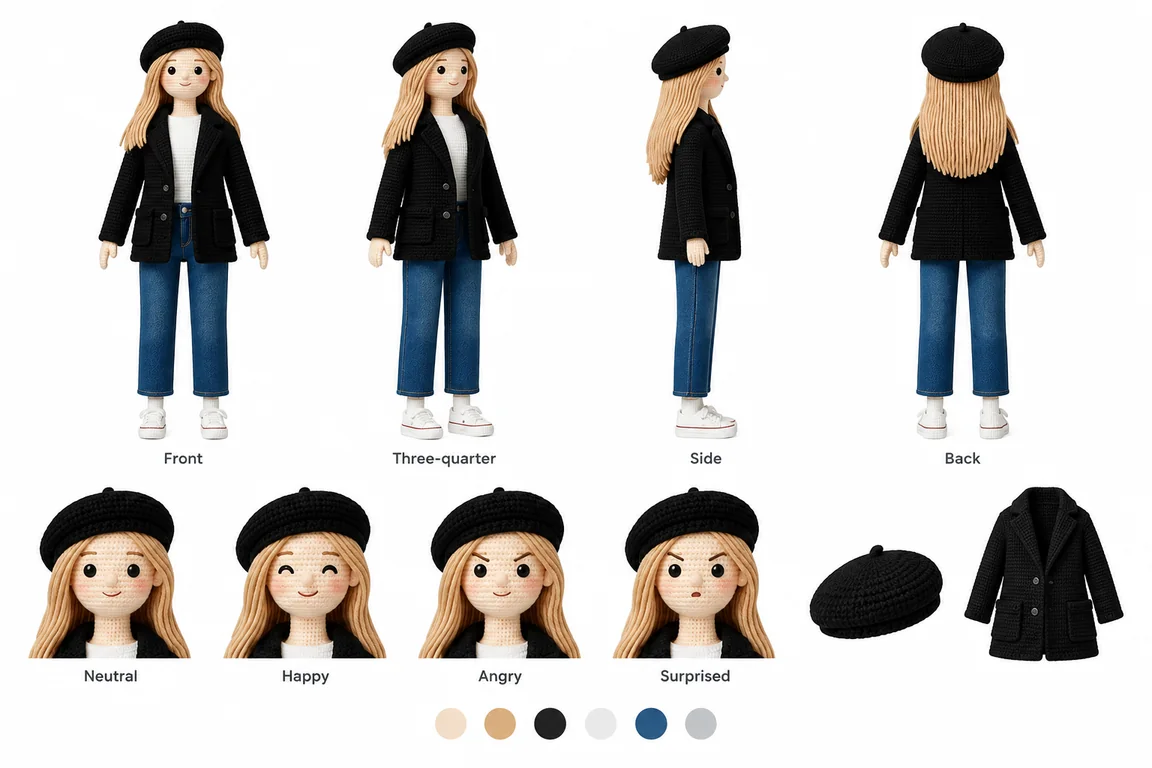
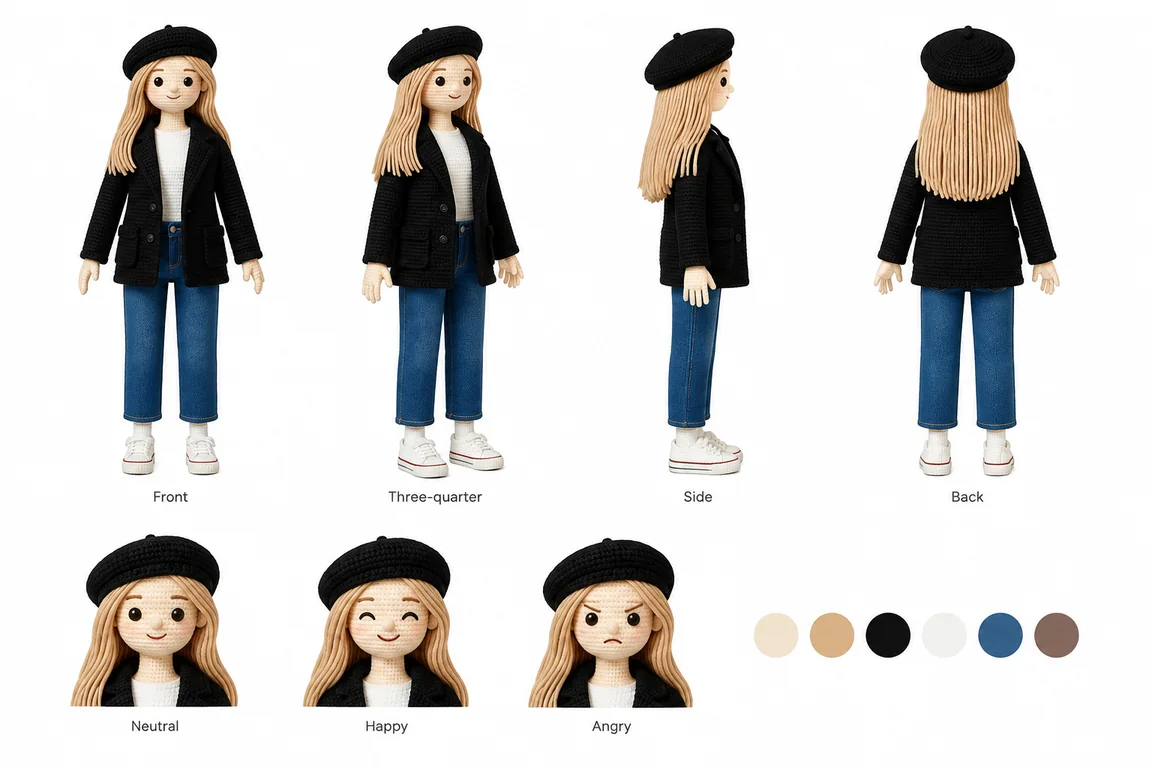
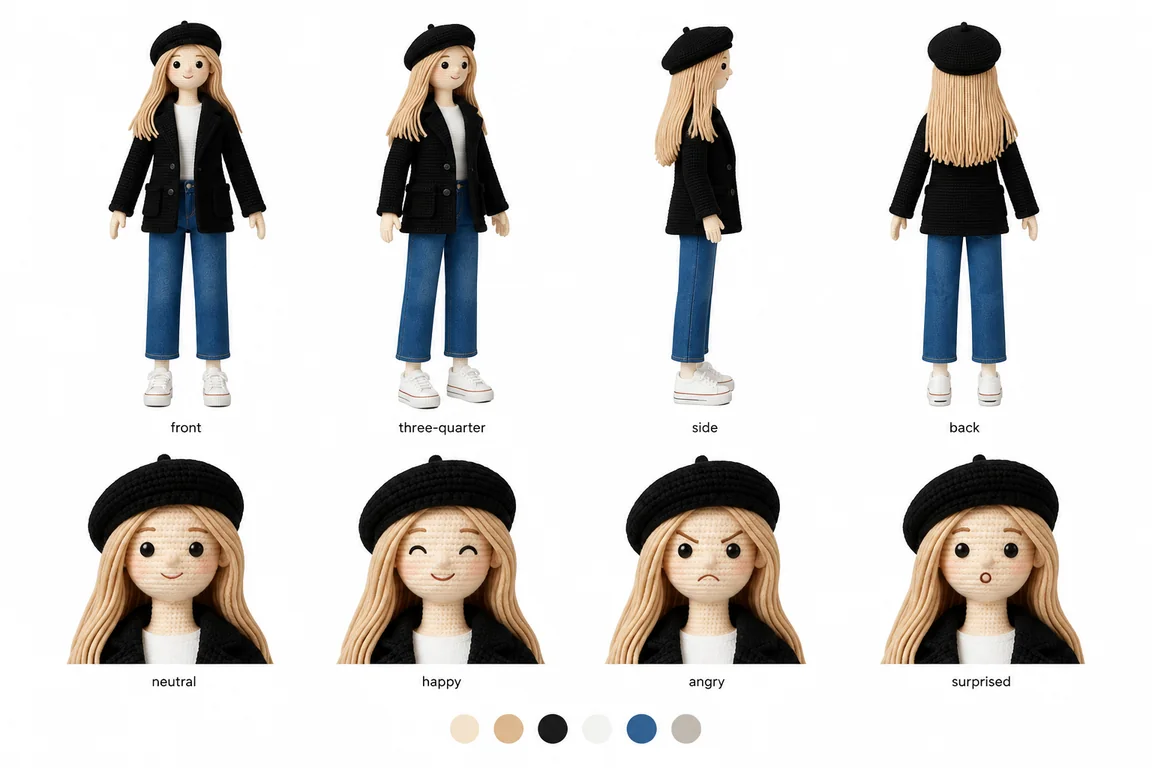
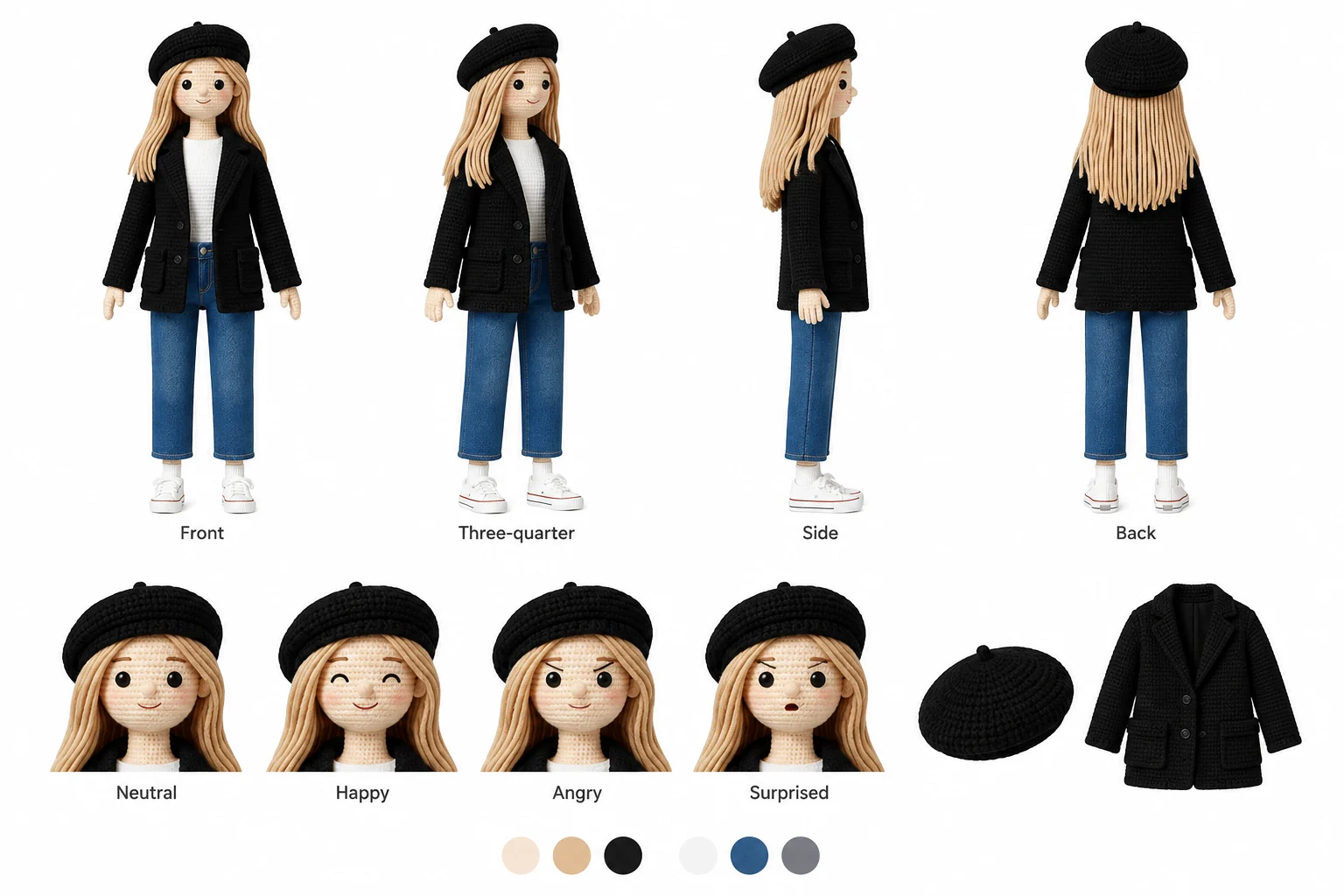
Create a landscape reference image with a turnaround, expressions and a colour palette.
Upload imageYour character
01
Describe or upload
Write a character description, add a reference image, or use both together.
CharacterYour upload
LayoutViews + faces
OutputOne sheet
Output settings
02
Pick the sheet layout
Choose how the turnaround, expressions and palette share the finished sheet.
Sheet ready
03
Download one reference
Review the full sheet and download the single finished image for your project.
Your results stay available in All history and All recent jobs.
One character. One finished reference sheet.
Bring your character’s views, expressions and colours together on a single landscape canvas, ready for your next video or creative project.
One upload in, one finished sheet out: views, expressions and a palette.
Character Sheets V2 — FAQ
What do I get?
One finished landscape image containing front, three-quarter, side and back views of the same character, a row of expressions and a small colour palette. Full reference also includes detail callouts where useful.
Do I need a character image?
You can upload a PNG, JPG or WebP, describe a character, or use both. An uploaded image supplies the character identity; your description can request changes such as a different outfit.
How do the layouts differ?
Every layout includes the turnaround, expressions and palette. Turnaround focus gives the body views more space; Expression focus gives the faces more space; Full reference balances the sections.
Can I use the sheet in a video generator?
Yes. Download the complete sheet and upload it as a character reference in a video generator, animation workflow or another image tool that accepts reference images.
How are credits charged?
The Generate button shows the current price for one complete sheet. Each generation produces one image, with no separate charges for individual views.