
Generate Pixel Art Multi-Angle Views
Pixel art multi-angle generation requires balancing pixel-level precision with character consistency. This guide covers the workflow for creating game-ready sprite views.
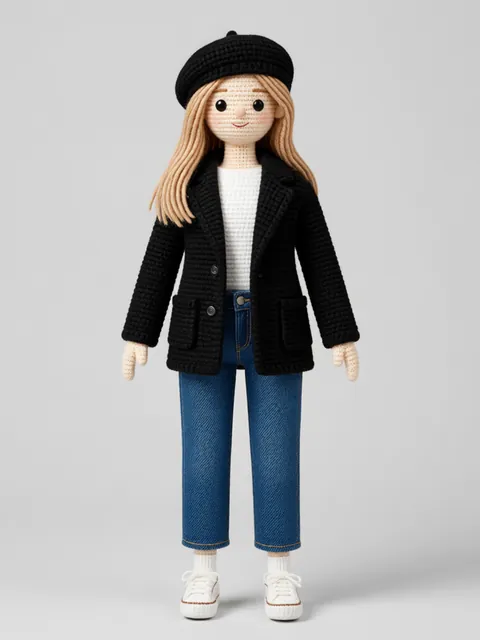
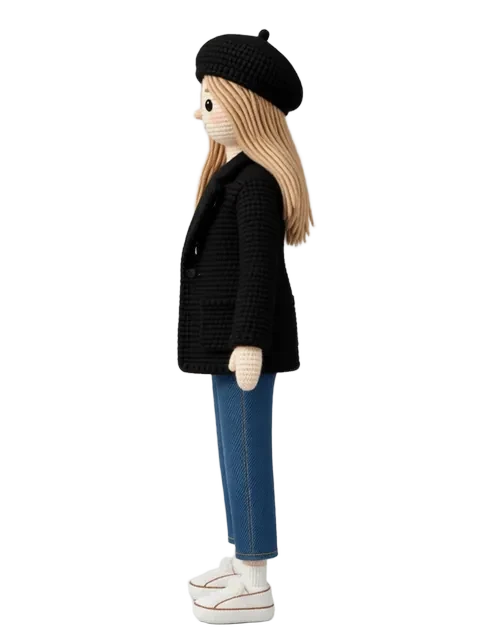
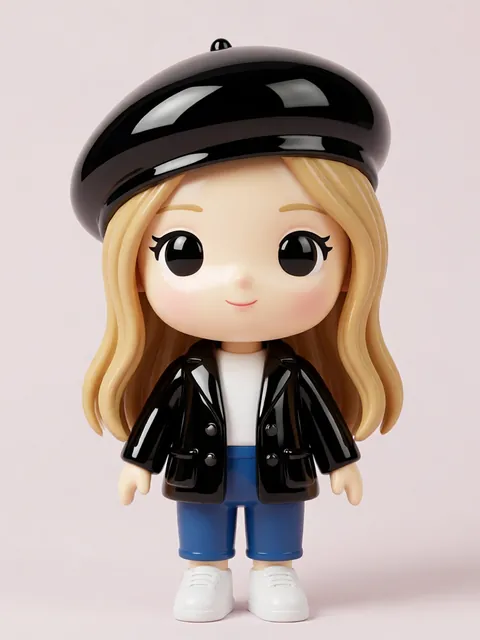
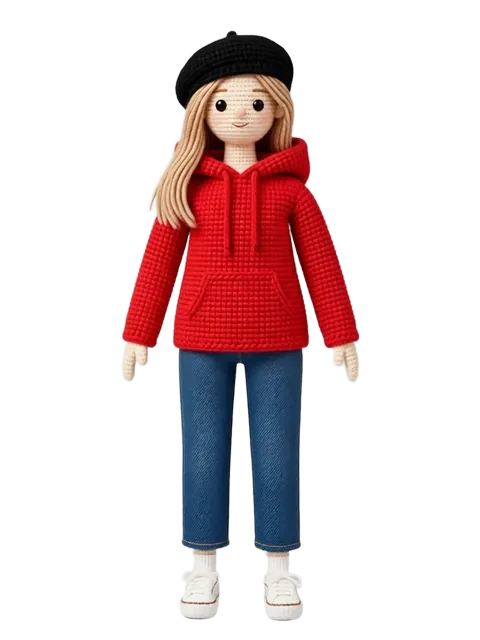
Step-by-step
- 01
Create or upload a pixel art reference
Start with a clean pixel art character at your target resolution.
- 02
Set pixel-perfect output parameters
Configure output resolution to match your sprite grid (32x32, 64x64, etc.).
- 03
Generate cardinal directions
Start with front, back, left, right — the four essential sprite directions.
- 04
Refine and export
Clean up any anti-aliasing artifacts and export as sprite sheet.
Pro tips
- Work at 2-4x your target resolution for cleaner downscaling
- Pixel art needs lower reference strength to allow style interpretation
- Generate all four cardinal directions before diagonal angles
Frequently asked questions
What pixel art resolutions does EZ Character support?
The pixel art pipeline supports 16×16, 32×32, 48×48, 64×64, and 128×128 pixel canvases. Generate at your target game resolution — pixel art does not upscale cleanly. For retro-style games, 16px or 32px is standard. For modern pixel art (Celeste, Dead Cells), 64px is common.
Will the palette stay consistent across all angle views?
Yes — all directional views in a single generation share the same palette by construction. The palette is locked at generation time. If you need a specific palette (e.g., PICO-8 16-color, Game Boy 4-color), specify it in the style parameters.
Can I use the output directly in a game engine?
Yes. The pixel art output is standard PNG at native resolution. Import directly into Unity, Godot, GameMaker, or RPG Maker. The sprites are pixel-perfect — no anti-aliasing, no sub-pixel blending. Slice and use in your sprite sheet system immediately.
How does EZ Character pixel art compare to hand-pixeled sprites?
Hand-pixeled sprites by an experienced pixel artist will always have more intentional detail and stylistic character. EZ Character output is strongest as a production base — generate the directional reference, then hand-refine key frames. For indie games on a budget, the output is game-ready as-is.
Ready to create consistent character views?
Upload a reference image and generate multi-angle views that stay true to your character.
Start generating