
AI Character Art for Comic Artists
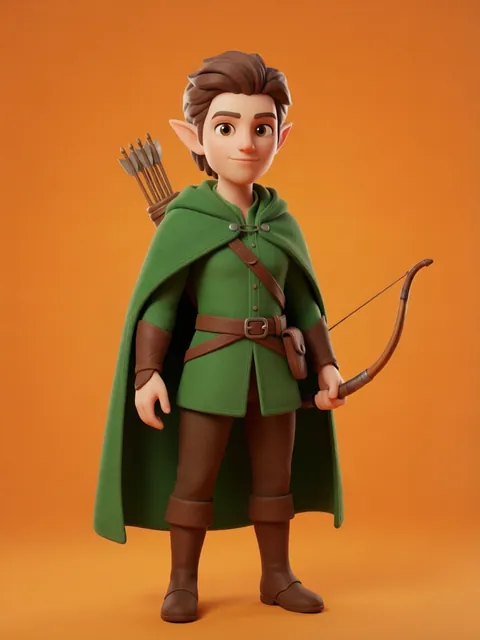
Same face on every page. Same costume across every panel. Lock the design once, draw the comic with confidence.
The problem
A 40-page graphic novel might have 600 individual panels. Your protagonist needs to read as the same character in every one — through changes of expression, pose, costume state, lighting, and camera angle. Hand-drawing model sheets is the studio answer; building those sheets traditionally takes 2–5 days per character. AI tools that work for one-off images break by page 10. A locked multi-angle reference set is the difference between a comic that reads professional and one that reads like a draft.
How comic artists use EZ Character
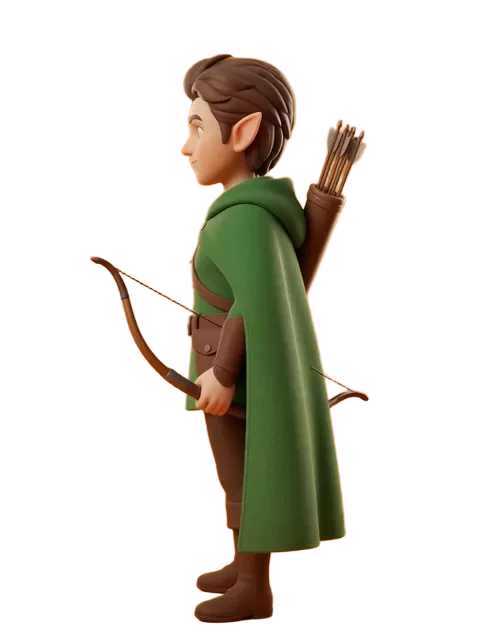
Hero reference sheet before page 1
Generate the multi-angle character set in your comic's art style — manga ink line, Western superhero, indie webcomic, Franco-Belgian ligne claire — before any panel layouts begin.
Expression sheet for emotional beats
Pair the angle set with 8–10 expression variations. Pull the right expression for each panel without re-prompting the character from scratch.
Costume state variations
Generate the same character in alt costume states — armor on/off, civilian/uniform, rain-soaked, bandaged. Locked face, swapped wardrobe.
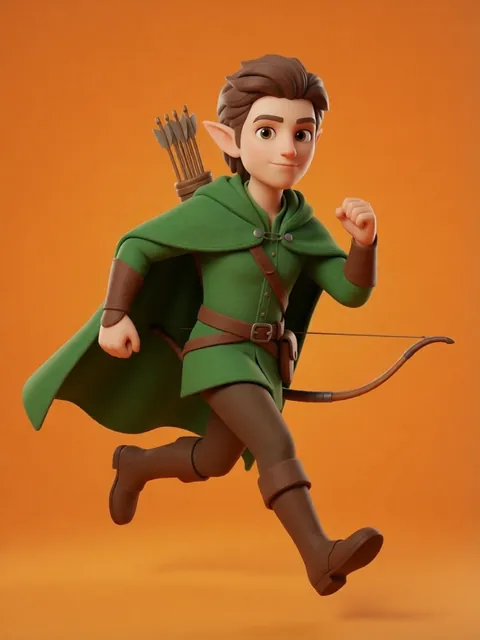
Three-quarter and dynamic angles for action panels
The 8 standard angles cover most static panels. For action sequences (foreshortened punches, overhead falls, dynamic flight), use the locked set as your reference for hand-drawn or AI-assisted action poses.
Recommended workflow
Start with these step-by-step guides — tuned for the deliverables comic artists ship most often.
Which tier fits this work
Start with PRO. A full graphic novel typically needs reference sets for 3–6 characters plus expression and costume variants. Pro, a monthly credit allowance plus member pricing on the EZ engines (fast FLUX 4B images cost 0.5 credits), matches the iteration loop.
Frequently asked questions
Will my publisher accept AI-assisted comic art?
What art style works best for comics?
Can I use the multi-angle set as direct backgrounds, or just reference?
How does this work with my existing Procreate/Clip Studio workflow?
Generate your first reference set
Upload one image. Get 8 consistent angles. Use the set across every spread, frame, or sprite in your project.
Try EZ Character freeFree tier: 40 credits every month. No credit card required.