
Generate Comic Book Multi-Angle Views
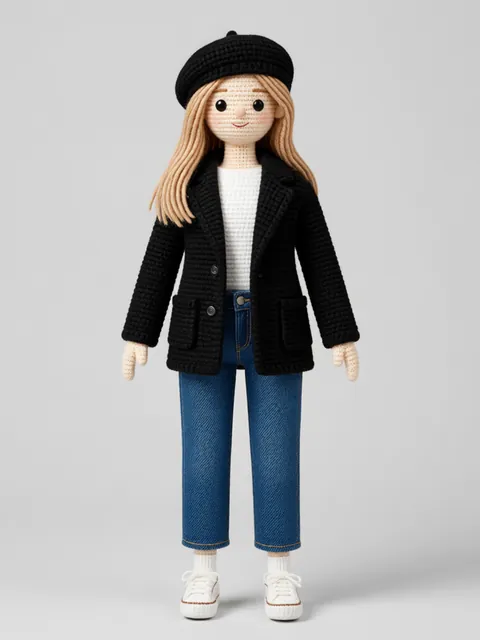
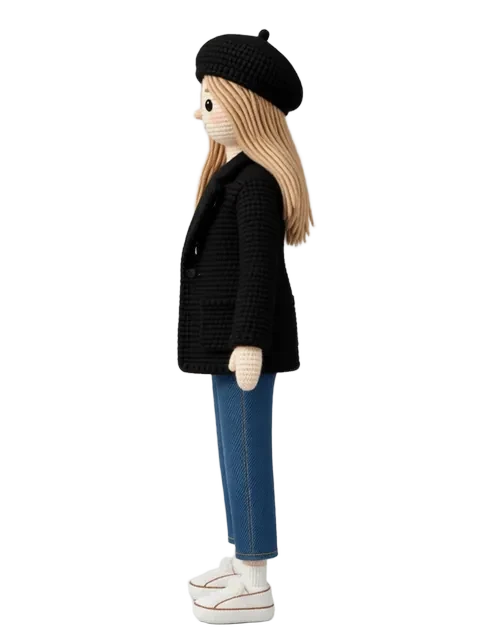
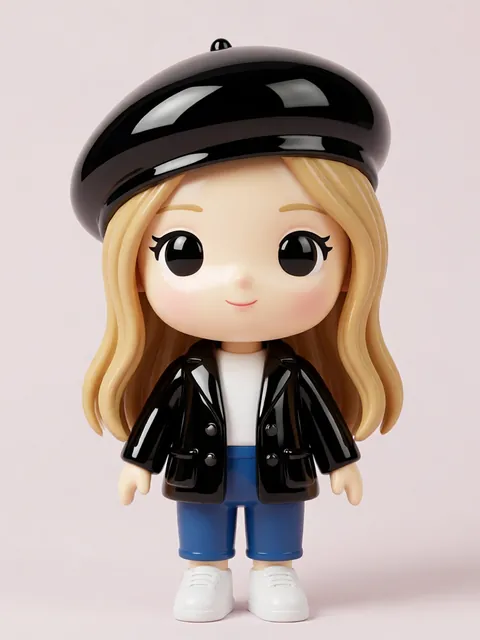
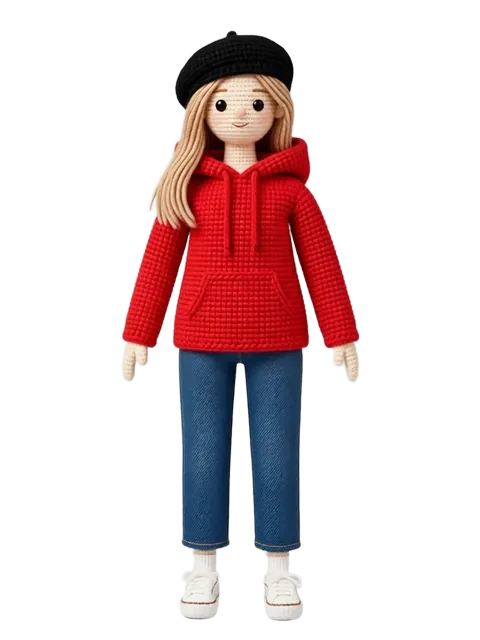
Comic book characters live in a world of dramatic shadows, bold inks, and dynamic anatomy. Generating consistent multi-angle views in this style means preserving heavy blacks, crosshatching, and the particular muscular or stylized proportions that define American comics. This guide walks through the full workflow from reference to finished views.
- 01
Choose your comic book substyle
Decide between Marvel/DC superhero art, indie comics, noir, or underground comix — each has different line weight and shading conventions.
- 02
Prepare a high-contrast reference
Comic art thrives on contrast. Use a reference with strong blacks and clear silhouettes for best AI interpretation.
- 03
Configure ink-forward prompts
Emphasize "comic book inks, bold outlines, crosshatching, halftone dots" in your generation prompts to lock the style.
- 04
Generate hero angles
Comic characters need dramatic three-quarter views, heroic low angles, and strong silhouette poses — not just flat orthographic rotations.
- 05
Review shadow consistency
Check that cast shadows and ink weight stay consistent across angles. Comic lighting is often stylized, not physically accurate.
- Use reference strength around 75-85% — too high and you lose the bold ink interpretation
- Negative-prompt against photorealism and soft shading to keep the comic aesthetic crisp
- Consider generating with a white background first, then compositing onto colored panels
Ready to create consistent character views?
Upload a reference image and generate multi-angle views that stay true to your character.
Start generating