
Upload image Low-resolution image
01
Upload the original
Choose the image that needs a larger, clearer output.
Fast edge-sharpening (zone transform) — enlarges up to 4× (inputs ≤ 2048px, output capped at 4096px). Best on line art & flat color. Heavier detail? Switch to EZ Upscale.
ESRGAN has no advanced controls.
Image workspace · How it works
Increase resolution and recover useful detail from a character image.
Choose the image that needs a larger, clearer output.
Choose the available scale or output settings for the result you need.
 Higher resolution
Zoom in on the result, compare it with the original and download it.
Your results stay available in All history and All recent jobs.
Free AI image upscaler with generative super-resolution — enlarge any image to 2K, 4K, or 8K with sharp, reconstructed detail, not the blur you get from normal resizing. Ideal for print and large-format.
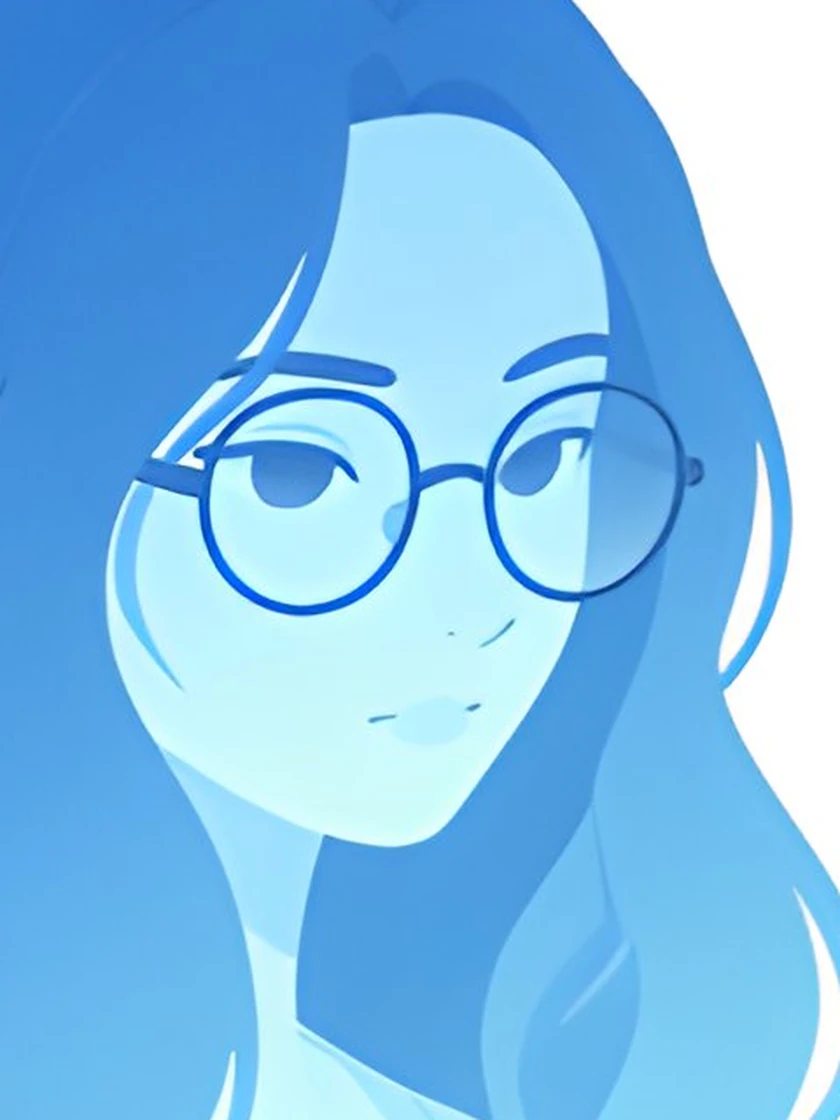
EZ Upscale reconstructs fine texture and detail instead of stretching pixels. Pick an output size from roughly 2K up to 8K, leave Enhance details and Enhance realism on for AI-generated art, and allow about 30 seconds per image.
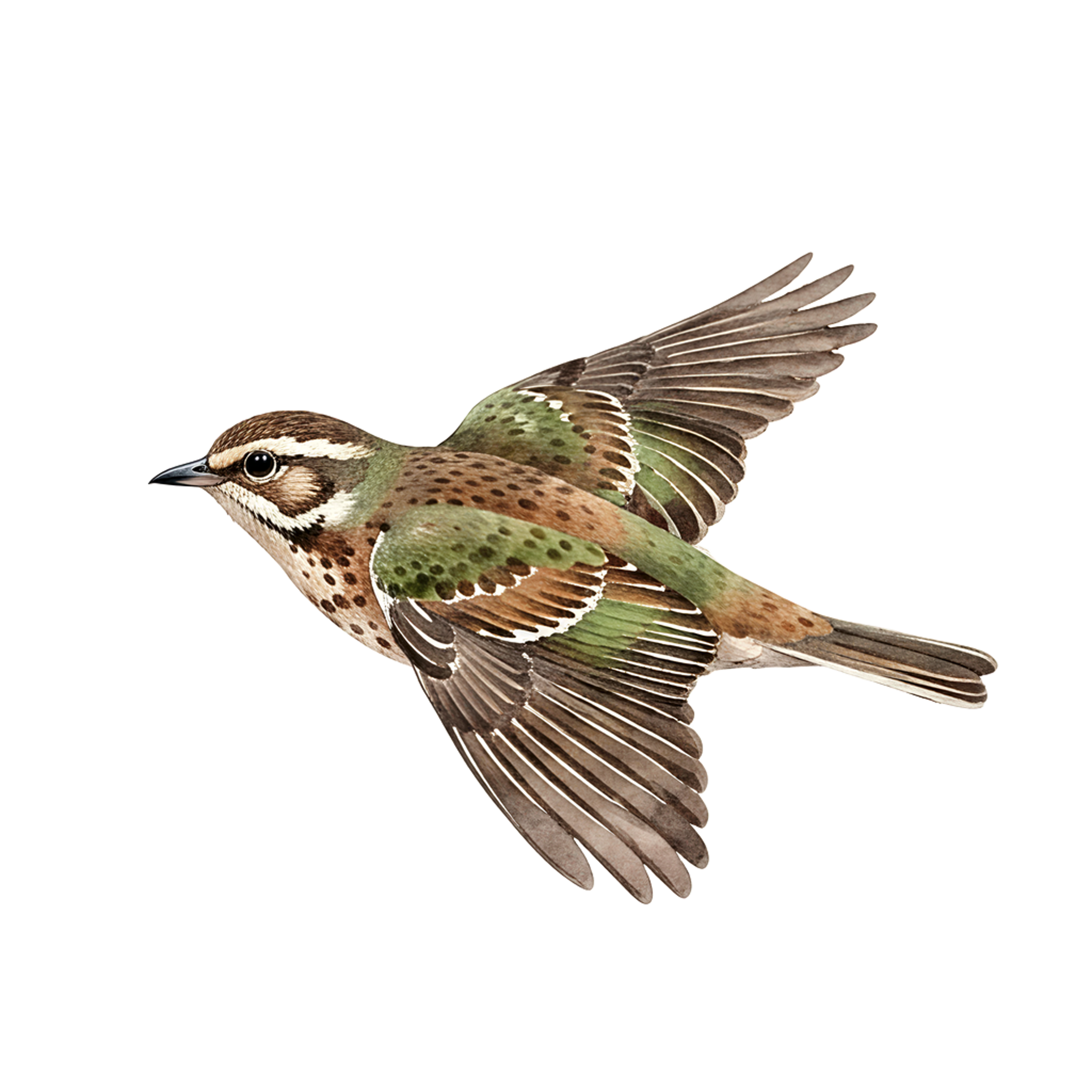
Normal resizing (bicubic) stretches pixels and blurs edges. The ESRGAN pass reconstructs sharp lines and clean detail instead, which shows up most on cartoon, anime and flat-color work. Both engines share the same click-to-load samples — 3D render, watercolor, cartoon and anime — so you can compare them on the same image.
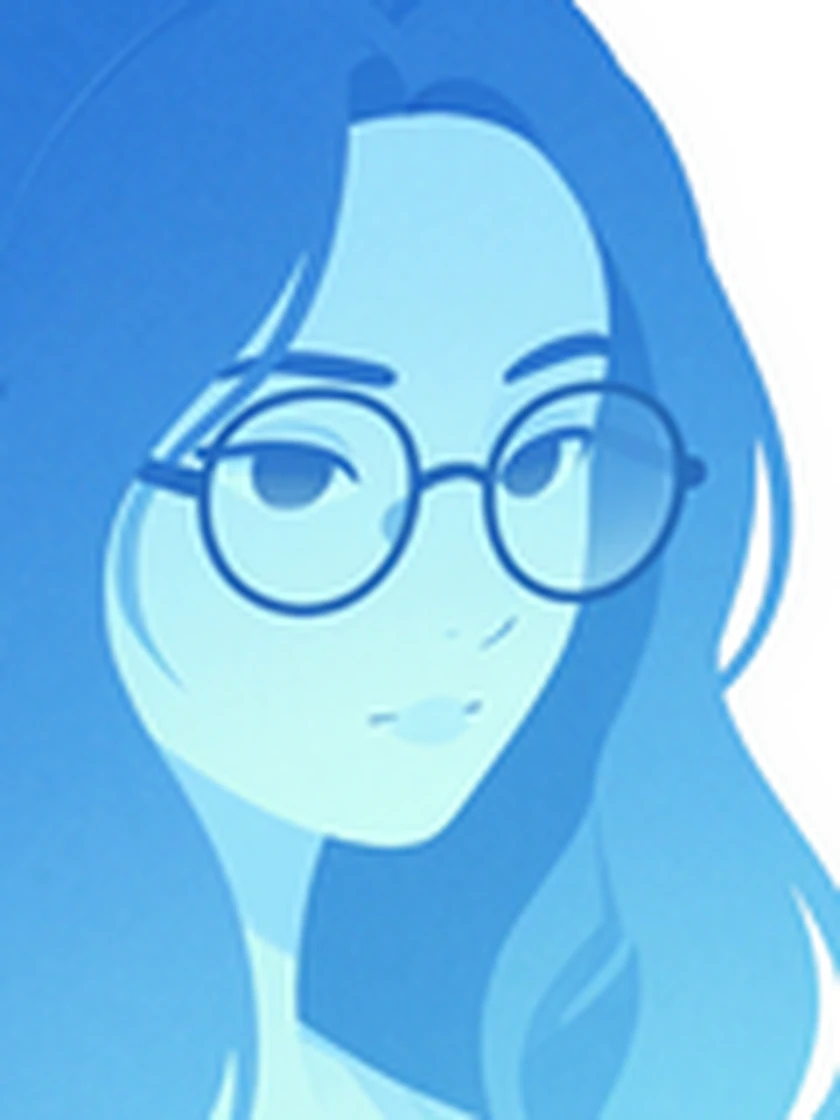
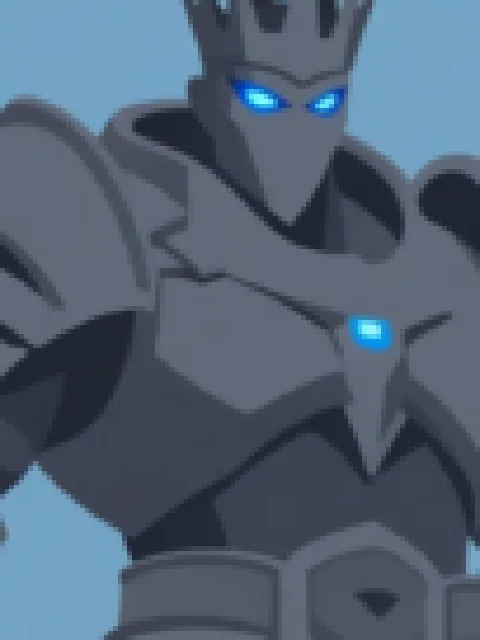
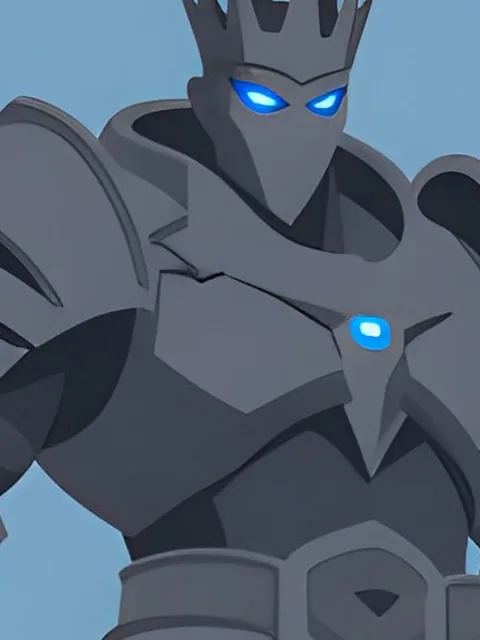
The comparison at the top of the page is a zoomed crop, because the difference only reads at magnification — and its “before” is cropped from the genuinely low-resolution source, never from the upscaled file. ESRGAN gives 2× guaranteed and 4× when the AI pass has capacity, capped at 4096px on the longest side, and the result banner always shows the exact resolution you received.
Your recent jobs show up here
Sign in to start — 40 free credits every month, no card.