
Upload image Reference image
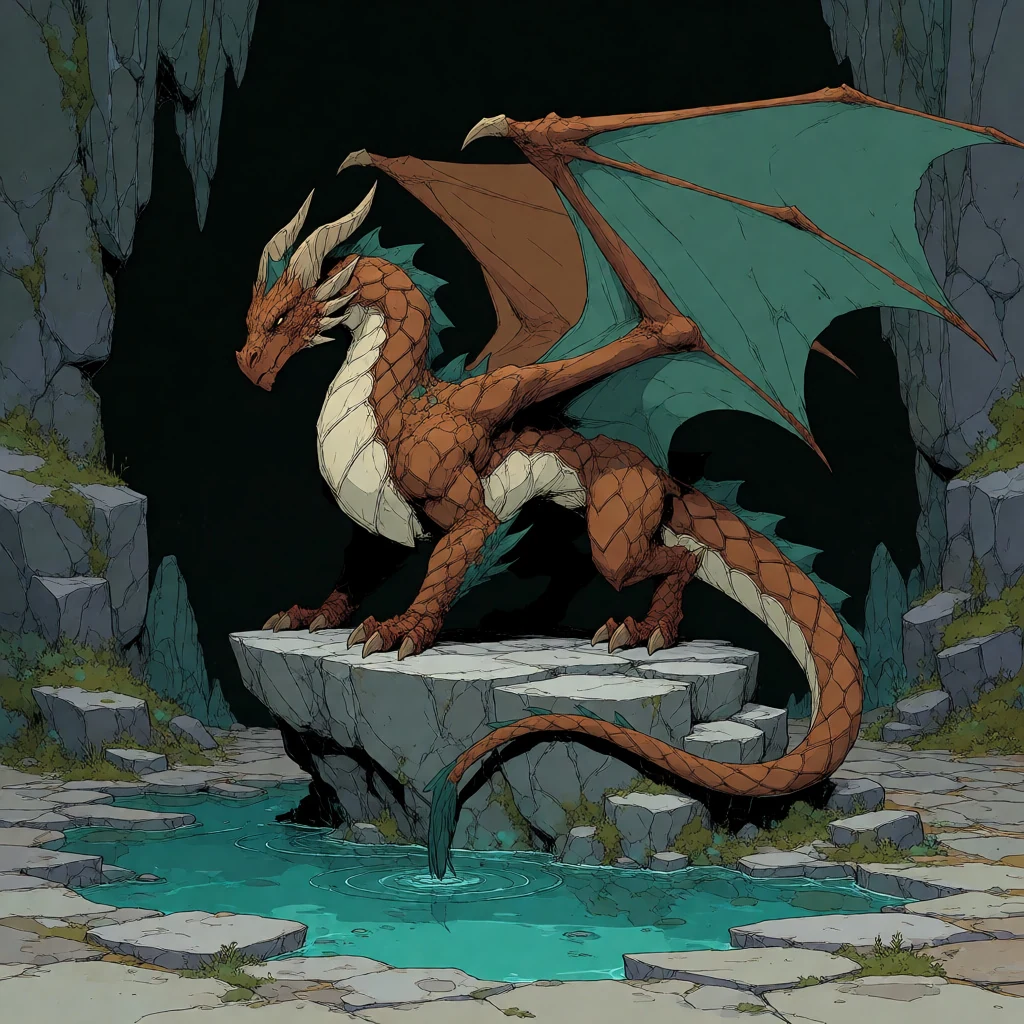
01
Give it a starting point
Describe the image you want, or bring an existing image into an edit or variation tool.
Google · photoreal edits
Describe any edit in plain English
Same character, same style — changes only what you describe. (Recommended)
Image workspace · How it works
Start with a prompt or reference, choose your output, and keep building from the images you make.
Describe the image you want, or bring an existing image into an edit or variation tool.
Choose the available aspect ratio, image count, and background options before generating.
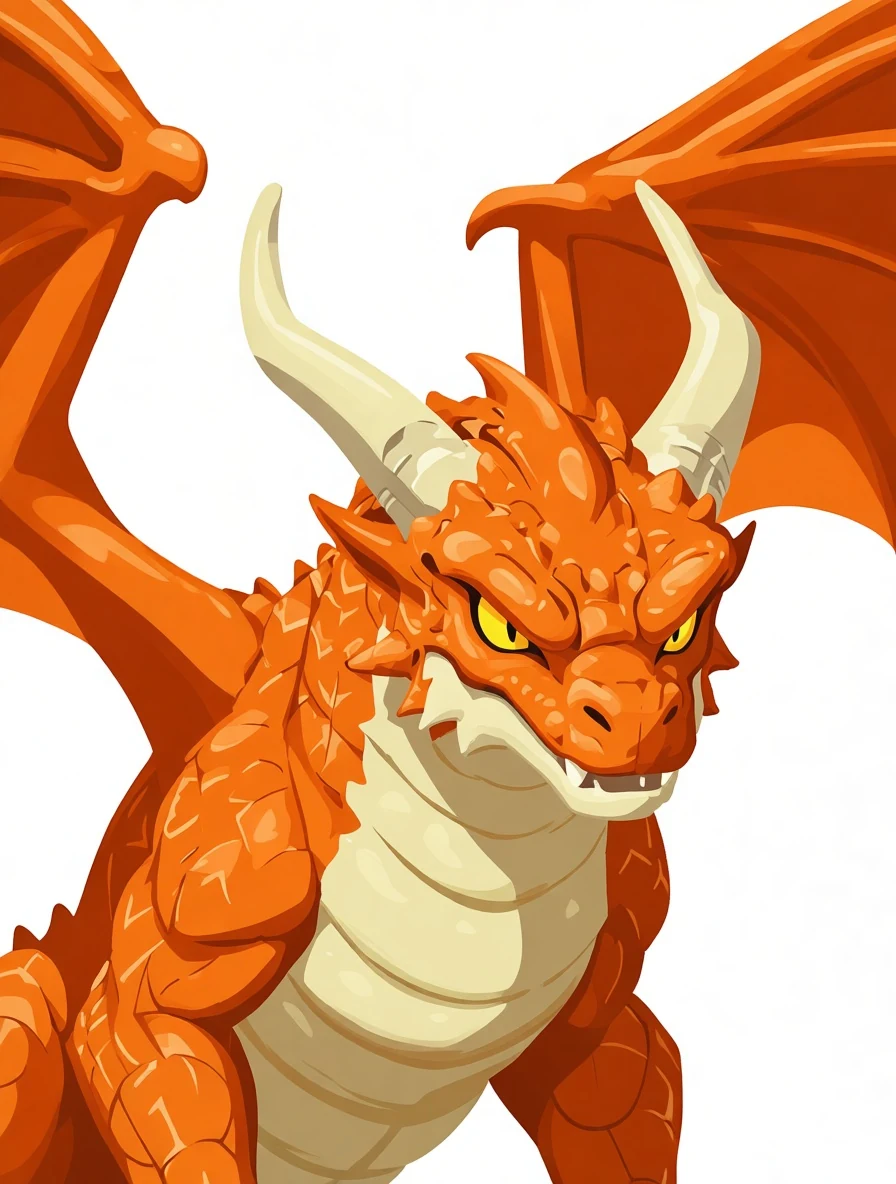 Ready to reuse
Your images appear in the canvas and Recent Images. Reuse one as input or find older work in history.
Your results stay available in All history and All recent jobs.
AI image editor — describe any edit in plain English. Change outfits, hair, expressions, props, scenes, or art styles. Identity-locked by default; flip off for radical transforms.
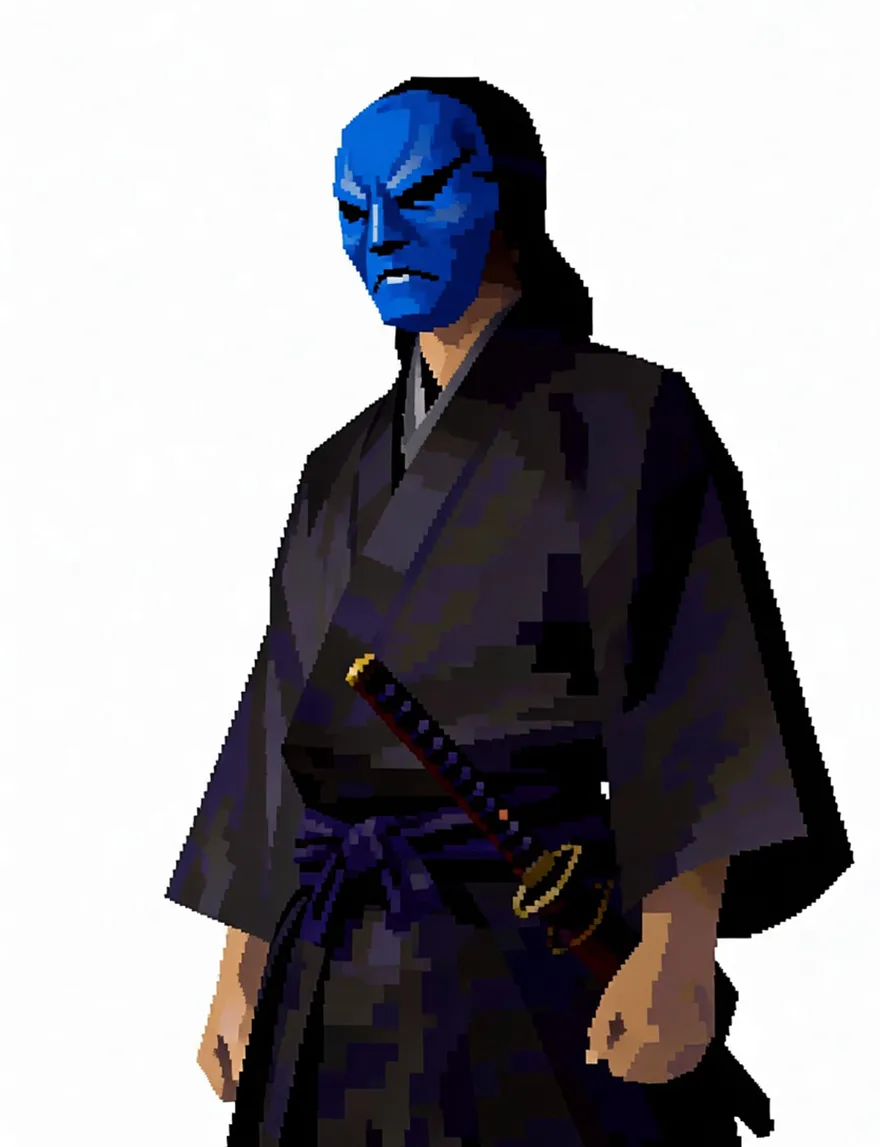
Write the edit in plain English and the model changes exactly that. Identity is locked by default: face, outfit, colors and rendering style carry over untouched, so a wardrobe swap never becomes a new character.
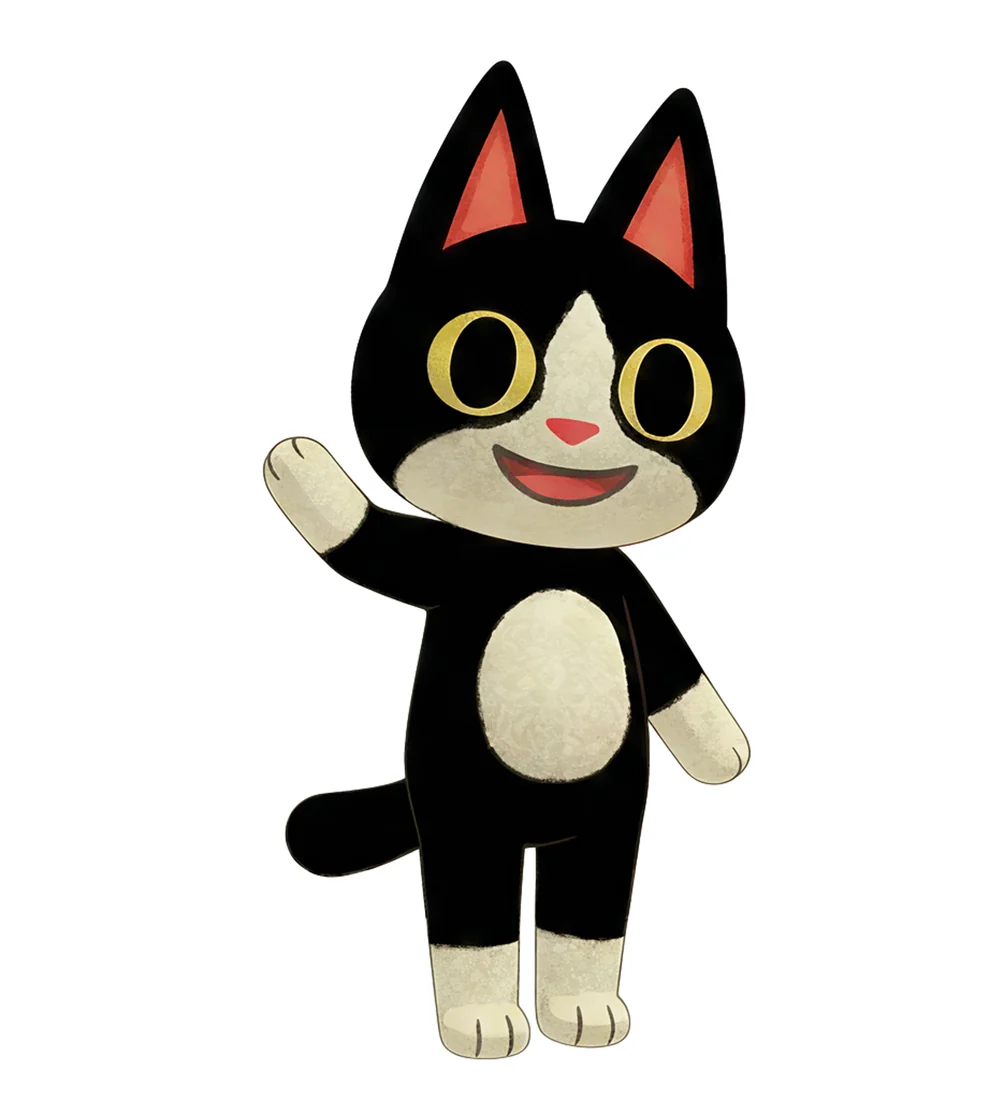
Multi mode takes one image and four quick briefs and returns four full-size results in a single generation — same character in every one. Write your own briefs or roll a random set of poses, emotes and views.
Open the character sheet generator →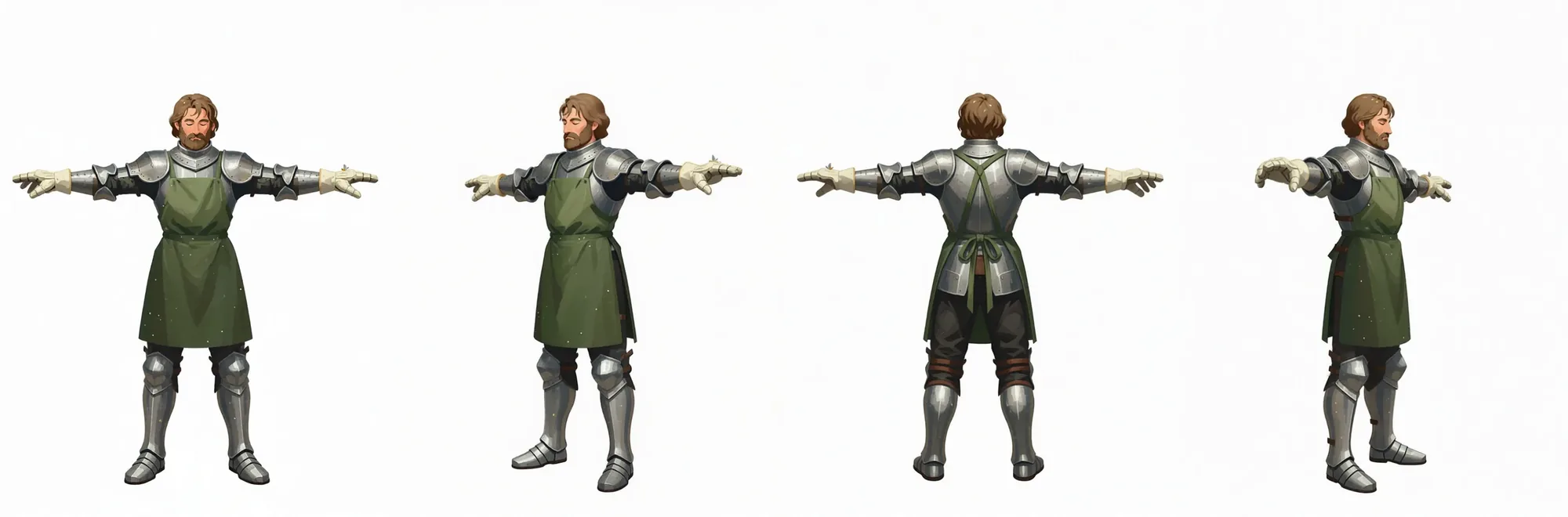
The turnaround pipeline renders a full-body T-pose from your upload first, then rotates that render into right, back and left views — four consistent full-size images plus a free combined sheet.
Your recent jobs show up here
Sign in to start — 40 free credits every month, no card.