
Dynamic Character Pose Generator: AI-Powered Instant Reposing (2026)
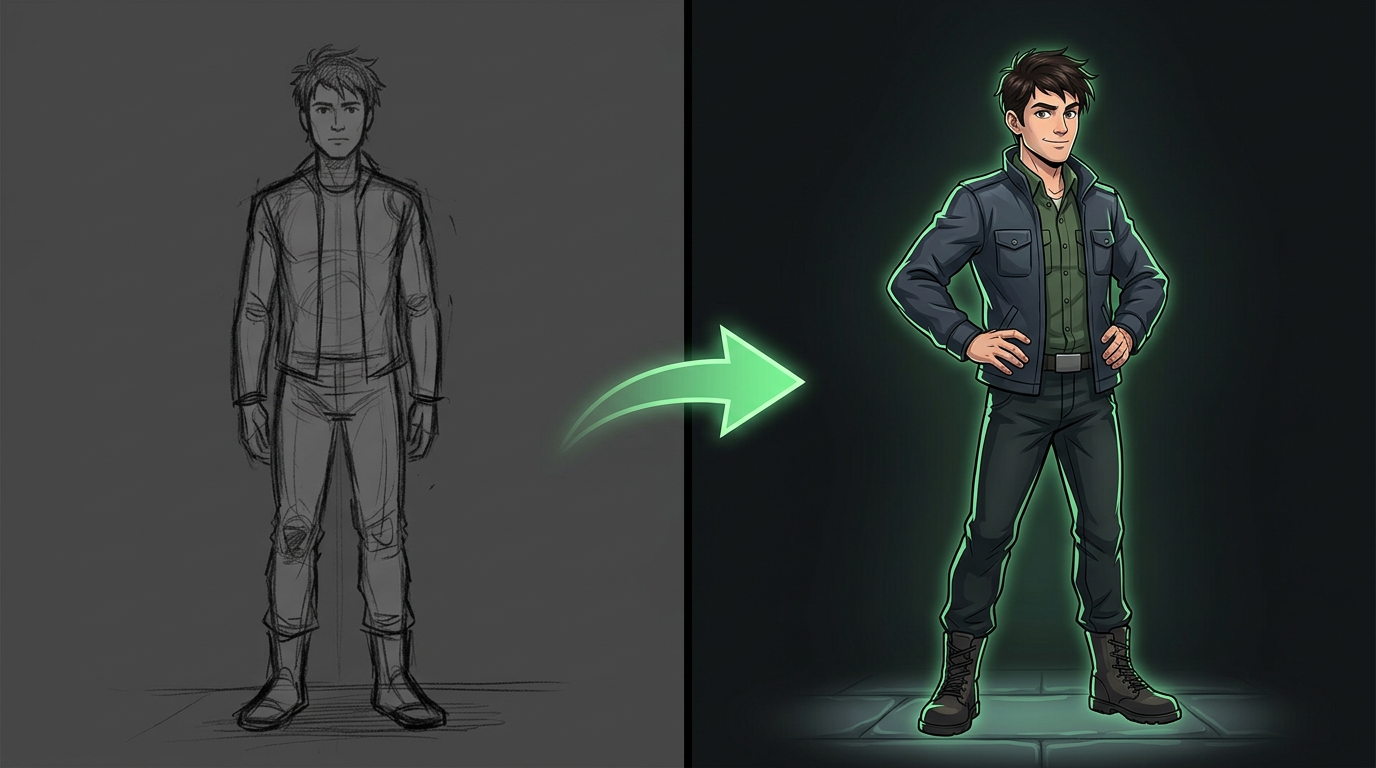
Upload your character once. Generate them in any pose — sprinting, sitting, fighting, dancing, flying — in under 60 seconds. Same face, same outfit, different body position. No manual sketching. No identity drift. Free tier available.
Key takeaways
- One character, infinite poses. Upload once, generate in any body position. The AI knows your character and only changes the pose — not the identity.
- Reference-locking is the secret. The 8-angle reference sheet is the canonical identity. Every pose generation references back to it. Same character, every time.
- Describe, do not draw. "Sprinting at full speed, arms pumping, low camera angle, rooftop at dusk" — the AI does the work. No illustration skills needed.
- Iteration is built in. Not quite right? Adjust the prompt, change the camera, add intensity. Two iterations typically nail the pose.
How the Dynamic Pose Generator Works
Upload your character once. Describe the pose you need. The AI generates your character in that exact pose — same face, same outfit, same identity — in seconds. It is not starting from scratch each time; it is reposing your existing character reference.
- Lock your character reference. Upload your character image and generate the 8-angle reference sheet. This is the canonical identity — the AI now knows exactly what your character looks like from every angle.
- Describe the target pose. Use the pose prompt formula: character + base pose + arm/hand modifier + setting. "My character sprinting at full speed, arms pumping, legs extended mid-stride, low camera angle, urban rooftop at dusk." The more specific, the more accurate the output.
- AI reposes your character. The generator takes your reference character and the pose description, then produces your character in the new pose. Face, hair, body proportions, and outfit all hold from the reference. Only the body position changes.
- Review and refine. Not quite right? Adjust the prompt — add intensity ("faster sprint"), change camera angle ("lower camera, looking up"), add context ("add motion blur and speed lines"). Two iterations typically nail the pose.
- Export and use. Download the posed character as a high-resolution PNG. Use it directly in your comic panel, game asset sheet, storyboard frame, or illustration. Regenerate any time you need the same character in a new pose.
Use Cases
Comic Book and Manga Creation
Generate your protagonist in every panel pose — action, reaction, dialogue, establishing shots — without manually sketching each one. Lock the character in issue 1, reuse across the entire run.
Video Game Concept Art and Sprites
Generate character sprites in directional poses (up, down, left, right), action frames (attack, defend, idle, walk), and dialogue portraits — all from the same locked reference. Export sprite-sheet-ready angles.
Storyboard and Animation Pre-Production
Generate your character in every storyboard frame — different camera angles, different actions, different expressions — with zero identity drift across frames. The reference sheet is the animation model sheet.
Character Design and Model Sheets
Generate the full 8-angle character turnaround in one pass. Add expression sheets, pose libraries, and outfit variants from the same reference. The complete character bible from one upload.
Children's Book and Illustration
Generate your protagonist across 32 pages, 14-16 spreads, in every pose the story needs — sitting, running, reaching, sleeping, laughing. Same character on every page. The illustrator's model sheet, AI-powered.
Generator Controls and Features
| Control | What it does |
|---|---|
| Base pose selection | Choose from standing, sitting, kneeling, crouching, lying, leaning, or describe a custom base position. |
| Action intensity | Dial from relaxed to moderate to intense — walk → stride → sprint. Controls muscle tension, facial expression intensity, and clothing movement. |
| Arm and hand position | Layer on specific arm and hand modifiers: crossed, on hips, reaching, pointing, clasped, open palms, and 10+ more options. |
| Camera angle control | Set camera azimuth (0-360°), elevation (above/below), and distance. Low angle = heroic. High angle = vulnerable. Dutch angle = tension. |
| Expression overlay | Add expression: happy, sad, angry, surprised, determined, scared, confused, neutral. Stacks on top of the base pose without changing body position. |
| Art style selection | Choose from digital illustration, anime, watercolor, pixel art, comic book, realistic render, and 15+ other art styles. |
| Multi-angle output | Generate the posed character from 1-8 angles simultaneously. Get front, 3/4, profile, and back views of the same pose in one job. |
| Reference locking | All poses reference back to your master character sheet. Change the outfit once on the master, regenerate poses — all downstream poses update. |
Ready to generate your character in any pose?
Upload your character. Describe the pose. Get the result in ~60 seconds. Same character, every pose, zero drift. Creators use EZ Character to generate characters in any pose without identity drift.
Try Turnaround Sheet free →Free tier: 40 credits every month. No credit card.
FAQ



Repose your character in seconds
Generate your character in any pose — same face, same outfit, every project.
Start for FreeFree tier: 40 credits every month. No credit card.