
Generate Mascot Multi-Angle Views
Brand mascots need to work from every direction — on packaging, signage, merchandise, and digital media. A great mascot reads instantly as a silhouette and stays recognizable even at thumbnail size. This guide covers generating the multi-angle reference set that enables consistent mascot usage across all media.
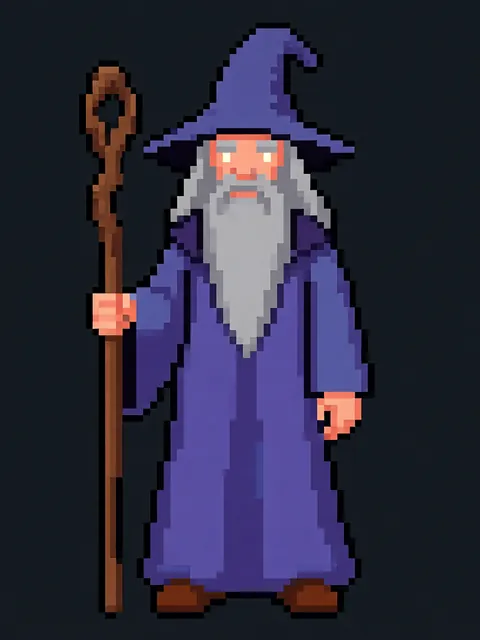
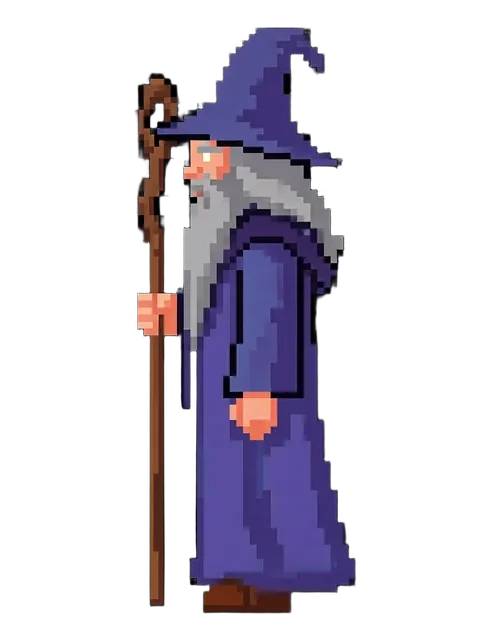
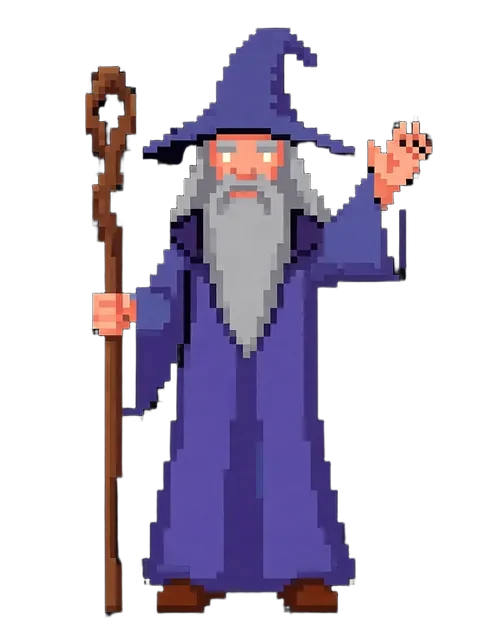
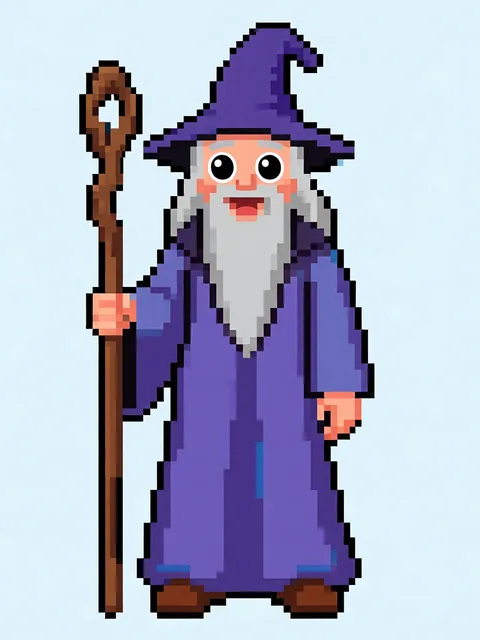
- 01
Start with the silhouette test
Your mascot should be identifiable as a solid black silhouette. If it is not, simplify the design before generating multi-angle views.
- 02
Lock brand colors
Define your exact brand palette (3-5 colors max) and ensure every generated view uses only those colors. Include hex codes in your prompts.
- 03
Generate 8 rotation views
Mascots appear in every context. Generate front, back, both sides, and four three-quarter views for complete coverage.
- 04
Create waving/posing variants
Beyond standard rotation, generate the mascot waving, pointing, and in your brand-specific signature pose.
- 05
Produce scalability test views
Generate both large and tiny renderings of each view to verify the mascot reads at favicon size as well as billboard scale.
- The fewer colors and simpler shapes, the stronger the mascot. Complexity is the enemy of brand recognition.
- Mascot eyes are the primary emotional anchor — keep eye style absolutely consistent
- Generate vector-style outputs (flat colors, clean edges) for easier conversion to actual vector graphics
Frequently asked questions
What makes a good brand mascot design?
Can I use the mascot output for trademark registration?
How do I keep the mascot consistent across print, web, and merchandise?
Ready to create consistent character views?
Upload a reference image and generate multi-angle views that stay true to your character.
Start generating