
Generate Sticker-Style Multi-Angle Views
Sticker-style art is designed for die-cut printing and digital sticker packs — bold outlines, simplified forms, bright colors, and a thick white or colored border. Generating multi-angle sticker views lets you create complete sticker packs of a character from different perspectives.
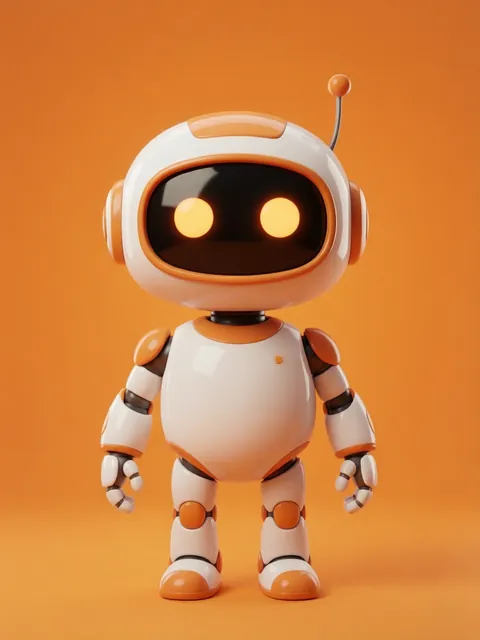
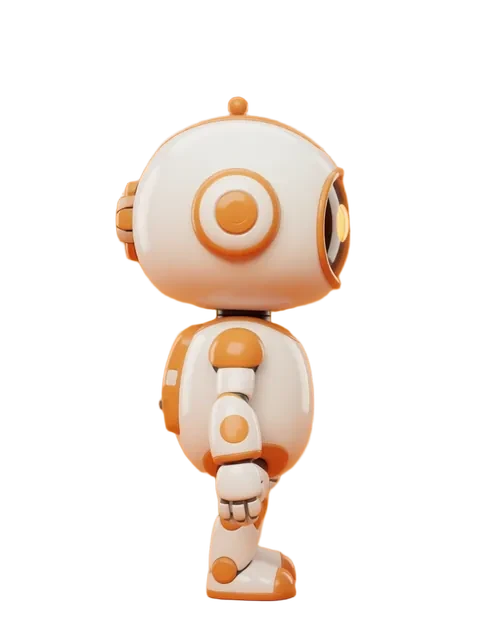
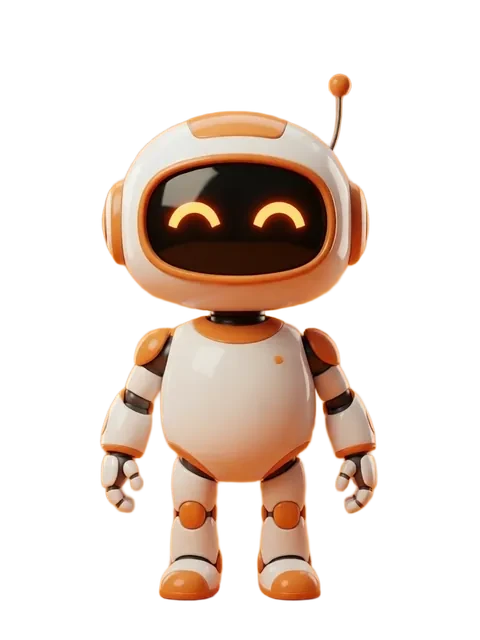

- 01
Define the sticker aesthetic
Sticker art uses thicker outlines than regular illustration (3-5px at print resolution), simplified features, and limited shading. Configure these in your prompts.
- 02
Generate with white border space
Stickers need a die-cut border. Generate on a solid background with plenty of margin around the character for the cut line.
- 03
Create compact poses for each angle
Stickers work best when the character is in a compact, contained pose. Arms close to body, no sprawling limbs that create complex die-cut paths.
- 04
Build an expression sticker pack
Beyond angles, generate 6-10 expression variants (happy, winking, heart-eyes, sleeping, angry, celebrating) for a complete sticker pack.
- Sticker characters should be slightly chubbier and more rounded than standard proportions — it increases cuteness and print durability
- Test your sticker designs at 2-inch physical size to verify detail is readable
- Generate a "peek" variant (character peeking from behind an edge) — it is the most popular sticker pose
- Bright, saturated colors read better as stickers than muted or pastel palettes
Ready to create consistent character views?
Upload a reference image and generate multi-angle views that stay true to your character.
Start generating