
Create Mascot Turnaround Sheets
A mascot turnaround sheet is a brand asset — it ensures that your character looks identical whether rendered on a cereal box, a billboard, a mobile app icon, or an inflatable at a sports event. This guide covers building the definitive mascot reference that production teams, agencies, and licensees all work from.
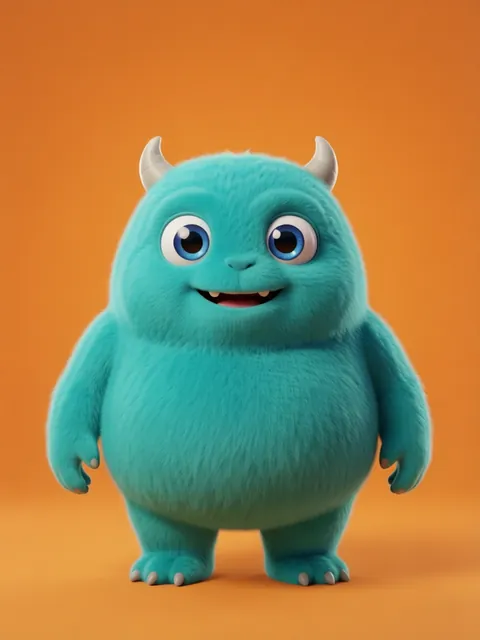
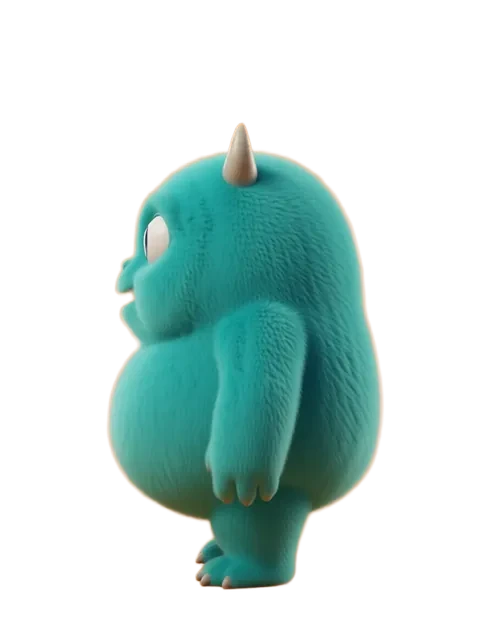
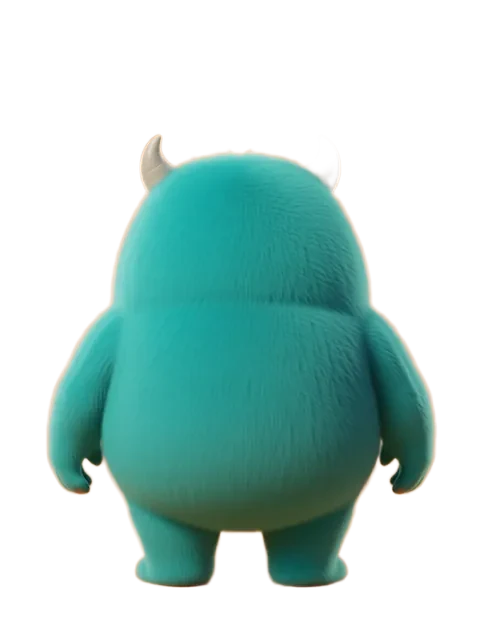
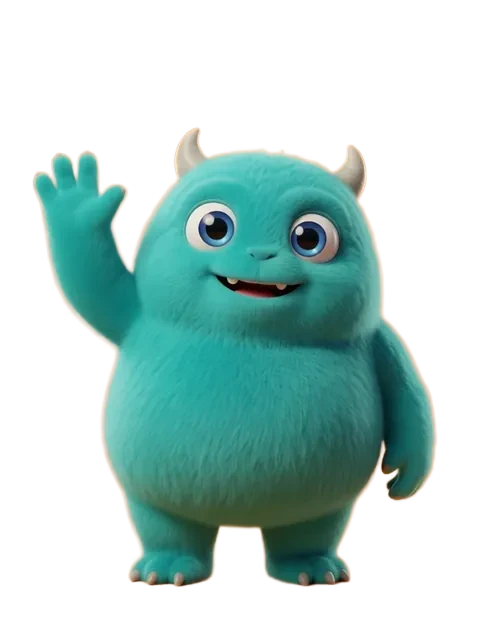
- 01
Define the mascot construction guide
Break the mascot down into simple geometric shapes (circles, ovals, rectangles) that anyone can reconstruct. This is how professional mascot sheets start.
- 02
Generate full 8-angle rotation
Mascots need complete rotational coverage: every 45 degrees. They appear on 3D merchandise and inflatable suits, not just flat media.
- 03
Create the do/don't page
Generate examples of correct proportions alongside deliberately incorrect versions (too tall, too wide, wrong color) to show what is NOT acceptable.
- 04
Produce brand-color-only versions
Generate versions using exclusively your brand palette, then annotate the Pantone equivalents in your design tool. No color ambiguity allowed.
- 05
Build the signature pose library
Generate 5-8 approved poses: waving, thumbs up, thinking, celebrating, pointing, sitting, running. These become the standard pose set for all marketing.
- Mascot proportions must be mathematically documented: "head is 2x body width, legs are 0.8x head height"
- Include a minimum size specification — the smallest pixel/print size at which the mascot is still recognizable
- The mascot should work in solid single-color (silhouette) and full-color versions equally well
Ready to create consistent character views?
Upload a reference image and generate multi-angle views that stay true to your character.
Start generating