
Create Cartoon Character Turnarounds
Cartoon characters with their bold outlines, flat colors, and exaggerated features need a different approach than realistic or anime styles. This guide covers creating turnarounds that capture cartoon energy.
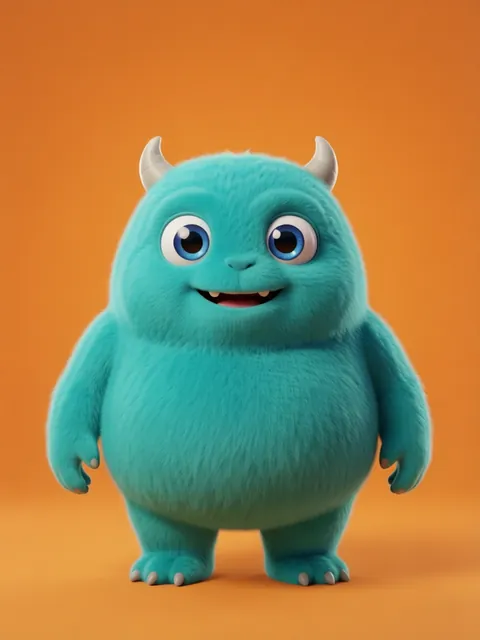
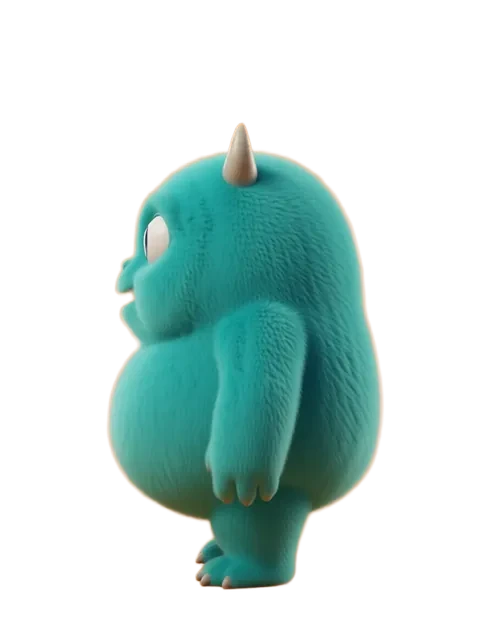
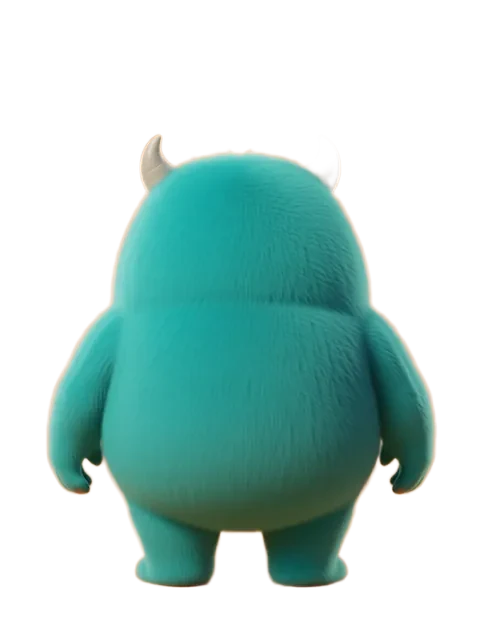
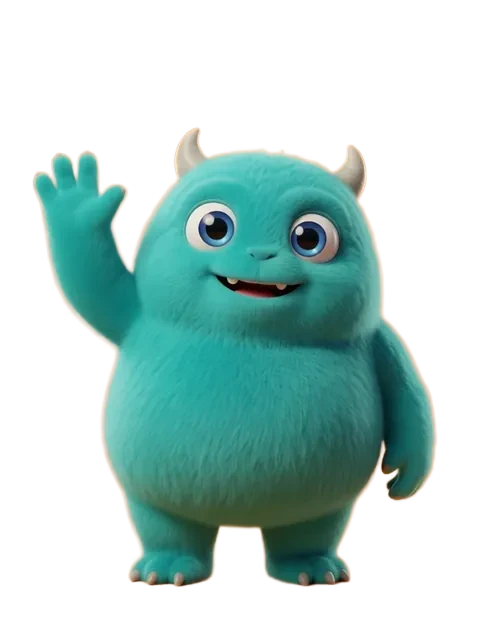
Step-by-step
- 01
Define your cartoon style
Choose between Western animation, comic strip, or vector cartoon aesthetics.
- 02
Generate with bold lines
Configure outputs for clean line art with confident, thick outlines.
- 03
Create expression sheet
Cartoon characters need a wide expression range — squash and stretch included.
- 04
Build the turnaround
Compile views with construction circles and proportion guides.
Pro tips
- Cartoon styles benefit from strong negative prompts against photorealism
- Include "thick outlines, flat colors, cel shading" in prompts
- Exaggerated features (big hands, small feet) should be consistent across angles
Ready to create consistent character views?
Upload a reference image and generate multi-angle views that stay true to your character.
Start generating