
Create Mascot Character Reference Sheets
A mascot reference sheet is the master document that controls how your brand character appears everywhere — from app icons to inflatable costumes. It must communicate the character to professional illustrators, 3D modelers, costume fabricators, and marketing teams who each need different information from the same reference.
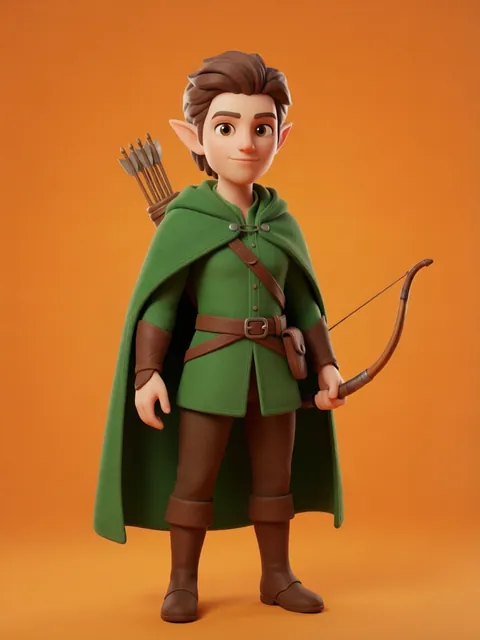
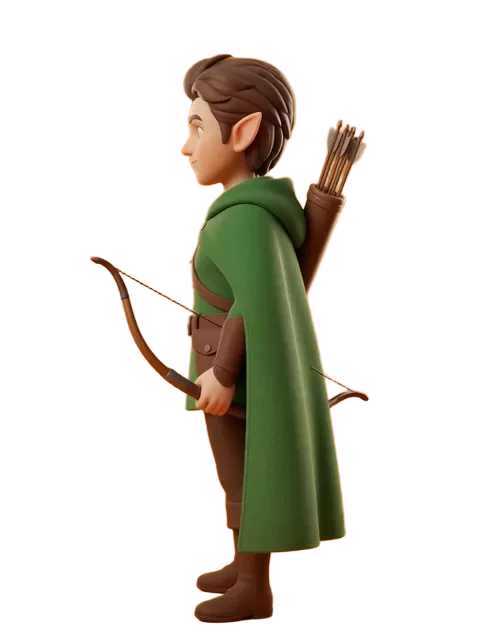
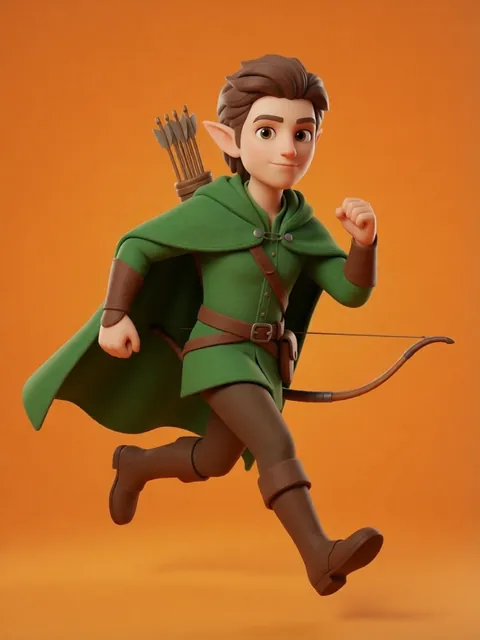
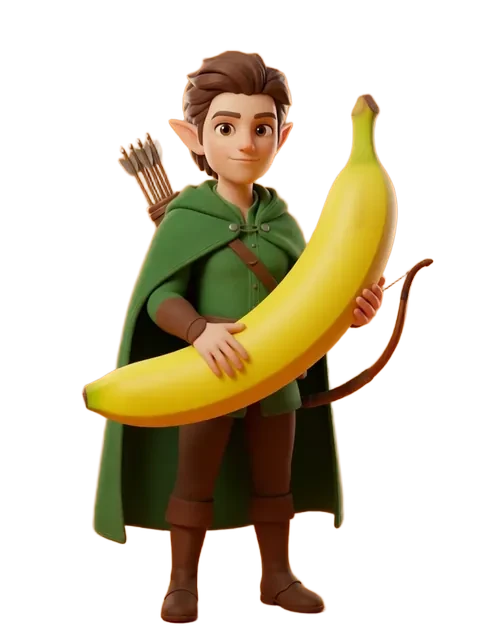
- 01
Create the geometric construction page
Break the mascot into circles, ovals, and simple shapes with exact proportional relationships documented: "head circle is 60% of total height, body oval width equals head diameter."
- 02
Generate comprehensive rotation views
Front, both sides, back, top-down, and bottom views. Mascots appear on 3D products (mugs, toys, costumes) so unusual angles matter more than for illustration-only characters.
- 03
Build the expression and gesture library
Generate the complete set of approved expressions and hand gestures. Every approved pose should be generated; improvised poses by vendors risk off-brand representation.
- 04
Create the color and material specification
Document colors with Pantone, CMYK, RGB, and hex values. For physical mascot costumes, include fabric type recommendations and print vs. embroidery guidance.
- 05
Produce usage context mockups
Generate the mascot correctly placed in key contexts: website header, social media avatar (circular crop), product packaging (with text wrapping around), and physical signage.
- 06
Design the minimum size test
Show the mascot at progressively smaller sizes: 256px, 128px, 64px, 32px, 16px. Mark the minimum size at which the mascot remains recognizable.
- Include both the full mascot and a simplified "icon" version for tiny sizes
- Document which features are mandatory (must appear in every rendering) vs. optional (can be omitted at small sizes)
- Generate the mascot in monochrome and single-color versions for edge-case production needs
- Include a personality guide: "energetic, friendly, never sarcastic, never passive"
Ready to create consistent character views?
Upload a reference image and generate multi-angle views that stay true to your character.
Start generating