
Generate D&D Character Multi-Angle Views
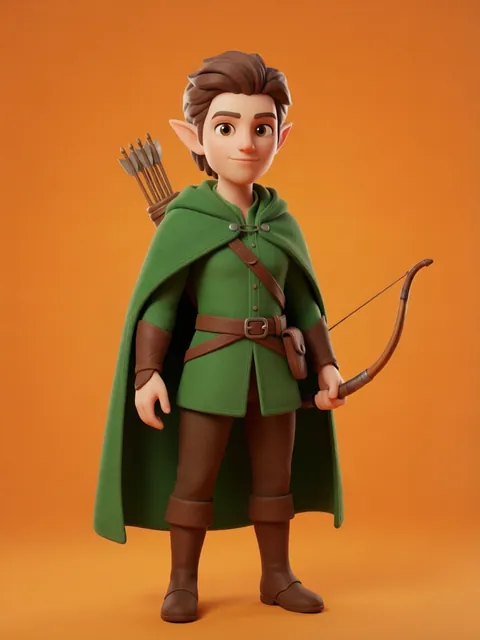
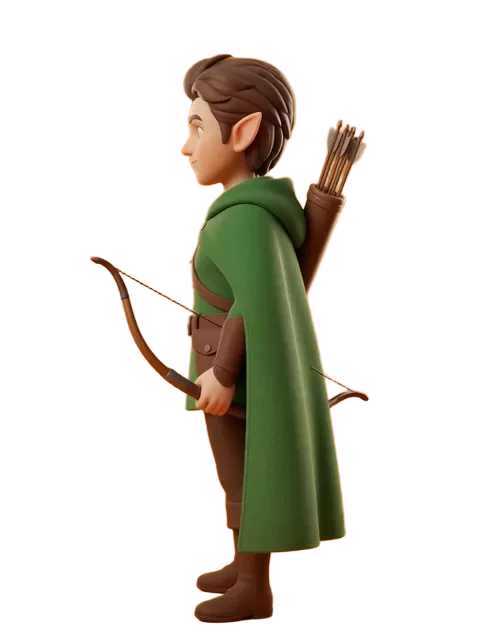
Your D&D character exists in your imagination during every session — but having visual reference from multiple angles transforms how you and your party experience the game. Whether for VTT tokens, commission references, or just personal satisfaction, this guide helps you generate consistent views of your adventurer.
- 01
Describe your character with RPG specifics
Include race, class, and key equipment: "female half-elf ranger, leather armor, longbow, green cloak, short silver hair." Specificity drives consistency.
- 02
Reference official art styles
Prompt toward the D&D art style you prefer — classic Wayne Reynolds action poses, modern Wizards of the Coast painterly style, or old-school TSR illustration.
- 03
Generate the adventurer pose set
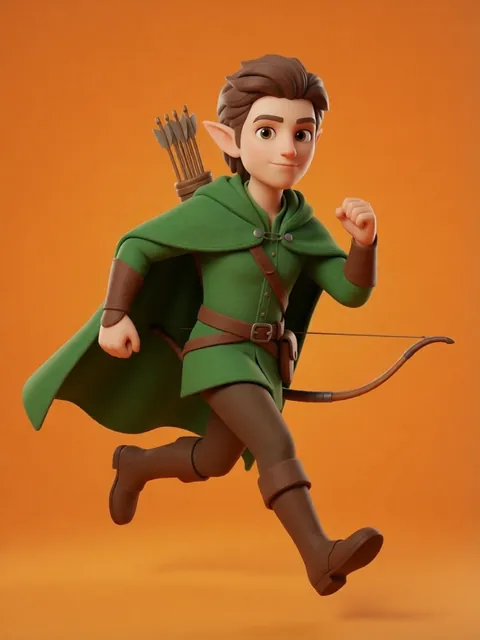
Create a neutral standing pose for reference, plus a combat-ready pose and a relaxed tavern pose for RP variety.
- 04
Ensure equipment consistency
D&D characters carry specific items. Check that your sword hilt, shield emblem, and belt pouches appear correctly in every view.
- 05
Add class-specific elements
Spellcasters need visible focuses or spell effects. Rogues need visible toolkits. Fighters need weapon loadout visibility from all angles.
- Specify the exact race features: "pointed ears, green skin, tusks" for half-orcs, etc.
- D&D armor types have distinct silhouettes — "scale mail" looks very different from "plate armor" or "studded leather"
- Include a clean version and a battle-worn version for different campaign moments
- Generate a VTT-token crop from the three-quarter view for immediate game use
Frequently asked questions
Does the D&D pipeline handle armour and equipment consistently?
Can I generate the character at different levels (level 1 vs level 20)?
What about spell effects and magical auras?
Ready to create consistent character views?
Upload a reference image and generate multi-angle views that stay true to your character.
Start generating