
Create D&D Character Turnaround Sheets
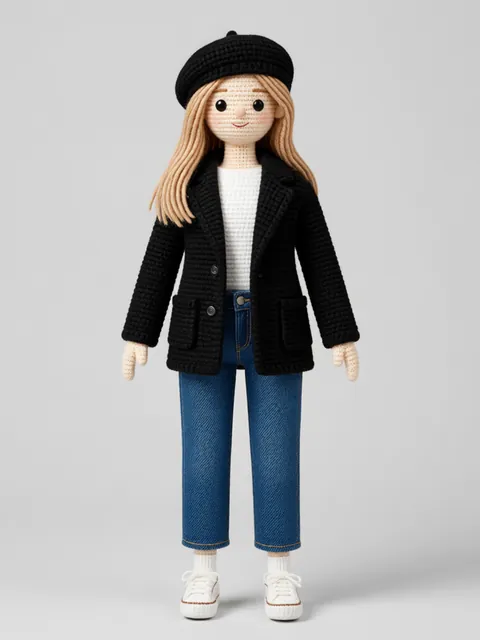
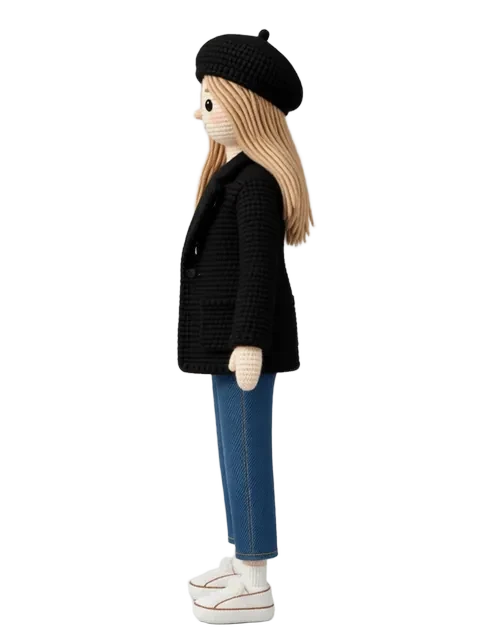
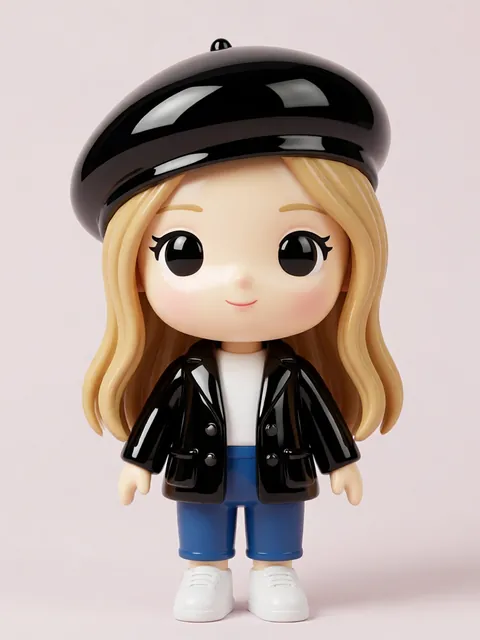
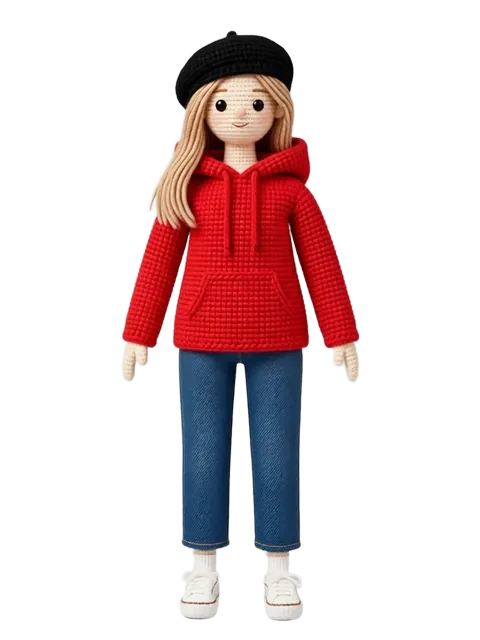
A D&D character turnaround transforms your text-based character sheet into visual reality. Whether you are commissioning art, creating VTT tokens, or simply want to see your character from every angle, this guide covers the specific needs of tabletop RPG character visualization.
- 01
Translate your character sheet to visual prompts
Convert your D&D race, class, background, and equipment list into detailed visual descriptions. "Half-orc paladin with plate armor and warhammer" needs specifics: scarring pattern, holy symbol placement, armor style.
- 02
Generate the party-facing view
The view your fellow players imagine during sessions: typically a heroic three-quarter pose. Start here because it is the most emotionally important view.
- 03
Create practical reference views
Front, side, and back views for a complete turnaround. Include the exact equipment loadout from your character sheet.
- 04
Add class feature visualization
Wild Shape forms, summoned familiars, raging appearance, sneak attack pose — generate visuals of your character using signature abilities.
- 05
Build a campaign evolution timeline
Generate the character at different campaign stages: Level 1 starter gear, mid-campaign, and current level with accumulated equipment and battle scars.
- Include your character height and weight from the character sheet for accurate proportions
- D&D racial features must be visible: tiefling horns, dragonborn scales, gnome stature, etc.
- If your character has been resurrected, has prosthetics, or bears magical marks — these story scars define the character
- Create a VTT-token-ready circular crop from the best three-quarter view as a bonus output
Ready to create consistent character views?
Upload a reference image and generate multi-angle views that stay true to your character.
Start generating