
Create VTuber Turnaround Sheets
A VTuber turnaround is the sheet your rigger works from. Live2D and VRM pipelines both need the same character seen from a fixed set of angles — front for the primary rig pose, ¾ for the stream-facing view most models sit in, profile for side-glance expressions, and a head closeup for eye and mouth detail. The hard part has never been drawing one angle; it is drawing the fourth angle so it still reads as the same character. Generate all of them from a single locked reference instead.

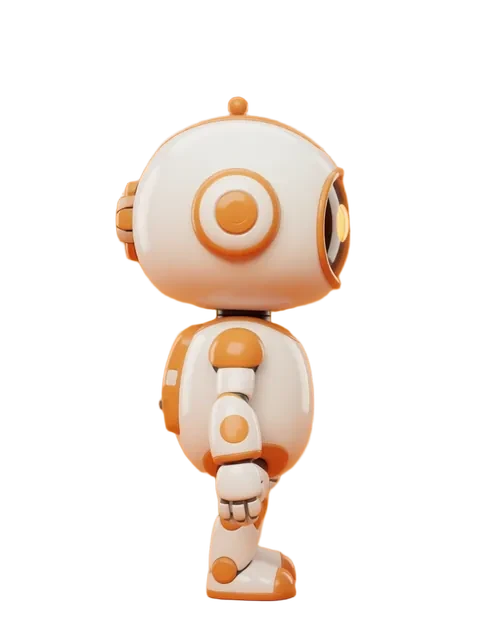


- 01
Lock the canonical front view
Generate the character front-facing and iterate until every detail is final — hair shape, costume, accessories, eye design. Everything downstream inherits from this frame, so fix it here rather than correcting it four times later.
- 02
Generate the rig angle set
Extend the locked reference to front, three-quarter front, profile, and rear. Three-quarter is the angle a VTuber model actually sits in on stream, so check it first — if the hair silhouette drifts between front and three-quarter, the rigger will feel it in every head turn.
- 03
Add a head closeup for facial rigging
Eye shape, brow range, and mouth corners drive the majority of a Live2D rig. Generate a head-and-shoulders frame at the same style and lighting so the rigger reads detail rather than guessing it.
- 04
Check silhouette consistency across angles
Compare the set at thumbnail size. Hair volume, shoulder width, and accessory placement should read as one character in silhouette alone — that is the test a rig will fail on if you skip it.
- 05
Export the sheet for your rigger
Composite the angles into a single reference sheet. Note which frame is canonical, and flag anything that is design intent rather than a rendering artifact — asymmetric accessories especially.
- Anime and anime-adjacent styles dominate VTubing — clean cel shading and distinct hair shapes rig far better than painterly rendering
- Generate at the highest resolution you can: riggers cut layers from this, and soft edges cost them time
- Asymmetric designs (one earring, a single hair clip) need an explicit note, or a rigger will "fix" them to match
- For 3D VRM, the same turnaround doubles as orthographic modelling reference in VRoid Studio, Blender, or Maya
Frequently asked questions
What angles does a VTuber rigger need in a turnaround?
Should the VTuber turnaround include separated layers?
Can I generate VTuber turnarounds for 3D VRM models?
What art style works best for VTuber turnarounds?
Ready to create consistent character views?
Upload a reference image and generate multi-angle views that stay true to your character.
Start generating