
Create a Sticker Expression Pack
Sticker expression packs are a specific art form — each sticker must communicate a single clear emotion readable at tiny sizes, while maintaining character consistency across 12-40 individual stickers. The pack needs both expression variety and visual cohesion to feel like a unified product.


- 01
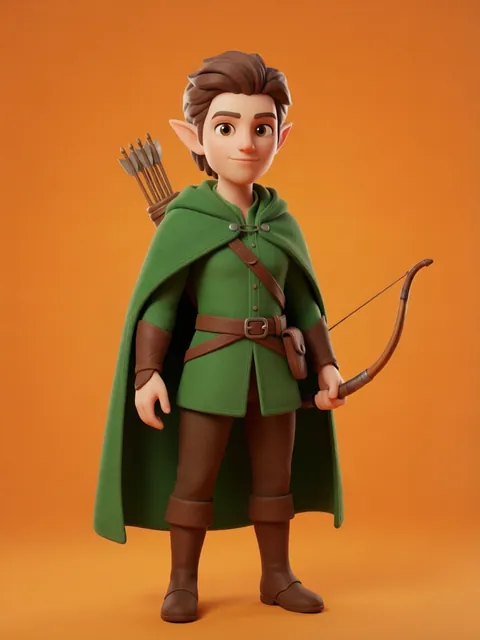
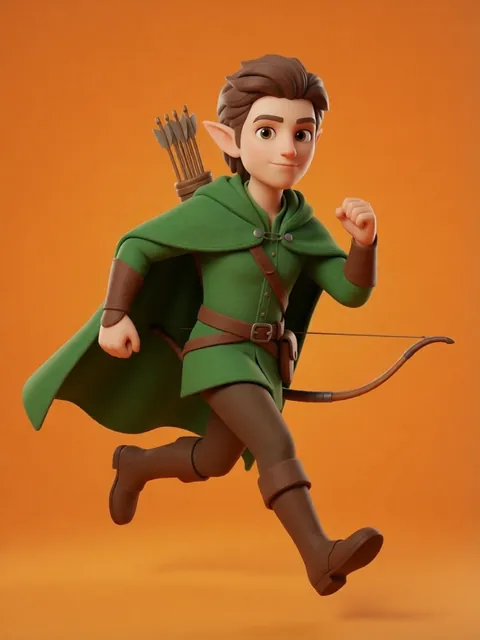
Design the sticker base character
Create a simplified character optimized for small display: bigger head, simpler features, bolder outlines than a standard illustration. Test at 128x128 pixels to verify readability.
- 02
Map the emotion set
Plan your expression list: happy, sad, angry, surprised, love, laughing, crying, thinking, sleeping, waving, OK, thumbs up, facepalm, celebration. Aim for 16-24 for a full pack.
- 03
Generate in batch groups
Generate expressions in thematic batches: positive emotions (happy, love, celebrate), negative emotions (sad, angry, crying), utility reactions (OK, thinking, facepalm). Batching improves style consistency.
- 04
Add text variants
Generate versions of key expressions with text overlays: "LOL," "OMG," "GG," "BRB." Text stickers are the most-used in packs.
- 05
Format for platform specs
Export at platform-specific sizes: Telegram (512x512), LINE (370x320), Discord (128x128), iMessage (300x300). Each platform has different transparency and animation requirements.
- The character face should occupy at least 40% of the sticker area — tiny faces lose expression clarity
- White or light-colored outlines help stickers pop against dark messaging app backgrounds
- Include at least 2-3 "reaction" stickers (facepalm, side-eye, chef's kiss) — these get the most daily usage
- Test every sticker at actual display size before finalizing. What looks great at 512px can be unreadable at 64px.
Ready to create consistent character views?
Upload a reference image and generate multi-angle views that stay true to your character.
Start generating