
AI Character Art for Animators
Model sheets, turnarounds, and pose libraries in minutes. The pre-production phase, compressed.
The problem
Animation pre-production traditionally consumes 25–40% of a project's total timeline. The character design and model-sheet phase alone — turnarounds, expression sheets, mouth charts, hand charts, scale comparisons — represents weeks of artist time before any frame is animated. AI tools that produce a single hero illustration don't help; the model sheet IS the deliverable that lets every downstream artist work. A locked multi-angle reference set produced in seconds collapses the front of the pipeline without compromising the rigor that animation demands.
How animators use EZ Character
8-angle turnaround for character bibles
Generate the front, ¾ front, profile, ¾ back, back, and inverse for every named character. The same set 1990s Disney production used, just delivered in seconds.
Expression and mouth-chart references
Pair the angle set with expression variants (neutral, smile, frown, shout, surprise, anger) and a mouth-chart phoneme set (A, E, I, O, U, M, F, L). Hand-off to clean-up animators.
3D base-mesh orthographic reference
Use the multi-angle set inside Blender, ZBrush, or Maya as background planes for base-mesh sculpting. Front + side give the proportions; ¾ angles verify the silhouette.
Scale chart and ensemble layouts
Generate every named character against the same proportion grid. The scale chart that production assistants traditionally build by hand becomes a single composite generation.
Recommended workflow
Start with these step-by-step guides — tuned for the deliverables animators ship most often.
Which tier fits this work
Start with PRO. Animation pre-production needs reference for a full ensemble (hero, supporting cast, recurring background characters) plus expression sheets, mouth charts, and scale charts. Pro, a monthly credit allowance plus member pricing on the EZ engines (fast FLUX 4B images cost 0.5 credits), matches a real pre-production loop.
Frequently asked questions
Is the multi-angle output suitable for industry-standard model sheets?
Can I generate consistent characters for a series with 12+ episodes?
How does this fit with hand-drawn / 2D animation pipelines?
What about 3D animation?
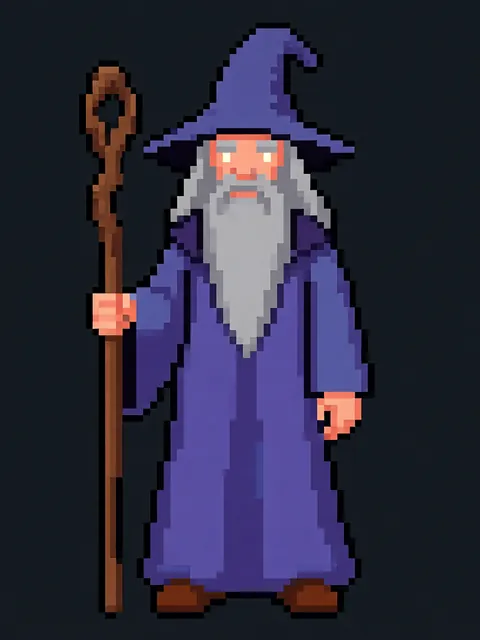
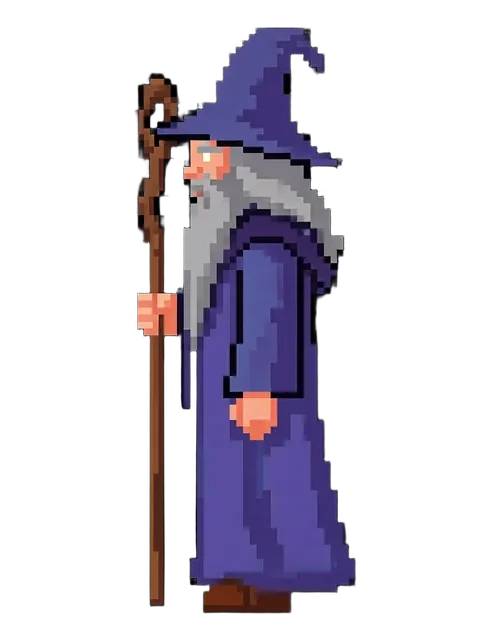
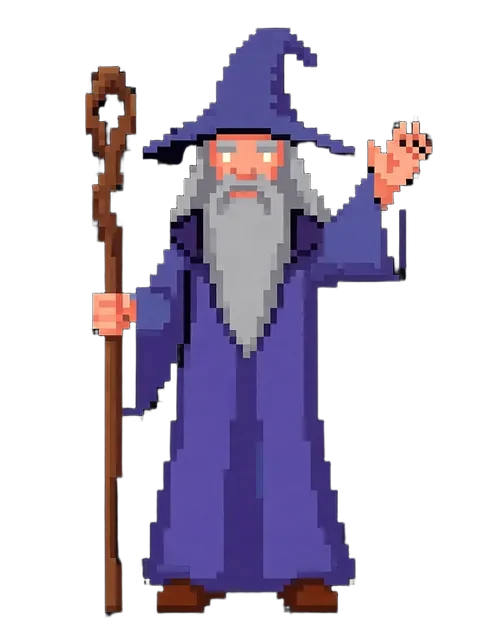
Generate your first reference set
Upload one image. Get 8 consistent angles. Use the set across every spread, frame, or sprite in your project.
Try EZ Character freeFree tier: 40 credits every month. No credit card required.