
InVideo Character Consistency — Template-First Video Creation and the Character Reference Gap
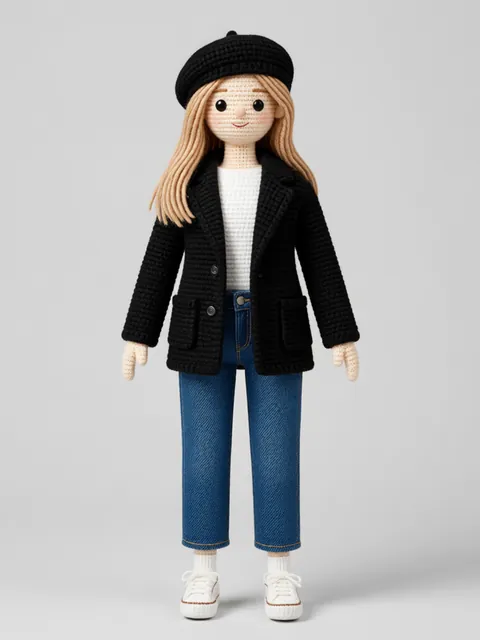
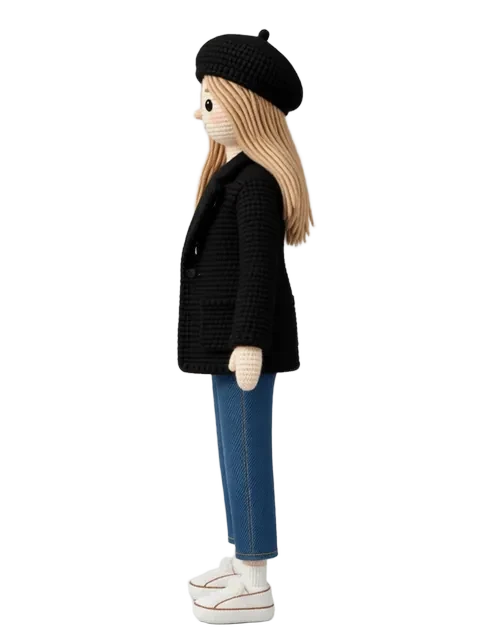
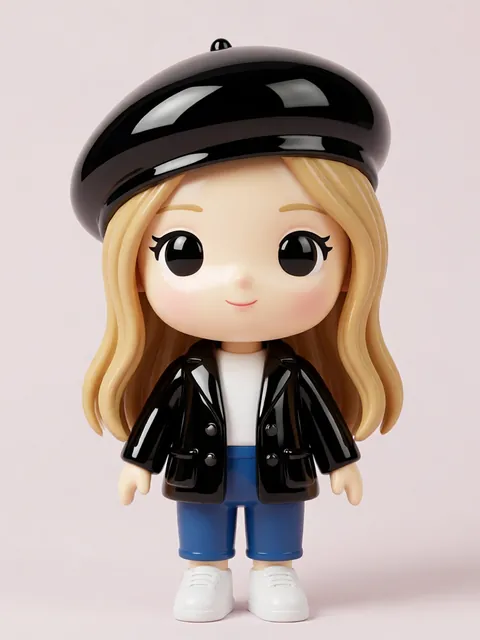
InVideo is one of the most-used online video editors globally, with a template-first approach that makes video creation accessible to marketers, educators, and creators who don't have editing experience. InVideo added AI image generation and AI video capabilities in 2024, integrating them into the template workflow. The AI features can generate characters from prompts, but like every general-purpose video tool, character identity drifts across independent generations. For creators building recurring character series — a brand mascot across multiple marketing videos, a consistent educational character across lesson videos — a locked multi-angle reference set from EZ Character provides the canonical character that every InVideo project references.
InVideo vs EZ Character at a glance
| Criterion | EZ Character | InVideo |
|---|---|---|
| Primary use case | Static multi-angle character reference sheets | Template-first online video editor with integrated AI generation |
| Output type | Multi-angle PNG/JPG reference sheets | Edited video with AI-generated clips, stock footage, and template scenes |
| Pricing (entry) | $0 free tier (40 free credits every month) | Free with watermark and limited exports; $15/mo Plus for watermark removal and more AI credits |
| AI character feature | Multi-angle generation in one pass | AI image generator + AI text-to-video (single outputs per generation) |
| Target audience | Creators building the reference layer | Marketers, educators, social creators — template-first video production |
| Multi-angle static output | Yes — 8 angles per job | No — individual image/video outputs |
| Best for | Building the locked character reference that keeps InVideo series characters on-model | Quick, professional-looking video creation with templates — brand videos, educational content, social campaigns |
When to use each
EZ Character
You're producing a video series with a recurring character — a brand mascot for marketing videos, a consistent educational character, a series protagonist. Lock the reference first.
InVideo
You need template-driven video creation where character consistency across videos is not a concern, or you're producing one-off videos where per-video character variation is acceptable.
Frequently asked questions
Does InVideo AI maintain character consistency across videos?
How do I use EZ Character output in InVideo?
Is InVideo good for character-driven content or should I use a dedicated AI video tool?
Can I use InVideo's free tier with EZ Character references?
Try EZ Character free
Upload one image. Get 8 consistent angles. See the difference for your own character.
Generate your reference setFree tier: 40 credits every month. No credit card required.