
Pika Labs Character Consistency — Video Generation with Pikaffects and the Reference Gap
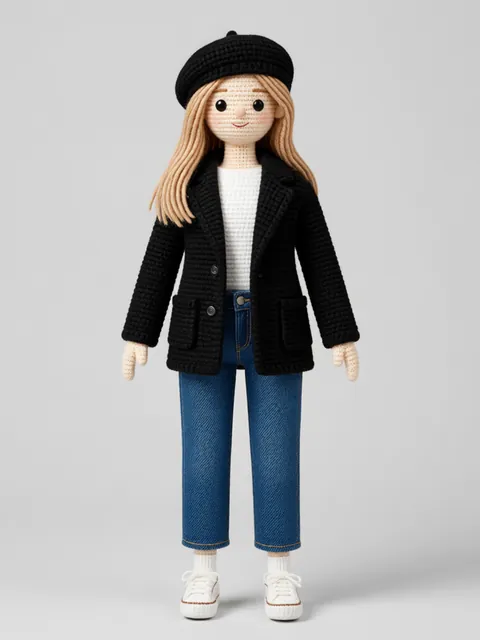
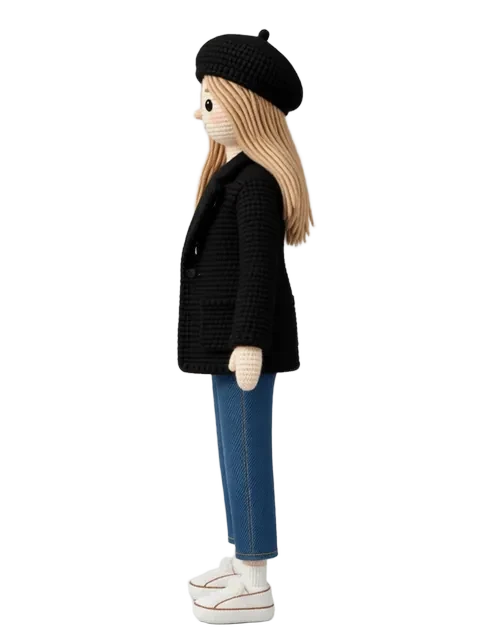
Pika Labs became one of the most-used AI video tools in 2024–2025 by making video generation genuinely consumer-accessible — no Discord syntax, no complex parameter system, just upload an image and watch it move. Pikaffects (squeeze, explode, melt, inflate, crush) went viral on social media. The 2.0 model in late 2024 improved character fidelity materially. Pika's core dependency is the same one every image-to-video tool shares: the reference image you feed in determines the character fidelity you get out. If your character reference isn't locked and consistent, Pika's output drifts with it. The workflow that maximises Pika quality starts with a locked multi-angle reference set generated in EZ Character, then feeds the strongest angle to Pika as the reference frame.
Pika Labs vs EZ Character at a glance
| Criterion | EZ Character | Pika Labs |
|---|---|---|
| Primary use case | Static multi-angle character reference sheets | Image-to-video generation with consumer-grade interface |
| Output type | Multi-angle PNG/JPG reference sheets | Short video clips (3–5s), animated images |
| Pricing (entry) | $0 free tier (40 free credits every month) | Free limited credits; $10/mo Standard for more generations |
| Standout feature | Multi-angle character lock in one pass | Pikaffects — real-time physics-style video effects (squeeze, explode, melt) |
| Character identity across outputs | High — same character, 8 angles per job | Depends entirely on reference image quality; drifts across independent clips |
| Multi-angle static output | Yes — 8 angles native | No — video-only output |
| Best for | Building the locked reference layer that feeds Pika's image-to-video pipeline | Quick, fun, viral character animations from a single image — consumer to prosumer |
When to use each
EZ Character
You need a locked multi-angle character reference set before animating. Your project requires the same character identity across multiple Pika clips.
Pika Labs
You have a clean character image and want engaging short-form video with minimal setup. Pikaffects-style viral content or quick social animations.
Frequently asked questions
Does Pika Labs 2.0 maintain character consistency across multiple video clips?
What are Pikaffects and can they work with EZ Character output?
Is Pika better than Runway for character animation?
How do I use EZ Character and Pika Labs together?
Is Pika Labs free?
Try EZ Character free
Upload one image. Get 8 consistent angles. See the difference for your own character.
Generate your reference setFree tier: 40 credits every month. No credit card required.