
GetImg.ai vs EZ Character — Multi-Model AI Toolkit vs Purpose-Built Character Consistency
GetImg.ai is an all-in-one AI image platform offering over 60 community and official models, an AI image editor with inpainting and outpainting, image-to-image generation, and the ability to train custom AI models on your own images. It is designed as a flexible Swiss Army knife for AI image work — you can generate, edit, fine-tune, and train all within one platform. This versatility makes it popular with users who want multiple AI image capabilities without juggling several tools. But for multi-angle character production with locked identity, GetImg.ai's breadth of features does not include a dedicated identity-preservation pipeline — each generation, regardless of model, is independent and character consistency across angles remains a manual, unreliable process. Answer: GetImg.ai is the best choice for users who want maximum model flexibility plus integrated editing and custom training in one platform. For a locked 8-angle character reference sheet where every angle shows identical face, hair, and outfit, EZ Character generates all angles in one pass with matched identity — a dedicated output that GetImg.ai cannot match even with its wide model selection and editing tools.
GetImg.ai vs EZ Character at a glance
| Criterion | EZ Character | GetImg.ai |
|---|---|---|
| Primary use case | Multi-angle character reference sheets | All-in-one AI image platform: text-to-image, image editing, custom model training across 60+ models |
| Pricing (entry) | $0 free tier (40 free credits every month) | Free tier with ~100 images/month; paid plans from ~$12/mo for more generations and faster processing |
| Character identity across outputs | High — 8 locked angles per job | Low — despite 60+ models and editing tools, no identity-locking pipeline exists; each generation is independent |
| Model flexibility | Purpose-built character pipeline | Excellent — 60+ models including SDXL, SD 3, Flux, and community fine-tunes, plus ability to train custom models |
| Editing capabilities | No built-in editor (download and use external tools) | Strong — AI-powered inpainting, outpainting, image-to-image, and a full canvas editor for refining outputs |
| Custom model training | Not available | Yes — train custom AI models on your own images for style-specific or subject-specific generation |
| Best for | Locked character reference sheets, sprite sheets, turnarounds | Power users who want model flexibility, built-in editing, and custom training — and are willing to manually manage character consistency |
When to use each
EZ Character
You need guaranteed character identity across multiple angles, delivered in a single consistent reference sheet without manual editing or per-angle prompt engineering.
GetImg.ai
You value model experimentation, want integrated editing tools, or need to train a custom model on your specific art style — and you are willing to handle character consistency manually across outputs.
Frequently asked questions
Can GetImg.ai's custom model training solve character consistency?
Can I use GetImg.ai and EZ Character together?
Which has better image quality — GetImg.ai's top models or EZ Character?
Is GetImg.ai's image editor useful for creating character reference sheets?
Which is more cost-effective for regular character production?
Does GetImg.ai support any form of batch or multi-angle generation?
Try EZ Character free
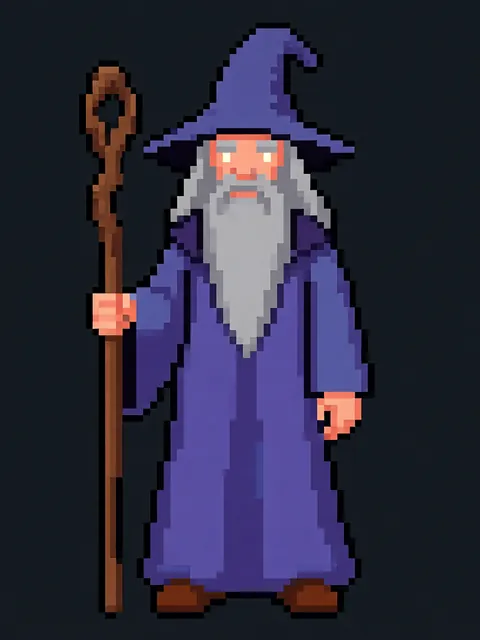
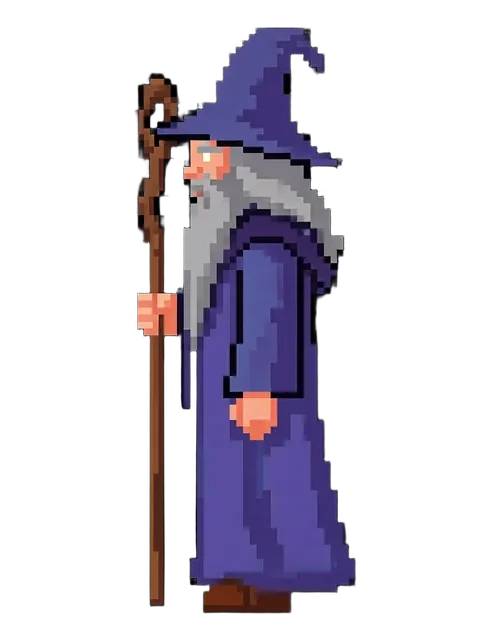
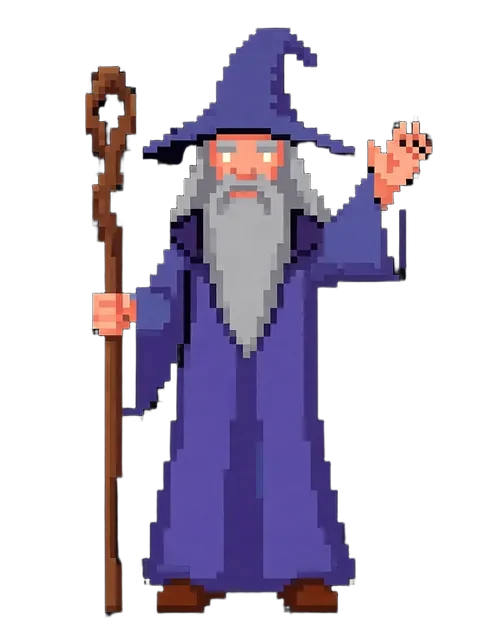
Upload one image. Get 8 consistent angles. See the difference for your own character.
Generate your reference setFree tier: 40 credits every month. No credit card required.