
DreamStudio vs EZ Character — Raw Stable Diffusion Control vs Purpose-Built Character Consistency
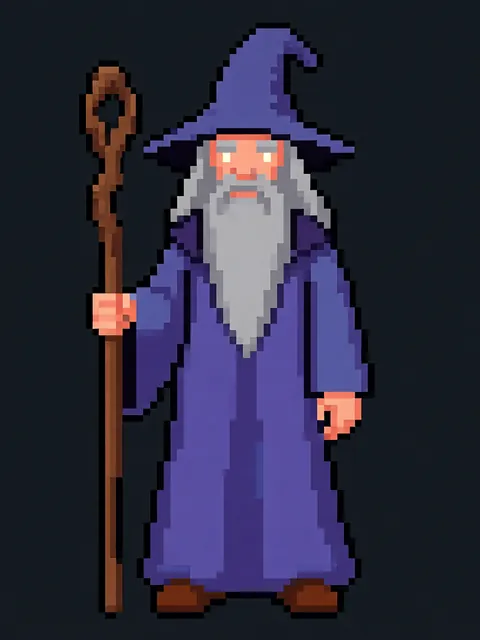
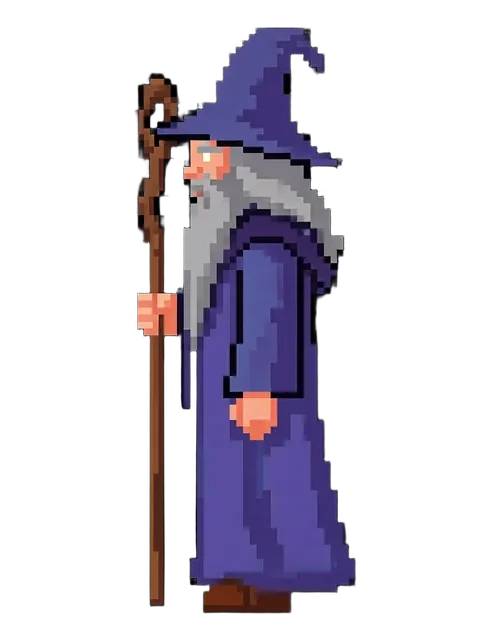
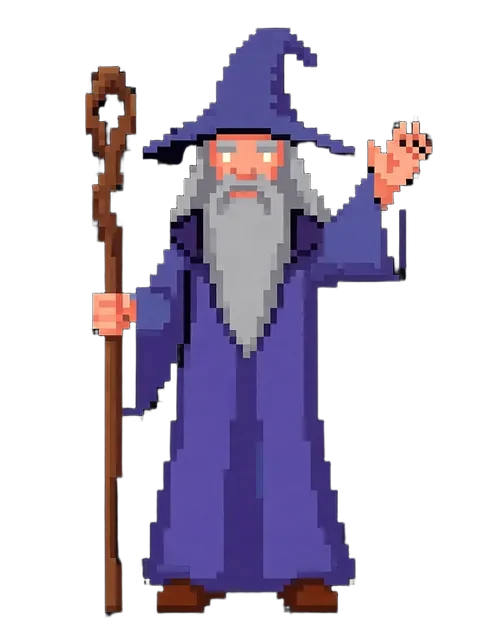
DreamStudio is Stability AI's official web interface for Stable Diffusion models, including SDXL, SD 3, and SD 3.5. It exposes the full parameter set that makes Stable Diffusion powerful — CFG scale, step count, seed control, sampler selection — without requiring a local GPU or command-line knowledge. For technical users who want precise control over image generation, DreamStudio is the most accessible path to raw SD. But for multi-angle character work, parameter control does not solve the identity consistency problem: each generation is still independent, and no combination of seed, CFG, or steps will lock a character's face, hair, and outfit across multiple angles. Answer: DreamStudio is the best no-setup interface for users who want full Stable Diffusion parameter control and are comfortable tuning generation settings. For a locked 8-angle character reference sheet where every angle shows the same character identity, EZ Character generates all angles in one pass with matched identity — a dedicated output that DreamStudio's single-image generation paradigm cannot replicate regardless of parameter tuning.
DreamStudio (Stability AI) vs EZ Character at a glance
| Criterion | EZ Character | DreamStudio (Stability AI) |
|---|---|---|
| Primary use case | Multi-angle character reference sheets | General-purpose Stable Diffusion image generation with full parameter control |
| Pricing (entry) | $0 free tier (40 free credits every month) | Pay-per-image credit system; ~$10 for ~1,000 credits (generation cost varies by model and resolution) |
| Character identity across outputs | High — 8 locked angles per job | Low — seed control helps with reproducibility but does not lock identity across multiple outputs with different poses/angles |
| Generation parameters | Focused character presets (angle count, style) | Excellent — full control over CFG scale, steps, sampler, seed, clip guidance, and model selection |
| Model selection | Purpose-built character pipeline | Multiple models: SDXL, SD 3, SD 3.5, SD 3.5 Turbo, and community models |
| Multi-angle output | 4–8 consistent angles in one pass | No native multi-angle — each angle requires a separate generation with manual prompting and no identity locking |
| Best for | Locked character reference sheets, sprite sheets, turnarounds | Technical users who want direct SD parameter control without local setup, experimenting with generation settings |
When to use each
EZ Character
You have a confirmed character design and need a locked multi-angle reference set for production use in games, animation, or 3D modeling.
DreamStudio (Stability AI)
You want hands-on control over Stable Diffusion generation parameters, enjoy experimenting with CFG, steps, and seeds, or need the latest SD models without a local GPU.
Frequently asked questions
Can DreamStudio's seed control produce consistent characters across generations?
Which gives me more creative control — DreamStudio or EZ Character?
Can I use DreamStudio and EZ Character together in a workflow?
Does DreamStudio support image-to-image or character reference features?
Which is cheaper for producing a single character reference sheet?
Do I need technical knowledge to use DreamStudio effectively?
Try EZ Character free
Upload one image. Get 8 consistent angles. See the difference for your own character.
Generate your reference setFree tier: 40 credits every month. No credit card required.