
Canva AI Alternative for Character Reference Sheets: When Templates Are Not Enough
Canva AI (Magic Media) brings AI image generation into the world most accessible design platform. It is integrated into Canva template and brand ecosystem — perfect for a quick AI-generated hero image on a social media graphic, presentation slide, or marketing flyer. Answer: Canva AI is the right tool when you need an AI image inside a designed template, fast, by a non-designer. It is not designed for character reference sheet production — there is no identity locking, no multi-angle generation, no character export pipeline. EZ Character is the alternative for the specific job Canva AI was never built for: producing a locked four-angle character reference sheet from a single input image, ready for game engines, illustration workflows, and product mockups. Different tools, different jobs — use both in your creative stack.
Canva AI vs EZ Character at a glance
| Criterion | EZ Character | Canva AI |
|---|---|---|
| Character Reference Sheets | Purpose-built — 4+ locked angles | Not a feature — single image generation only |
| Multi-Angle Identity Lock | Same character from every angle | No identity persistence between generations |
| Design Template Ecosystem | No template library — focused tool | Canva wins — massive template library for every format |
| Ease of Use for Non-Designers | Simple upload-and-generate workflow | Canva wins — the most accessible design platform available |
| Brand Consistency Features | Character identity lock across all outputs | Canva wins on brand kits, colour palettes, and asset libraries |
| Export & Integration | Transparent PNG angles for game engines and mockups | Full design file export (PNG, PDF, SVG) within the Canva ecosystem |
| Pricing Model | Free tier + paid plans for volume generation | Canva Free (limited AI), Pro $13/mo, Teams plans available |
When to use each
EZ Character
You need a consistent multi-angle character reference sheet — the kind of output that feeds into game development, illustration, merchandise design, or 3D modelling workflows — not a social media graphic.
Canva AI
Canva AI when you want AI imagery inside a designed template for social media, presentations, marketing materials, or any context where template-based design is the primary deliverable.
Frequently asked questions
Can Canva AI generate character reference sheets?
Why would I use EZ Character instead of Canva AI?
Can I import EZ Character output into Canva?
Is Canva AI free?
Which is better for a non-artist who wants to create a character?
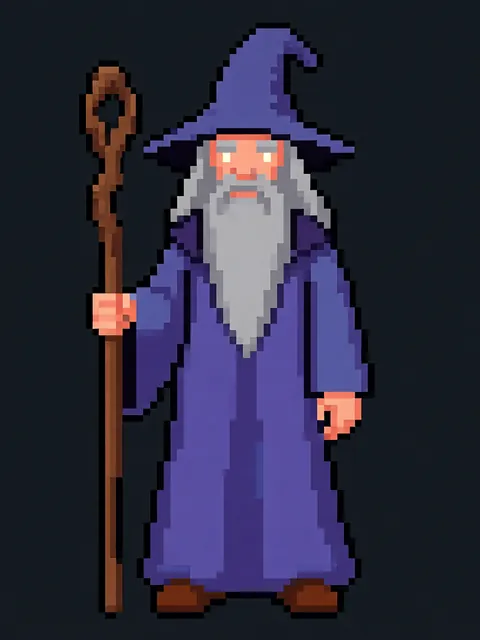
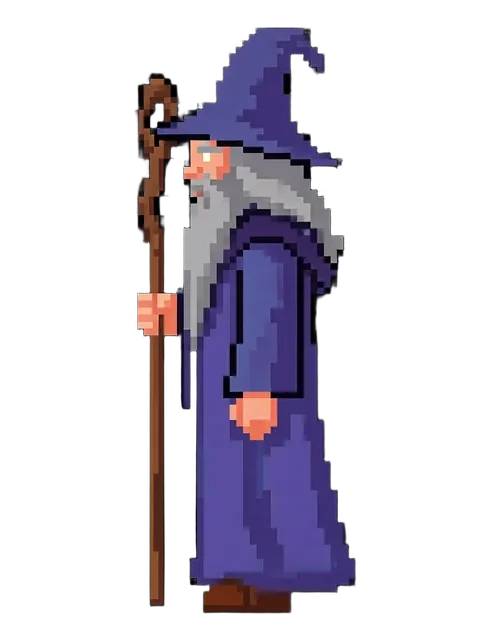
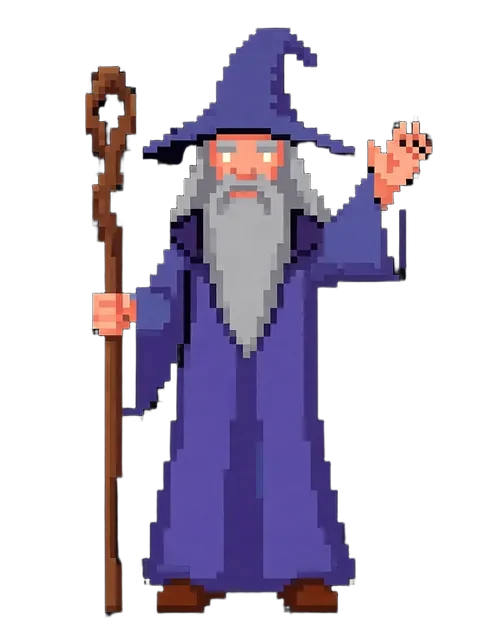
Try EZ Character free
Upload one image. Get 8 consistent angles. See the difference for your own character.
Generate your reference setFree tier: 40 credits every month. No credit card required.