
Generate Realistic Model Sheets
Realistic model sheets for film and game production need proportional accuracy across orthographic views — the front, profile, and back must measure identically. This guide covers generating realistic model sheets that hold up to the scrutiny of 3D base-mesh construction and costume design reference.
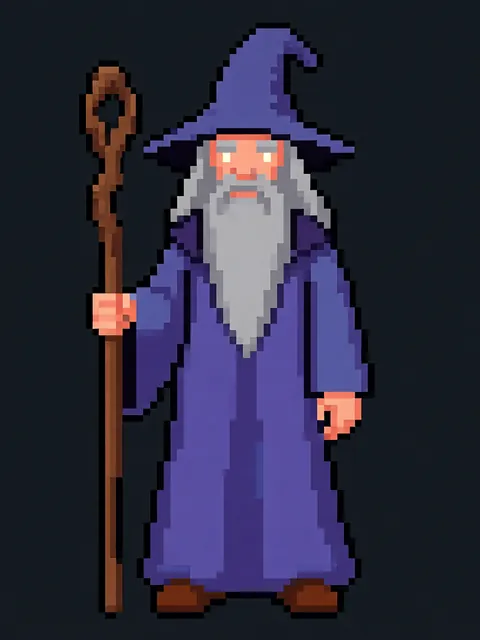
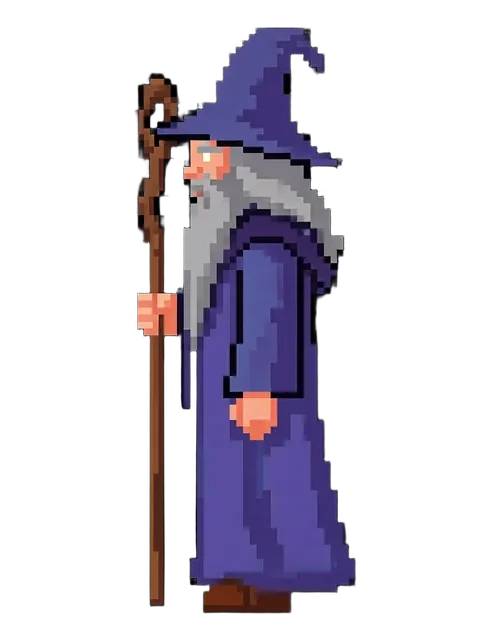
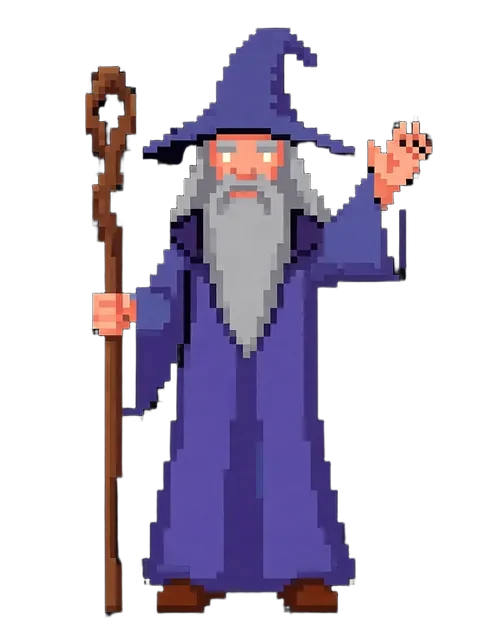

- 01
Upload a realistic character reference
Use a clear front-facing character with realistic proportions and lighting.
- 02
Select realistic style preset
Choose the realistic pipeline for natural proportions, skin rendering, and anatomical consistency.
- 03
Configure orthographic view set
Select front, profile, and back orthographic views. Enable matched scale across all views.
- 04
Generate and validate proportions
Run the pass and verify that anatomical landmarks align across views before handing off to production.
- Generate at high resolution — model sheets are printed and pinned in studio
- Include a scale reference bar or measurement grid overlay
- Generate separate clothed and base-body reference versions
Frequently asked questions
Can I use realistic model sheets for film production?
What lighting should I use for a realistic model sheet?
Should the model sheet be clothed or unclothed (base body)?
Ready to create consistent character views?
Upload a reference image and generate multi-angle views that stay true to your character.
Start generating