
Create Anime Turnaround Sheets
Anime turnaround sheets require preserving the unique stylistic choices — exaggerated eyes, dynamic hair, simplified anatomy — across every angle. This guide covers the complete anime turnaround workflow.
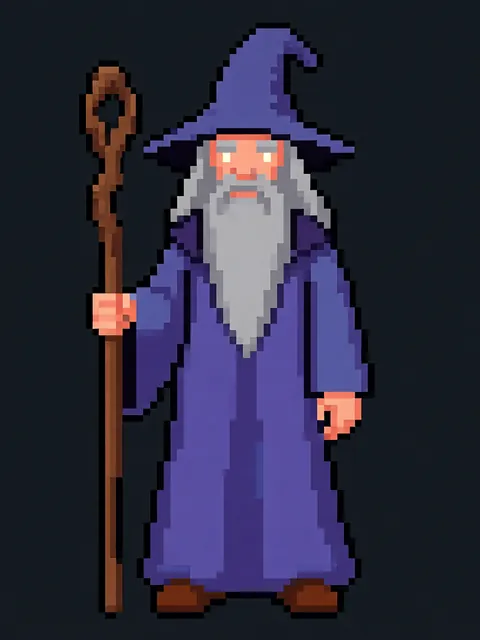
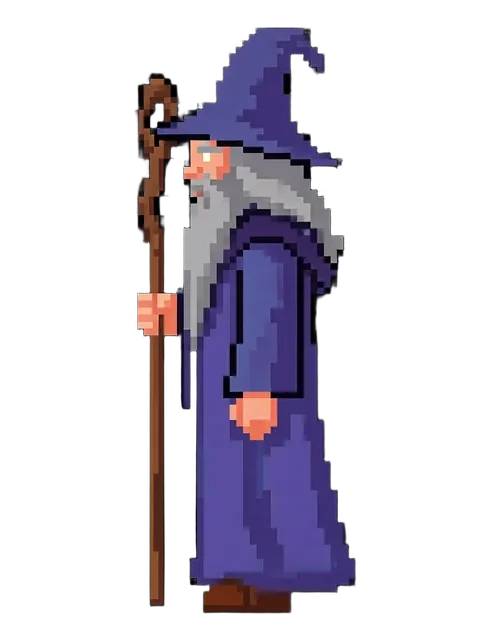
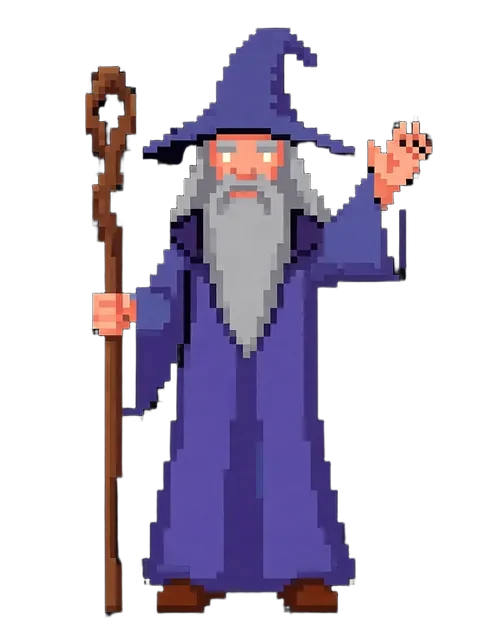
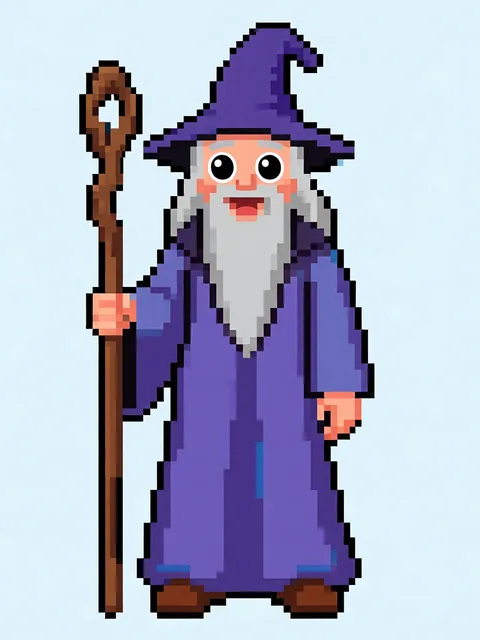
Step-by-step
- 01
Establish your anime style
Define the specific anime substyle (shonen, shoujo, moe, etc.) for consistency.
- 02
Generate primary views
Create front, side, and back views with locked style parameters.
- 03
Add expression sheet
Include key expressions to complement the turnaround views.
- 04
Compile and annotate
Arrange views with color callouts and proportion guides.
Pro tips
- Anime hair behaves differently from realistic hair across angles — test carefully
- Include color swatches for skin, hair, and eye colors on the sheet
- Consider adding a simplified chibi version alongside the standard turnaround
Frequently asked questions
What's the standard anime turnaround layout?
The standard anime turnaround places the front view centrally (largest), with profile, ¾ front, and ¾ back views flanking at equal size. The back view is typically placed below. A head closeup (front and profile) is often included in the corner for facial feature reference. This layout is the industry convention in Japanese animation production.
Do anime turnarounds include the T-pose or A-pose?
For animation rigging reference, include an A-pose (arms at 30–45° from body). This is the standard pose for character modelling and rigging in both 2D and 3D animation. Generate the A-pose turnaround separately from the natural-pose turnaround — they serve different production purposes.
Will the anime turnaround work as a Live2D reference?
Yes — but generate with the rigger's needs in mind. Live2D riggers need: clean front view (the primary rigged angle), separated hair/face/body layers where possible, and expression variants. The anime turnaround provides the proportional reference; layer separation is done in the illustration tool.
Can I use the turnaround for anime-style game character design?
Absolutely. Genshin Impact, Honkai, and most anime-style games use turnarounds in their character design pipeline. EZ Character's anime turnaround serves as the concept reference that the 3D modelling team works from. It's the bridge between character design and in-game model.
Ready to create consistent character views?
Upload a reference image and generate multi-angle views that stay true to your character.
Start generating