
Convert a Photo to Multi-Angle Views
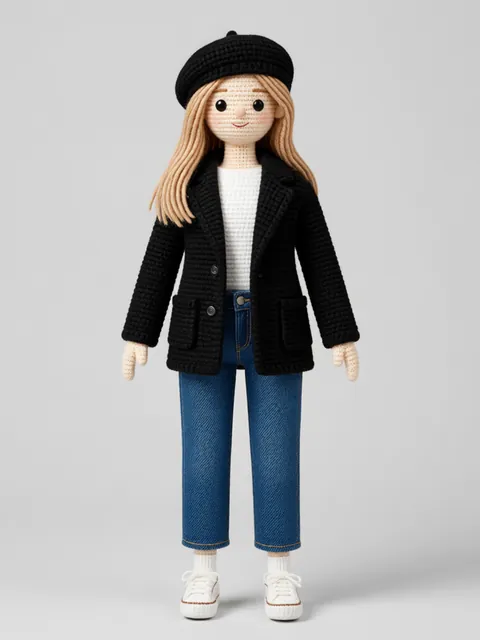
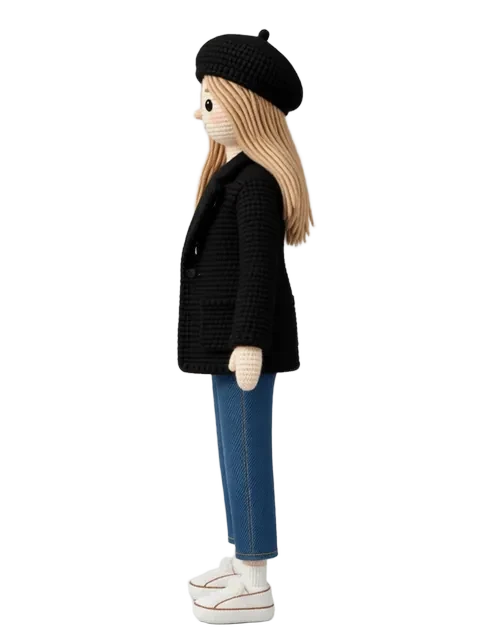
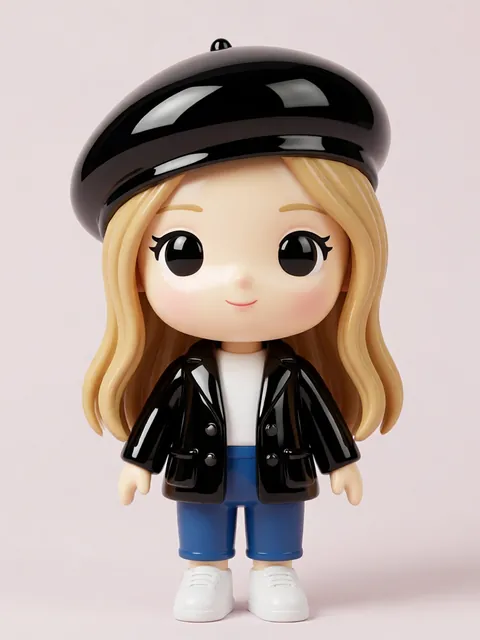
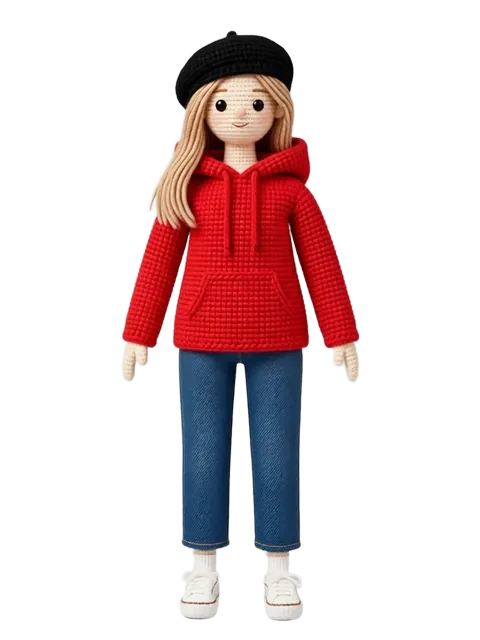
Starting from a single photograph and generating the same person or character from angles you never photographed is one of AI's most powerful capabilities. This guide covers the photo-to-multiangle workflow — maintaining the subject's identity, clothing, and proportions while synthesizing entirely new viewpoints.
- 01
Select the right source photo
Choose a well-lit photo with the subject facing forward or at a slight angle. Clear face visibility, minimal occlusion, and simple backgrounds dramatically improve results.
- 02
Pre-process the photo
Remove or simplify the background, correct lighting imbalances, and ensure the subject fills most of the frame. Background removal prevents the AI from incorporating unwanted elements.
- 03
Set the realism preservation level
Decide whether you want photorealistic outputs or a stylized interpretation. For true photo-to-multiangle, set reference strength to maximum (95-100%).
- 04
Generate side and three-quarter views
Start with the most common needed views: left profile, right profile, left three-quarter, and right three-quarter. These are the highest-value angles for most use cases.
- 05
Generate the back view
The back view is hardest since there is zero visual reference in a front-facing photo. The AI must infer hair length, clothing back details, and body shape from front view clues.
- 06
Validate identity consistency
Compare all generated views against the original photo. Check facial features, hairstyle, clothing color and fit, and body proportions. Re-generate any views that drift.
- Higher resolution source photos capture more detail for the AI to reference when generating new angles
- Clothing with distinctive patterns (stripes, logos, textures) helps the AI maintain outfit consistency across views
- Lighting direction should remain consistent across all generated views — establish it from the source photo
- Generate multiple attempts per angle and select the most consistent rather than accepting the first result
Ready to create consistent character views?
Upload a reference image and generate multi-angle views that stay true to your character.
Start generating