
Runway vs Higgsfield — General AI Video vs Camera-Control Cinematography
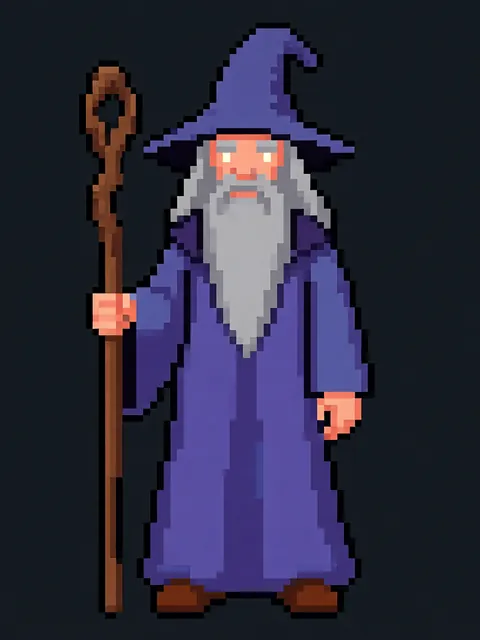
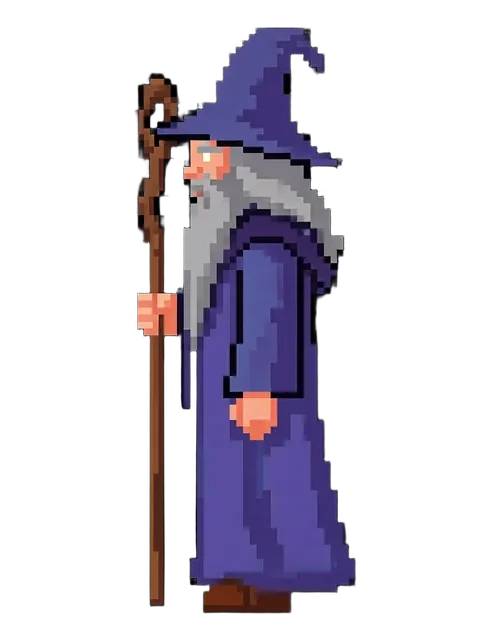
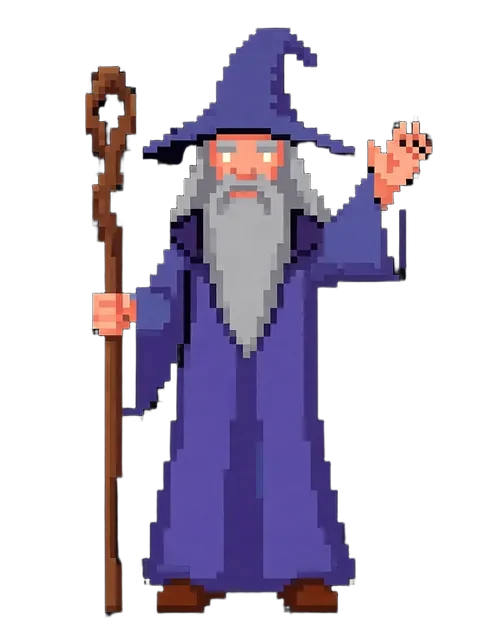
Runway and Higgsfield compete in AI video but target different creative problems. Runway is a general-purpose AI video platform: text-to-video, image-to-video, Act-One performance transfer, video-to-video restyling, and the Frames still-image model. Higgsfield surged in early 2025 (+60% search interest QoQ) with a narrow but powerful differentiator: explicit camera-motion control. Instead of describing a scene, you select a camera move — dolly-in, crane, orbit around subject, pan — and Higgsfield interprets your input through cinematographic language. This makes Higgsfield valuable for filmmakers doing pre-visualisation. Both tools share the same dependency: output quality tracks reference image quality. EZ Character produces the clean, consistent multi-angle character reference that gives both platforms a stronger input.
Runway vs EZ Character at a glance
| Criterion | EZ Character | Runway |
|---|---|---|
| Primary use case | Static multi-angle character reference sheets | Runway: broad AI video production | Higgsfield: cinematographic camera-control video |
| Key differentiator | Multi-angle character identity lock | Runway: Act-One performance transfer | Higgsfield: explicit camera-move direction (dolly, crane, orbit) |
| Pricing (entry) | $0 free tier (40 free credits every month) | Runway: $15/mo Standard | Higgsfield: free trial credits, then paid plans |
| Video length | N/A | Runway: up to 10s | Higgsfield: 3–10s with camera moves |
| Character identity in video | N/A | Runway: strong within clip | Higgsfield: depends on reference image anchoring quality |
| Audience | Illustrators, game devs, animators | Runway: video producers | Higgsfield: filmmakers, directors, pre-vis artists |
| Best when | You need the reference both platforms require | Runway: need integrated video toolset | Higgsfield: need directed camera motion |
When to use each
EZ Character
You need locked multi-angle character references before entering any video pipeline — the reference layer that improves output on both platforms equally.
Runway
Use Runway when you need a full video production environment. Use Higgsfield when camera motion is the primary creative variable and you want dolly, crane, or orbital moves around a character.
Frequently asked questions
What makes Higgsfield different from Runway?
Can I use the same reference image in Runway and Higgsfield?
Is Higgsfield good for character animation?
How much does Higgsfield cost compared to Runway?
Do Runway and Higgsfield complement each other?
Try EZ Character free
Upload one image. Get 8 consistent angles. See the difference for your own character.
Generate your reference setFree tier: 40 credits every month. No credit card required.