
Kling AI Alternative for Static Character Reference — When the Video Tool Isn't the Right Starting Point
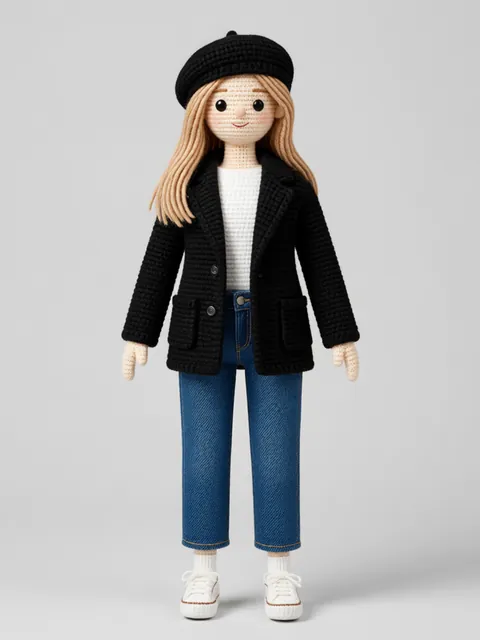
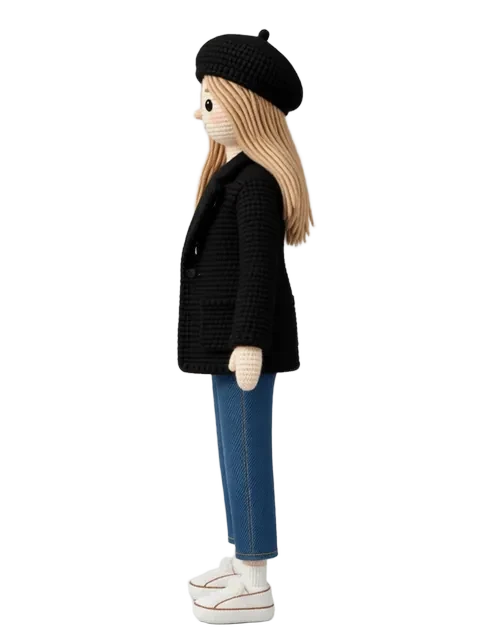
Kling AI emerged as one of the fastest-rising AI video tools, with version 1.5 producing 5–10 second clips that hold character identity better than most Western competitors. It is a compelling tool for the video stage of character work. But the video stage depends on the reference stage — and Kling is not a reference generator. It takes a still image as input and animates it. The quality of that still image directly determines Kling's output quality. For creators whose primary need is the static reference itself — illustrators, comic artists, game developers, character designers — Kling's video capabilities are not the right starting point. EZ Character is the more direct alternative for the specific job of generating a locked multi-angle character reference set. The two tools are sequential, not competitive: EZ Character builds the reference, Kling animates it.
Kling AI vs EZ Character at a glance
| Criterion | EZ Character | Kling AI |
|---|---|---|
| Primary use case | Static multi-angle character reference sheets | Image-to-video, text-to-video character animation |
| Output type | Multi-angle PNG/JPG reference sheets | Video clips (5–10s) |
| Pricing (entry) | $0 free tier (40 free credits every month) | Free trial credits, then paid plans (tiered pricing varies by region) |
| Character identity in video | N/A (static output only) | Strong — among the best for short clips |
| Multi-angle static output | 4–8 locked angles per job | Not the primary use case — video tool |
| Best for | Generating the static reference set | Animating a reference image into motion |
When to use each
EZ Character
Your deliverable is a static multi-angle character reference. You may or may not animate it later. Either way, you need the locked identity across all angles first.
Kling AI
You have a clean reference image and need short-form character video animation. Kling 1.5's identity preservation in motion is among the best available in 2025.
Frequently asked questions
Can Kling AI generate character reference sheets?
Is EZ Character a Kling AI competitor?
Why is Kling AI so popular if it does not generate reference images?
How do I use EZ Character with Kling AI?
Try EZ Character free
Upload one image. Get 8 consistent angles. See the difference for your own character.
Generate your reference setFree tier: 40 credits every month. No credit card required.