
Freepik AI Character Consistency — Pikaso, AI Image Generator, and the Multi-Angle Gap
Freepik has built one of the largest stock asset libraries on the web, and its AI tools — Pikaso (real-time AI sketching) and the Freepik AI Image Generator — extend that ecosystem into generation. The tools are integrated into Freepik's subscription model, making them accessible to the platform's large existing user base of designers and content creators. Freepik's AI tools are designed for general-purpose design asset generation: social media graphics, presentation illustrations, stock-style imagery, and marketing visuals. Character consistency is not a primary design target. The tools can produce character images, and Freepik's massive style library provides useful reference material, but there is no native character reference feature, no identity-locking mechanism, and no multi-angle generation pass. For creators who live in Freepik's ecosystem for stock assets, the AI tools are a natural addition. For creators who need a locked 8-angle character reference set, a dedicated tool remains the more direct path.
Freepik AI vs EZ Character at a glance
| Criterion | EZ Character | Freepik AI |
|---|---|---|
| Character consistency method | Multi-angle generation in one pass | General-purpose AI image generation; no dedicated character reference feature |
| Multi-angle output | 4–8 consistent angles per job | One image per generation; no native multi-angle mode |
| Pricing (entry) | $0 free tier (40 free credits every month) | Free limited generations; Premium from ~€12/mo for full AI access and stock library |
| Stock asset integration | No | Yes — integrated into Freepik's massive stock photo, vector, and PSD library |
| Real-time sketching (Pikaso) | No | Yes — Pikaso generates images in real time as you sketch |
| Style library | Curated character art styles | Extensive — styles, filters, and templates drawn from Freepik's stock ecosystem |
| Best for | Locked multi-angle character reference sheets | General design assets, social media graphics, presentation illustrations, stock imagery |
When to use each
EZ Character
You need a dedicated multi-angle character reference set for production illustration, animation, or game development — and character consistency is the primary requirement, not general design asset variety.
Freepik AI
You are already a Freepik subscriber and need general-purpose AI design assets — social graphics, presentation visuals, marketing illustrations — alongside the stock asset library you already use.
Frequently asked questions
Can Freepik AI generate consistent characters?
What is Freepik Pikaso?
Is Freepik AI good for game character design?
How does Freepik AI pricing compare for character work?
Can I use Freepik stock assets with EZ Character?
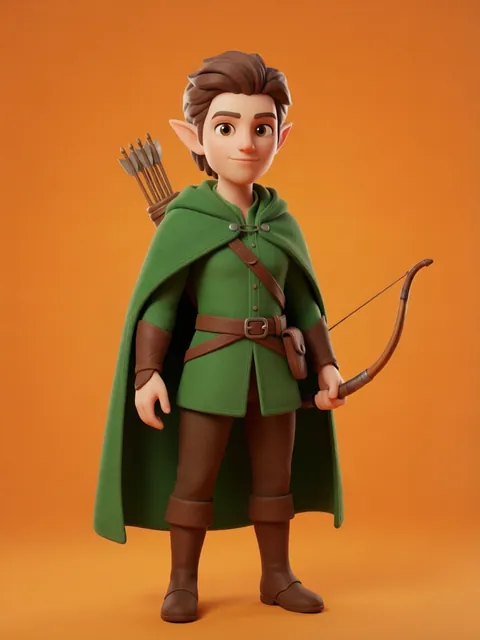
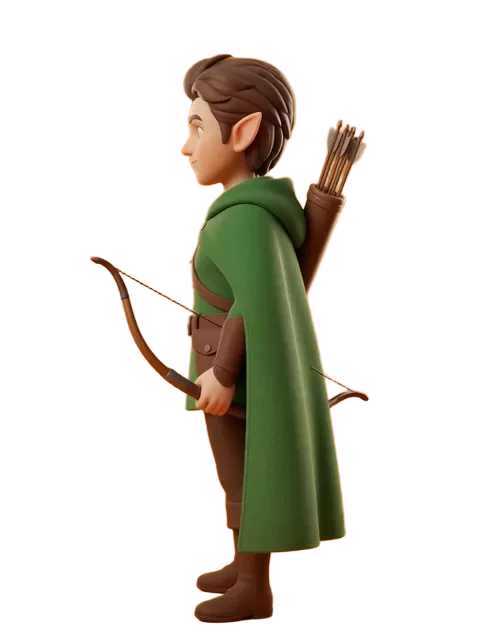
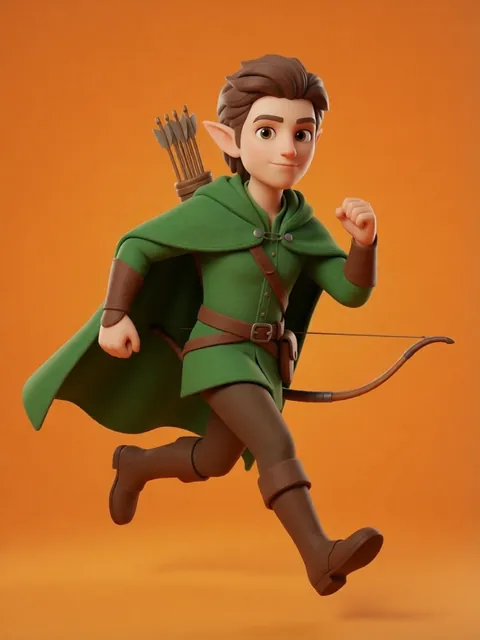
Try EZ Character free
Upload one image. Get 8 consistent angles. See the difference for your own character.
Generate your reference setFree tier: 40 credits every month. No credit card required.