
Upscale 4K
Drop your image here, or click to upload
Upload any image — get it back up to 4× sharper and bigger. PNG, JPG, WebP up to 10 MB · longest side ≤ 2048px Ctrl+V to pasteFree · no GPU credits used
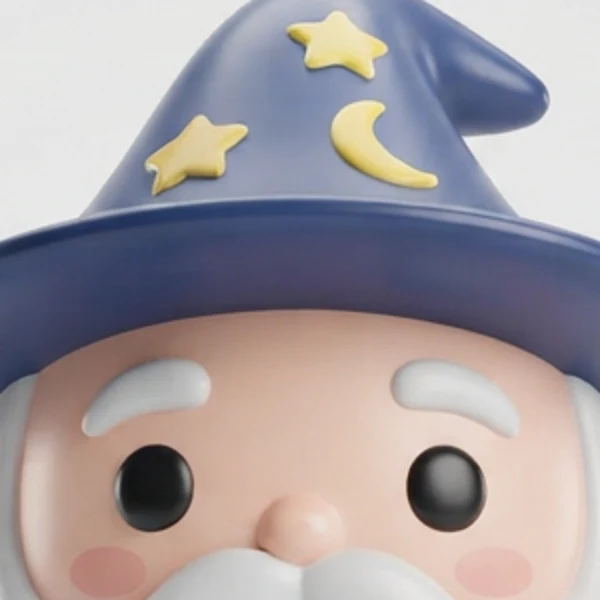
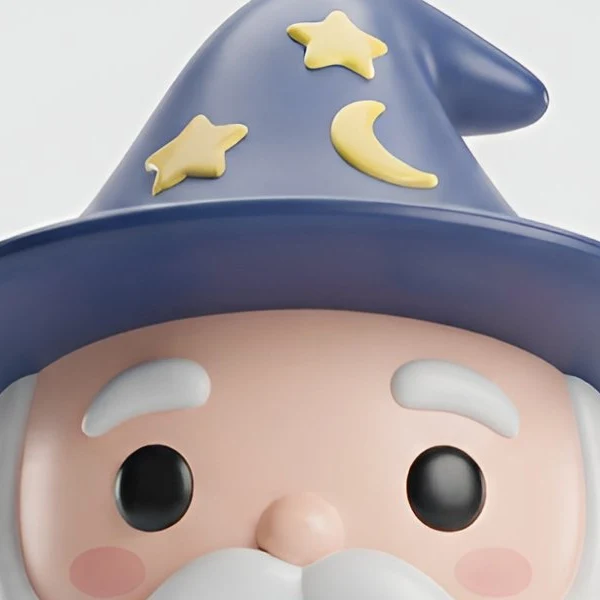
Upscale 4K — any image, free
Upload an image on the left and get it back at up to 4096px with ESRGAN AI super-resolution — crisp edges on cartoon, anime, pixel art, and photoreal styles alike.
Activity
Recent Jobs
Your recent jobs show up here
Sign in to start — 12 free credits (~80 images) + 8 free images a day, no card.
Upscale 4K — AI Image Upscaler
FREE 4× · UP TO 4096PX POWERED BY ESRGAN
Free AI image upscaler powered by ESRGAN super-resolution. Enlarge any image up to 4× with sharp, reconstructed detail — not the blur you get from normal resizing.
Cartoon Anime Manga Flat color · razor edges Photoreal 3D render
Upscale 4K — FAQ
Is the AI image upscaler free?
Yes — upscaling is completely free, with no GPU credits used. You only sign up (also free) when you want to download the finished high-resolution PNG.
How much bigger does my image get?
2× guaranteed, 4× when the AI pass has capacity — capped at 4096px on the longest side. A 1024×1024 character comes back at 2048×2048, or 4096×4096 when the 4× pass lands. The result banner always shows the exact resolution you received, and re-running is free if you want another shot at 4×.
How is this different from just resizing?
Normal resizing (bicubic) stretches pixels and blurs edges. This uses an AI super-resolution model (ESRGAN) that reconstructs sharp lines and clean detail — especially visible on cartoon, anime, and flat-color art.
What file types and sizes can I upload?
PNG, JPG, or WebP up to 10 MB, with a longest side of 2048px or less (bigger images are already near the output cap). Drag and drop, paste from your clipboard, or reuse any image from your recent jobs.