
Upload image Scene image
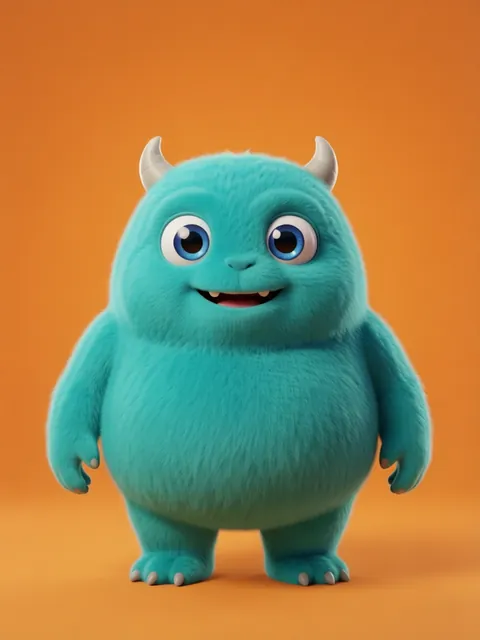
01
Choose the scene
Upload the environment or scene you want to view from another angle.
Extra scene keywords are available with PRO.
Image workspace · How it works
Move the virtual camera around an environment while keeping the scene coherent.
Upload the environment or scene you want to view from another angle.
Choose the direction and describe any details that should remain visible.
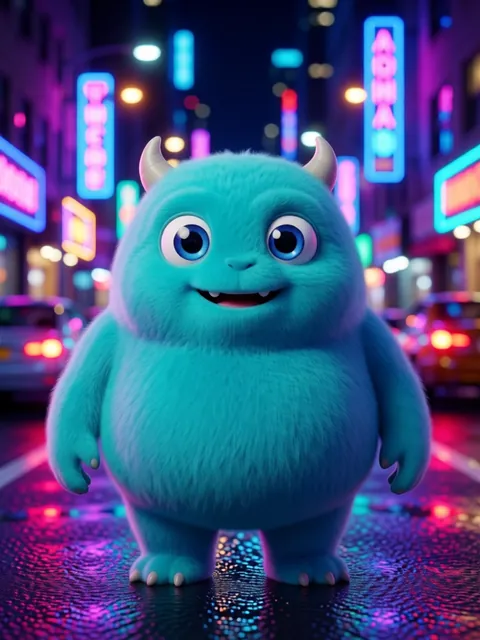 New view
Save the view or use it to continue exploring the scene.
Your results stay available in All history and All recent jobs.
Spin any scene around your character — 8 cinematic camera angles of the same moment, generated in one click.
Your recent jobs show up here
Sign in to start — 40 free credits every month, no card.