
How to Maintain Character Consistency Across Angles
Character consistency is the single biggest challenge in AI-generated multi-angle art. Without deliberate technique, the AI will subtly (or dramatically) change your character with each generation — different face shapes, altered costumes, shifted proportions. This guide distills the core techniques for maintaining identity across any number of viewing angles.
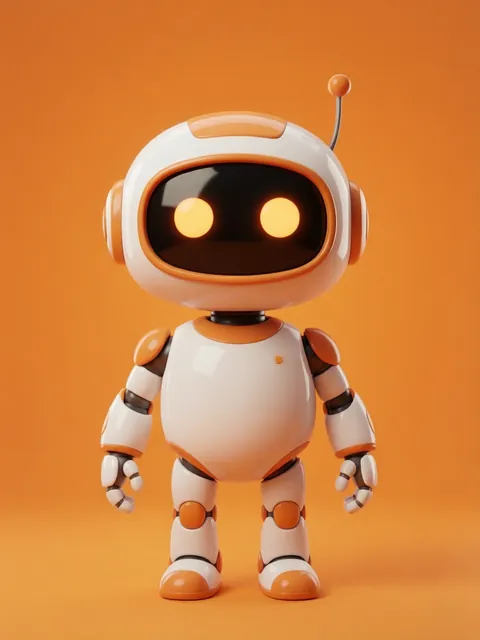
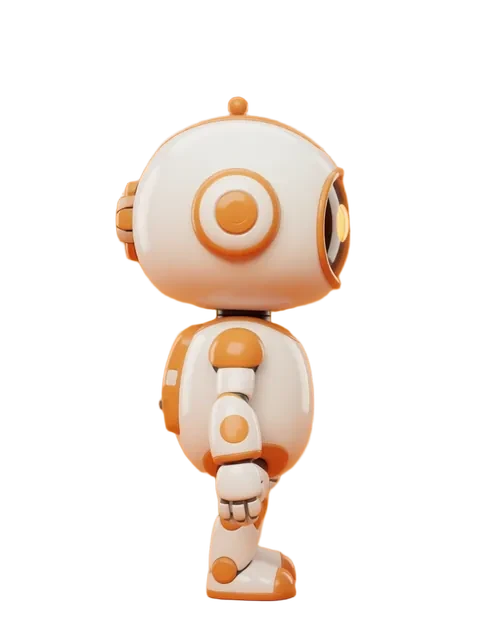
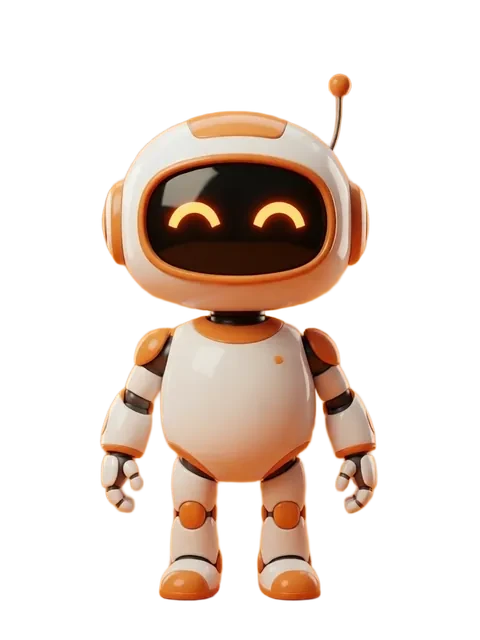
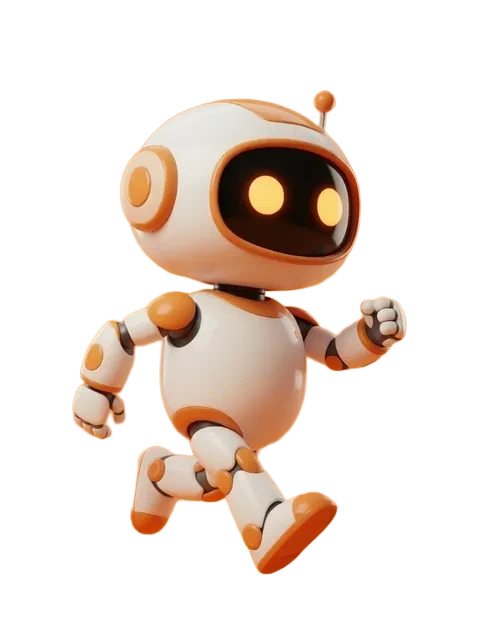
- 01
Start with the strongest possible reference
Your reference image is the anchor. Use the highest quality, most detailed, cleanest-background image you can. Every compromise in reference quality compounds across generated angles.
- 02
Master reference strength settings
Reference strength controls how tightly the AI adheres to your input. For character consistency: 85-95% for same-style regeneration, 70-85% for style adaptation, below 70% for creative reinterpretation.
- 03
Use seed locking strategically
Locking the generation seed ensures deterministic variation. Use the same seed for all angles when possible — it will not guarantee identical characters, but it reduces variance.
- 04
Write angle-specific prompts that share a core
Every angle prompt should share identical character description ("female elf, silver hair, blue eyes, leather armor") with only the angle changing ("front view" → "side profile"). Do not rephrase the character between angles.
- 05
Implement a validation checklist
After generating all angles, systematically compare: face shape, eye color and size, hair color and length, clothing color, accessory presence, body proportions. Reject and regenerate any angle that fails on critical features.
- 06
Use the iterative convergence technique
Generate multiple attempts per angle, select the most consistent, then use THAT result as additional reference for remaining angles. Each generation tightens consistency.
- The face is the hardest feature to maintain — prioritize face consistency above everything else
- Color consistency often drifts subtly between angles. Use a color picker on the outputs to verify exact matches.
- Simpler character designs are dramatically easier to maintain consistently. Consider simplifying before generating.
- Generate all angles in a single batch session when possible — model state can drift between sessions.
Ready to create consistent character views?
Upload a reference image and generate multi-angle views that stay true to your character.
Start generating