
Generate Pixar 3D-Style Multi-Angle Views
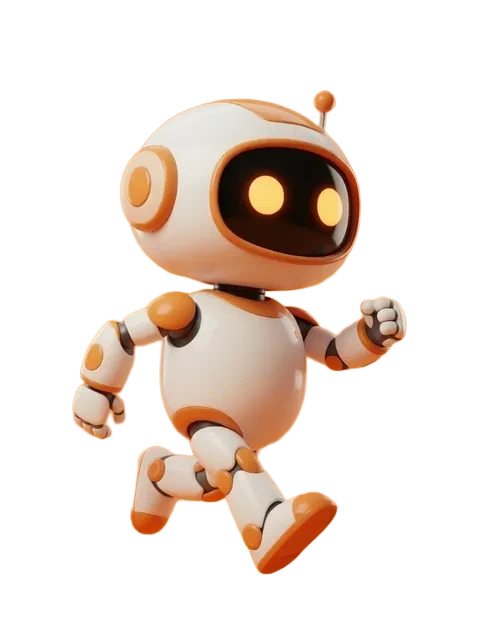
Pixar 3D style is defined by appealing rounded proportions (large head, expressive eyes, simplified body), soft global illumination (overcast key + warm fill), and surfaces with subtle subsurface scattering on skin and felt-like material on hair. Reproducing this style across 8 angles is mostly about prompting for "Pixar style 3D render" while locking proportions tight — the multi-angle generator handles the rotation. EZ Character outputs 8 angles per upload, all in the same locked style, suitable for animation pre-vis, marketing key art, and pitch decks.



- 01
Upload a rounded-proportion reference
Pixar characters typically run 4–5 head heights (more compressed than realistic). Start with a reference that already has Pixar-leaning proportions; trying to convert a realistic-proportion character to Pixar style cross-angle is unreliable.
- 02
Prompt for soft GI and subsurface scattering
Use "Pixar 3D render, appealing character design, soft global illumination, subsurface scattering on skin, warm key + cool fill light, slight ambient occlusion." These are the exact technical descriptors of Pixar's in-house render aesthetic.
- 03
Generate the 8-angle pack
Run the multi-angle generator at high reference strength (95–100%) — Pixar style tolerates tight character lock since the style itself is highly regular across angles in actual production.
- 04
Check for the "appeal" test
Pixar internally evaluates characters on "appeal" — does the character look likable from every angle? Three-quarter is easy; back view and pure profile often fail this test. Reroll any angle that loses appeal; never ship a stiff Pixar character.
- 05
Use for pre-vis and pitch decks
Pixar-style AI output works for pre-vis, pitch decks, kidlit, and indie animation reference. For broadcast animation, the multi-angle reference becomes the modeling brief — character TDs translate to actual 3D rigs from your sheet.
- Pixar characters all share certain proportional rules — big head, small body, expressive eye-to-face ratio. Prompt for these explicitly rather than hoping the model infers.
- Lighting in Pixar is almost never harsh — soft overcast or warm interior. Hard direct sunlight reads as "DreamWorks" or "Illumination" style instead.
- Surface materials matter — Pixar hair looks like felt or yarn (not realistic hair); fabric has weight and crease. Prompt "felt-like hair, weighted fabric drape."
- For commercial use, prompt "Pixar-inspired" or "stylized 3D character" rather than "Pixar style" to avoid trademark issues — Disney/Pixar aggressively enforces brand identity.
- Render at full resolution (~1MP, every tier) — subtle SSS and GI detail falls apart below 1024px on darker skin tones.
- Honest framing: AI produces "Pixar-adjacent" output but cannot match actual Pixar in-house RenderMan output; the style is achievable, the polish requires a real 3D pipeline.
- For YA and kidlit animation pitches, the multi-angle reference is the single most valuable deliverable — it lets producers visualize the character before committing to a 3D rig budget.
Frequently asked questions
What technical features define Pixar 3D style?
Can I use AI-generated Pixar-style art commercially?
What’s the difference between Pixar style and Disney 3D style?
How do I keep Pixar-style characters appealing from the back?
Ready to create consistent character views?
Upload a reference image and generate multi-angle views that stay true to your character.
Start generating