
Create Watercolor Turnaround Sheets
Watercolor turnaround sheets embrace a paradox: structured rotational reference with deliberately loose, organic rendering. The goal is not mechanical precision but capturing the same character spirit in each view while letting the watercolor medium express its natural beauty through bleeding edges, granulation, and luminous transparency.
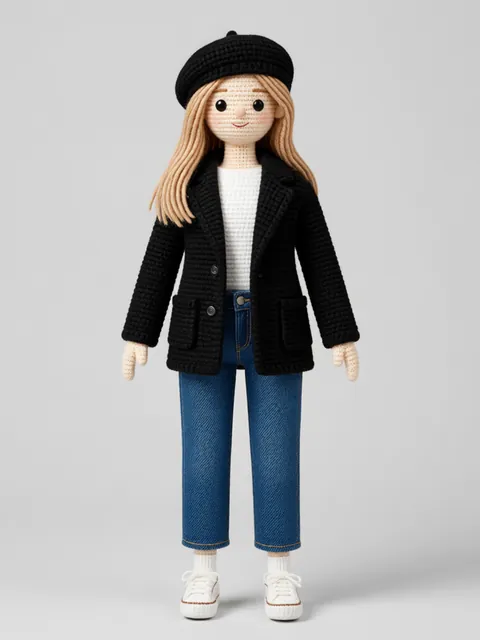
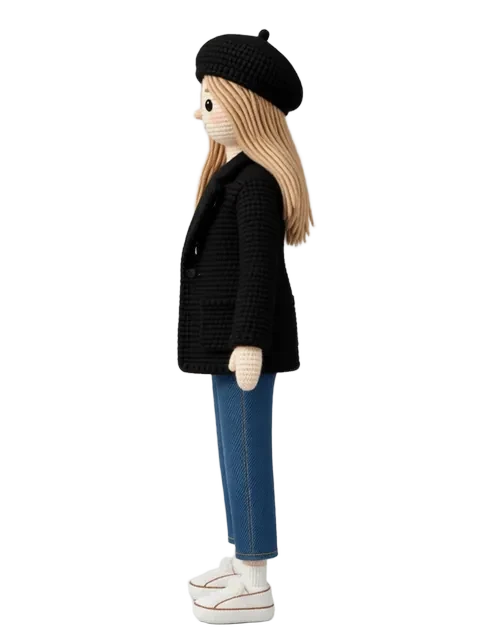
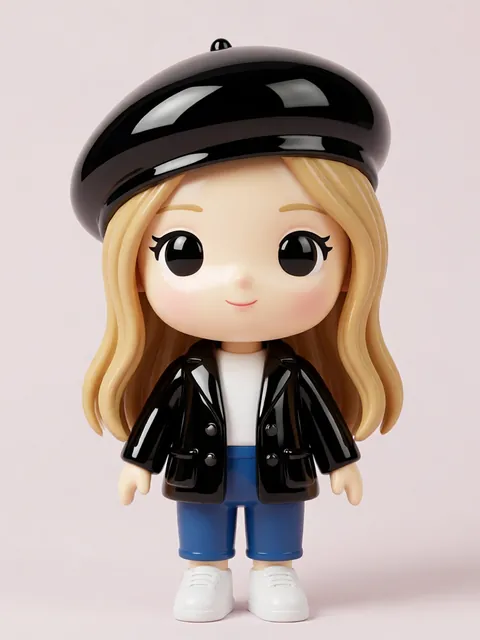
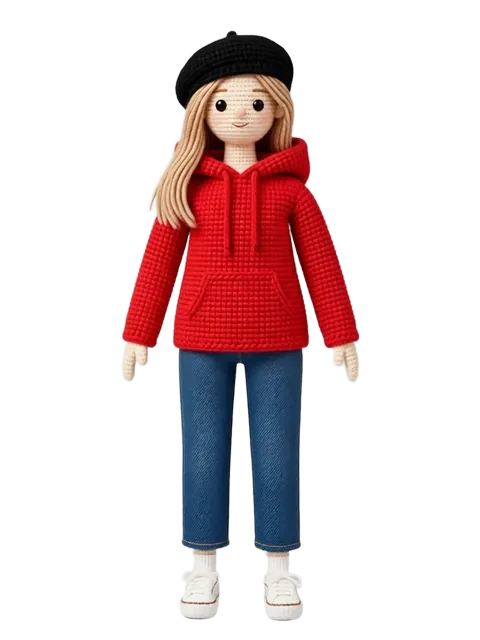
- 01
Set consistency anchors for an imprecise medium
In watercolor, you cannot match pixel-perfect. Instead, define "consistency anchors": silhouette shape, color palette (5-7 colors), and 3 key identifying features that must appear in every view.
- 02
Generate the primary view as style reference
Create a single front-facing watercolor portrait that establishes the exact rendering style: wetness level, paper texture intensity, color saturation, and edge softness.
- 03
Produce three essential rotations
Generate front, three-quarter, and side views. Watercolor turnarounds rarely need more than 3 views — the style communicates mood rather than precision.
- 04
Create a watercolor color mixing guide
Instead of hex codes, generate a color mixing reference: "skin is cadmium yellow + alizarin crimson, hair is raw umber + ultramarine." This is more useful for watercolor artists than digital color codes.
- 05
Add detail studies in the medium
Generate watercolor close-ups of the face, hands, and any key accessories. These show brushwork expectations at detail level.
- Watercolor characters should not have uniform outlines — let some edges dissolve into the background
- Paper whiteness is a watercolor color. Use unpainted areas deliberately as highlights.
- Accept that watercolor turnarounds will have more visual variation than digital styles — that variation IS the art
Ready to create consistent character views?
Upload a reference image and generate multi-angle views that stay true to your character.
Start generating