
Upload image Reference image
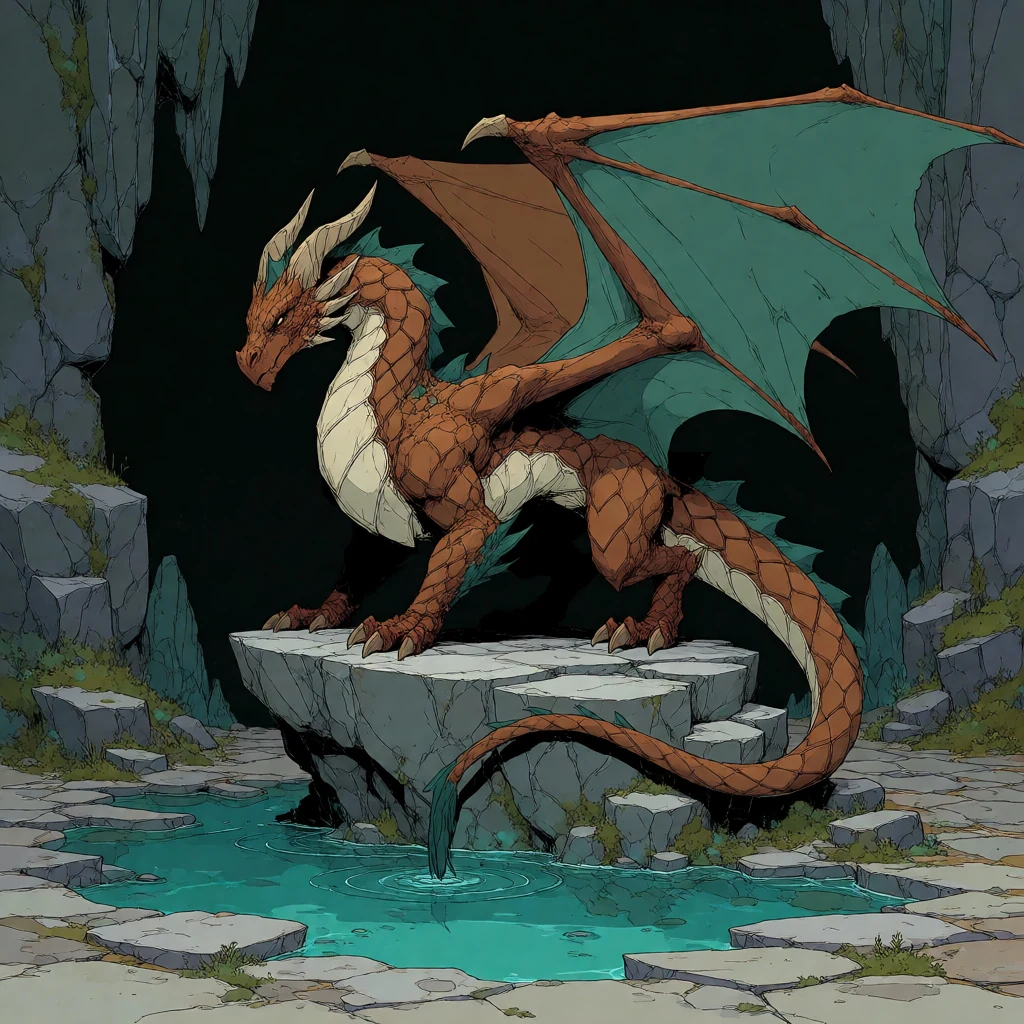
01
Give it a starting point
Describe the image you want, or bring an existing image into an edit or variation tool.
Image workspace · How it works
Start with a prompt or reference, choose your output, and keep building from the images you make.
Describe the image you want, or bring an existing image into an edit or variation tool.
Choose the available aspect ratio, image count, and background options before generating.
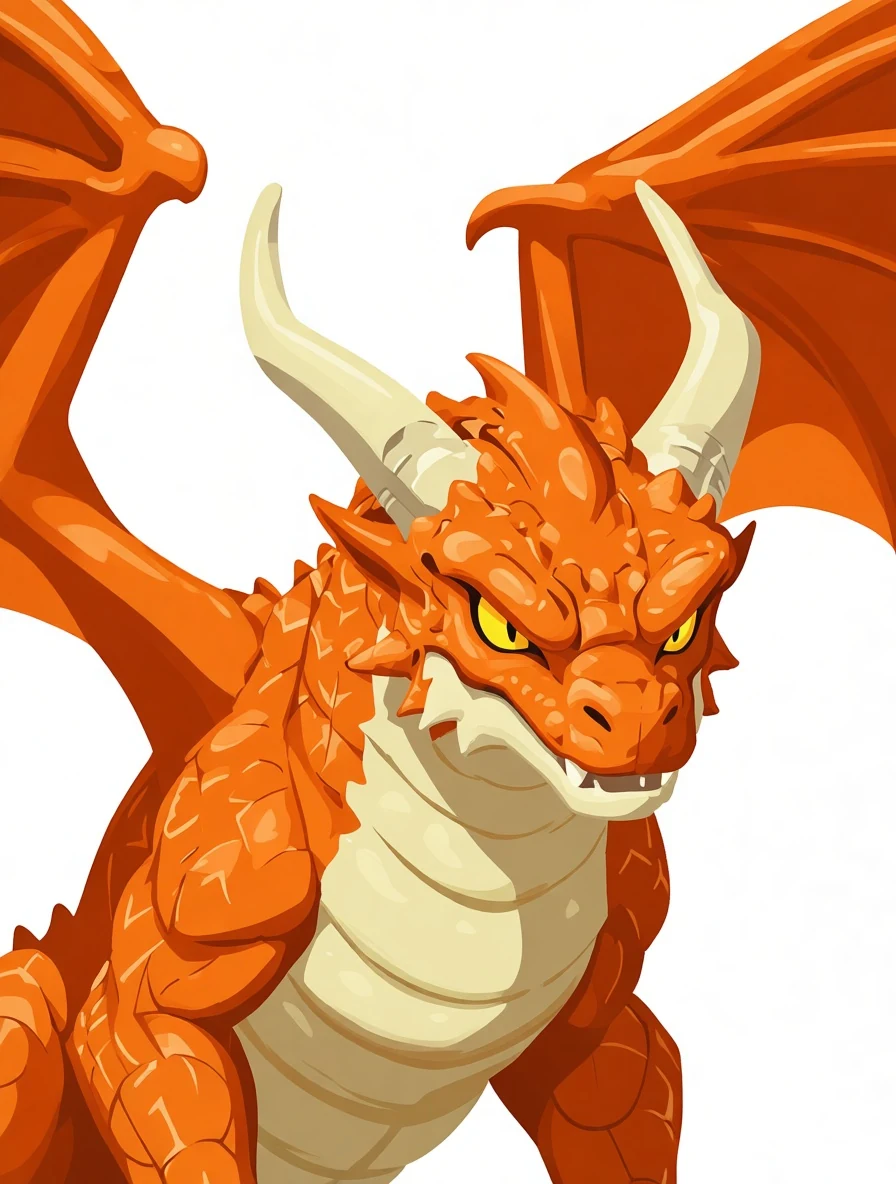 Ready to reuse
Your images appear in the canvas and Recent Images. Reuse one as input or find older work in history.
Your results stay available in All history and All recent jobs.