
Create a Character Outfit Variant Sheet
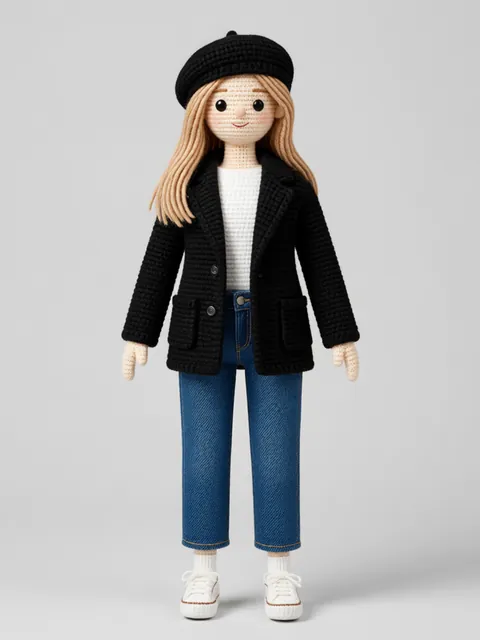
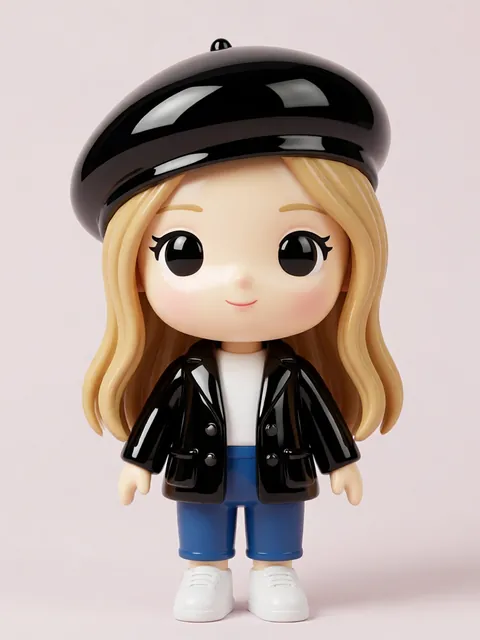
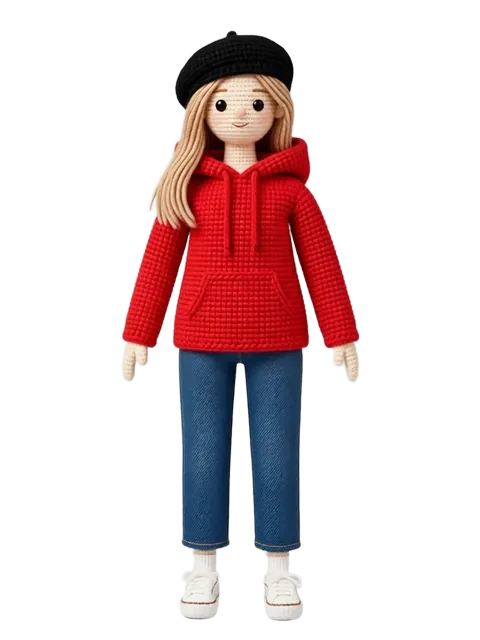
An outfit variant sheet shows one character in three to eight different wardrobe states — casual, combat, formal, sleep, seasonal. The character must read as the same person across every outfit, which means face, hair, build, and palette accents all hold while only clothing rotates. This is core deliverable for any RPG with cosmetics, any VTuber with model wardrobes, and any animation pipeline that swaps costumes between scenes. Answer: Generate the base 8-angle sheet to lock identity, then re-prompt the front view per outfit using the same seed and reference strength 0.75–0.85. Keep one palette anchor (hair, eye color, or signature accessory) consistent across every outfit so the silhouette read changes but the identity does not.
- 01
Generate the identity baseline
Run the standard 8-angle generation in your character's default outfit. This is your anchor — every variant references back to it for face, hair, and proportions.
- 02
List your outfits as a beat sheet
Write out the variants: casual, combat, formal, swimwear, winter, etc. Each line should specify silhouette, color palette, and one signature element so prompts stay concrete.
- 03
Re-prompt the front view per outfit
Same seed, reference strength 0.75–0.85, only the outfit description changes. Higher strength locks face better but can bleed the old outfit through — tune per character.
- 04
Spot-check 3 angles per outfit
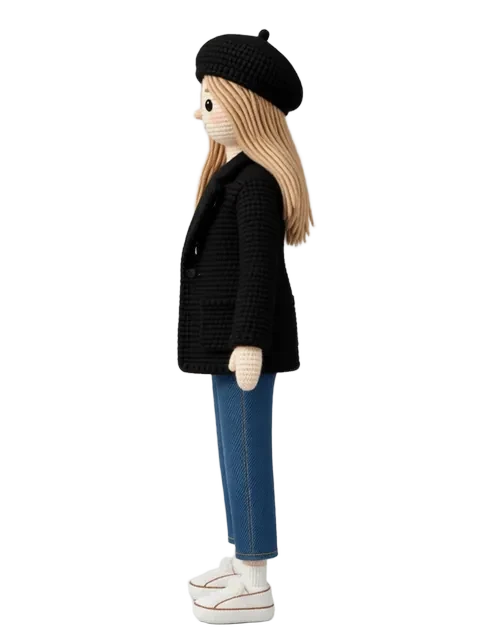
Generate front, side, and three-quarter for each outfit. If the silhouette reads cleanly from all three, ship it. If side view loses the outfit detail, regenerate side specifically.
- 05
Compile the sheet with palette callouts
Lay outfits in a grid, label each with its scenario, and add a color swatch row for any custom palettes. Mark which outfit is canonical default.
- Keep hair color and eye color identical across all outfits — they are the strongest identity anchors
- Reference strength 0.85 holds face but can bleed the previous outfit's palette into the new one
- Generate outfits that are silhouette-distinct (puffy coat vs tank top) — outfits with similar silhouettes get confused at thumbnail scale
- Add one signature accessory (necklace, hat, glasses) that persists across all outfits as an identity tag
- For game cosmetics, generate every variant against a neutral grey background so the merchant store renders cleanly
- Combat / armor outfits need stronger reference strength (0.85+) or the face simplifies into generic warrior
- Formalwear loses character first — re-state hair style and facial features explicitly in formal prompts
- Eight outfits is the practical max per sheet before the page becomes unreadable at standard print sizes
Frequently asked questions
How many outfits can I fit on one variant sheet?
Why does my character's face change between outfits?
Should outfits be generated together or one at a time?
Do I need a turnaround for every outfit?
Ready to create consistent character views?
Upload a reference image and generate multi-angle views that stay true to your character.
Start generating