
Create Character Art for Trading Card Games
TCG (trading card game) art has tight composition rules — the hero figure sits in a portrait-orientation frame at roughly 60% of the card surface, with a stat box and flavor text occupying the bottom 30%. Magic: The Gathering, Pokemon TCG, and Lorcana all share this anatomy. For an indie TCG with 100+ unique characters, AI multi-angle generation is the cheapest path to a coherent set — generate the character once, then crop the three-quarter pose for the standard card, the action pose for a rare/foil variant, and the back angle for a flip-side mechanic.



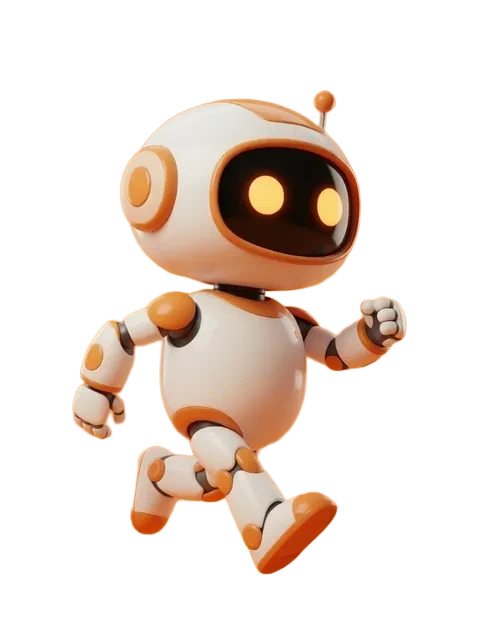
- 01
Sketch the card frame first
Decide your card anatomy: title bar, art window aspect ratio (typically 2:3 portrait), stat box, mana/resource cost icon, set symbol, flavor text. Build the frame template before generating art so every character is composed to fit.
- 02
Generate the hero three-quarter view
Three-quarter view is the TCG default — front view looks static, profile cuts off action. Run the multi-angle generator and pick the strongest three-quarter from the 8 outputs.
- 03
Render rarity variants from the multi-angle pack
Common = front view. Uncommon = three-quarter. Rare = dynamic action pose. Mythic / Legendary = full-bleed alt-art with extended environment. The multi-angle pack feeds all four tiers without re-rolling the character.
- 04
Lock the character across mechanics
TCGs reuse characters across cards (a 'Legendary' creature may appear in 5+ cards across expansions). Save the multi-angle reference and re-feed it for every future card featuring that character — character lock matters more in TCG than any other format.
- 05
Print proof and color-proof the foil treatment
Trading cards are 2.5×3.5" (63×88mm) at 300 DPI. Foil cards shift saturation when foiled — preview your color against a foil swatch from your printer. AI bright colors (electric blue, magenta) often dull under foil; warm tones stay vibrant.
- Three-quarter view is non-negotiable for the standard rarity — every successful TCG (Magic, Pokemon, Lorcana, Flesh and Blood) uses it.
- Composition rule: hero figure occupies the top two-thirds of the art window with breathing room above the head — leaves space for the title bar.
- Lock the character's color palette in the prompt — TCG players sort by color identity (Magic's WUBRG, Lorcana's six inks), and inconsistent palettes break the meta-read.
- Generate at maximum AI resolution (~1MP on EZ Character, on every tier); a card art window crops to roughly 750×1050px, so a ~1MP source upscaled gives clean detail.
- For Legendary / Mythic rarity, generate a wider action pose with extended environment — fans collect alt-art treatments more than standard rarity.
- Avoid trademarked silhouettes (no Pikachu-shaped creatures, no Mickey-eared characters) — IP holders aggressively police TCG infringement.
- Honest framing: pure AI is fine for prototype and small-press TCGs; major retail TCGs (Wizards, Pokemon Company, Disney) currently require human-illustrated final art.
Frequently asked questions
What dimensions should TCG card art be?
Why is three-quarter view standard in TCG art?
How do I keep a character consistent across multiple TCG cards?
Can I use AI art on a printed TCG sold commercially?
Ready to create consistent character views?
Upload a reference image and generate multi-angle views that stay true to your character.
Start generating