
Create Cartoon Character Sprite Sheets
Cartoon sprite sheets bring TV-animation energy to games — bold outlines, squash-and-stretch animation, and expressive motion that makes characters feel alive on screen. Unlike pixel art sprites, cartoon sprites use smooth lines and solid fills at higher resolutions, targeting modern indie platformers, beat-em-ups, and adventure games.
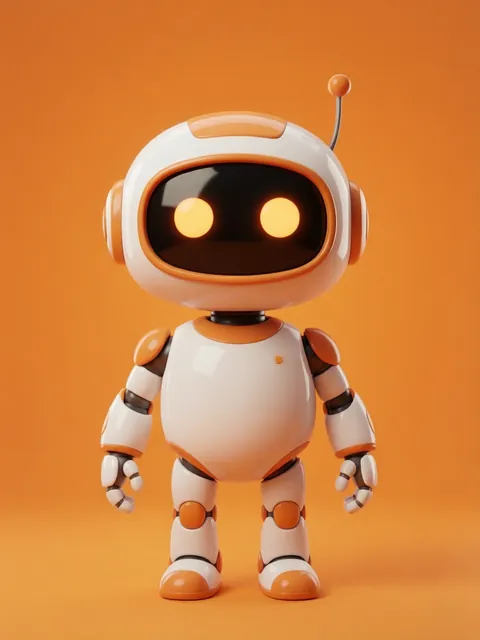
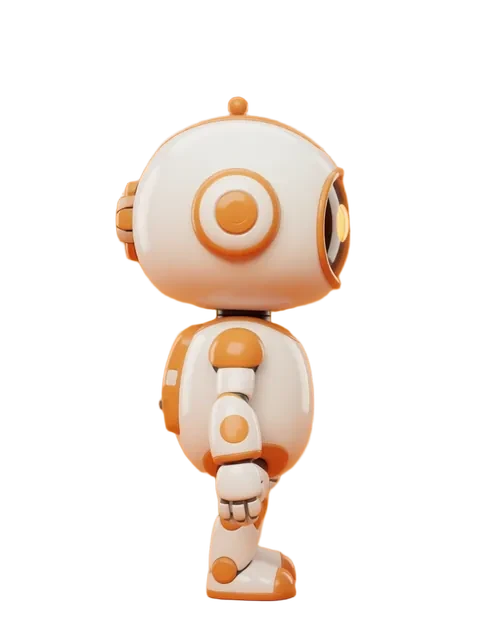
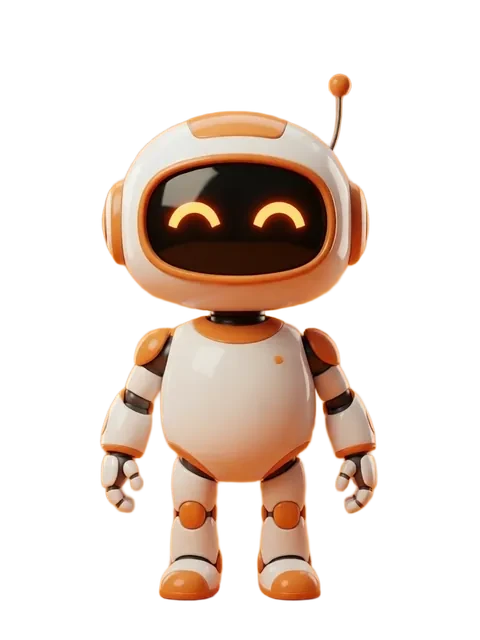
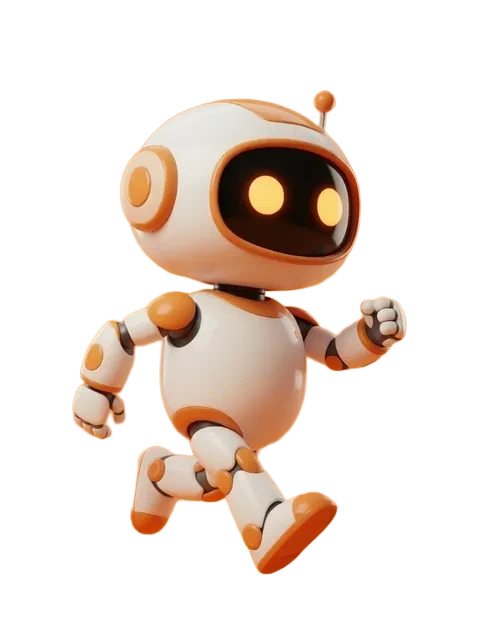
- 01
Set the animation style framework
Decide between limited animation (4-6 frames, snappy transitions) or fluid animation (12-24 frames, smooth motion). Your game engine, art budget, and target platform drive this choice.
- 02
Generate idle animations first
Create a 4-8 frame breathing/bobbing idle cycle for the front-facing direction. This establishes the character rendering style all other animations must match.
- 03
Produce movement animations
Generate walk and run cycles with cartoon-appropriate exaggeration: bouncy strides, arms swinging wide, hair trailing dramatically. Cartoon motion should feel energetic.
- 04
Create action and reaction frames
Generate attack wind-up, attack follow-through, hit reaction, knockback, and recovery frames. Cartoon characters stretch during action and compress on impact.
- 05
Add personality animations
Include idle timeout (bored, tapping foot), celebration, defeat, and interaction animations that give the character personality beyond mechanics.
- Cartoon animation principles apply to sprites: anticipation before action, follow-through after, and ease-in/ease-out on movement
- Outline thickness should stay consistent across all animation frames — it is the single strongest visual unity element
- Generate smear frames for fast actions: stretched limbs and motion blur effects that sell cartoon speed
- Test all animations as looping GIFs before finalizing the sprite sheet to catch timing and flow issues
Ready to create consistent character views?
Upload a reference image and generate multi-angle views that stay true to your character.
Start generating